


Trusted by enterprises across the globe


Designed for all your training needs

Flexible On-Demand Group Learning
Flexible, corporate learning for groups, accessible anytime, anywhere.

Instructor-Led Live, Online Training
Real-time, interactive classes taught by SME via web conferencing.

Independent Self-Paced Learning
Individual learning at your own speed, with access to digital materials.

Customized On-Site Training
Customized, face-to-face training sessions delivered at your location.
Curriculum Designed by Experts
 DOWNLOAD CURRICULUM
This course introduces the core functionalities of Autodesk Advance Steel, covering modeling, detailing, and documentation of steel structures. It includes practical sessions on creating beams, columns, connections, and generating shop drawings. Learners will also understand project workflows, data management, and integration with BIM environments for efficient project execution.
DOWNLOAD CURRICULUM
- Navigate the Autodesk Advance Steel interface.
- Work with 3D viewing tools.
- Review helpful AutoCAD tools.
- Work with the User Coordinate System (UCS).
- Use the Autodesk Advance Steel Modify commands.
- Add structural grids.
- Create levels.
- Model columns and beams and add bracing.
- Create connections using the Connection Vault.
- Create special parts.
- Verify models using Clash Checking tools.
- Modify a drawing prototype.
- Work within the Drawing Style Manager.
- Create custom connections.
- Create plates and add bolts, anchors, and welds.
- Add grating and cladding.
- Model ladders, stairs, and railings.
- Create concrete objects such as footings.
- Number objects.
- Extract 2D drawings from the model using Drawing Styles and Drawing Processes.
- Review and modify 2D drawings using the Document Manager.
- Modify 2D details with parametric dimensions.
- info@multisoftvirtualacademy.com www.multisoftvirtualacademy.com (+91) 8130-666-206
- Revise models and drawings.
- Create BOM lists.
- Export data to .NC and .DXF files.
DOWNLOAD CURRICULUM
- Creating plates and folded plates
- Working with stairs, railings, and ladders
- Creating parametric elements
- Editing and modifying structural components
- Applying standard sections and profiles
DOWNLOAD CURRICULUM
Free Career Counselling
We are happy to help you 24/7Multisoft Corporate Training Features
Outcome centric learning solutions to meet changing skill-demand of your organization
Wide variety of trainings to suit business skill demands

360° learning solution with lifetime access to e-learning materials

Choose topics, schedule and even a subject matter expert

Skilled professionals with relevant industry experience

Customized trainings to understand specific project requirements

Check performance progress and identify areas for development
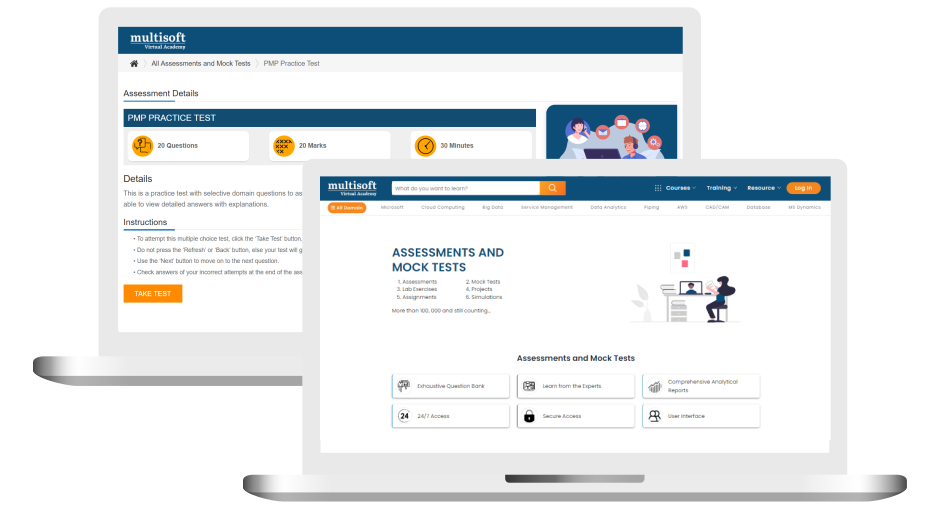
Free Autodesk Advance Steel Fundamentals Corporate Training Assessment
Right from the beginning of learning journey to the end and beyond, we offer continuous assessment feature to evaluate progress and performance of the workforce.
Try it Now
Autodesk Advance Steel Fundamentals Corporate Training Certification

 Zoom-in



.png)

A Role Based Approach To Digital Skilling
A roadmap for readying key roles in your organization for business in the digital age.
 Download Whitepaper

 Download Curriculum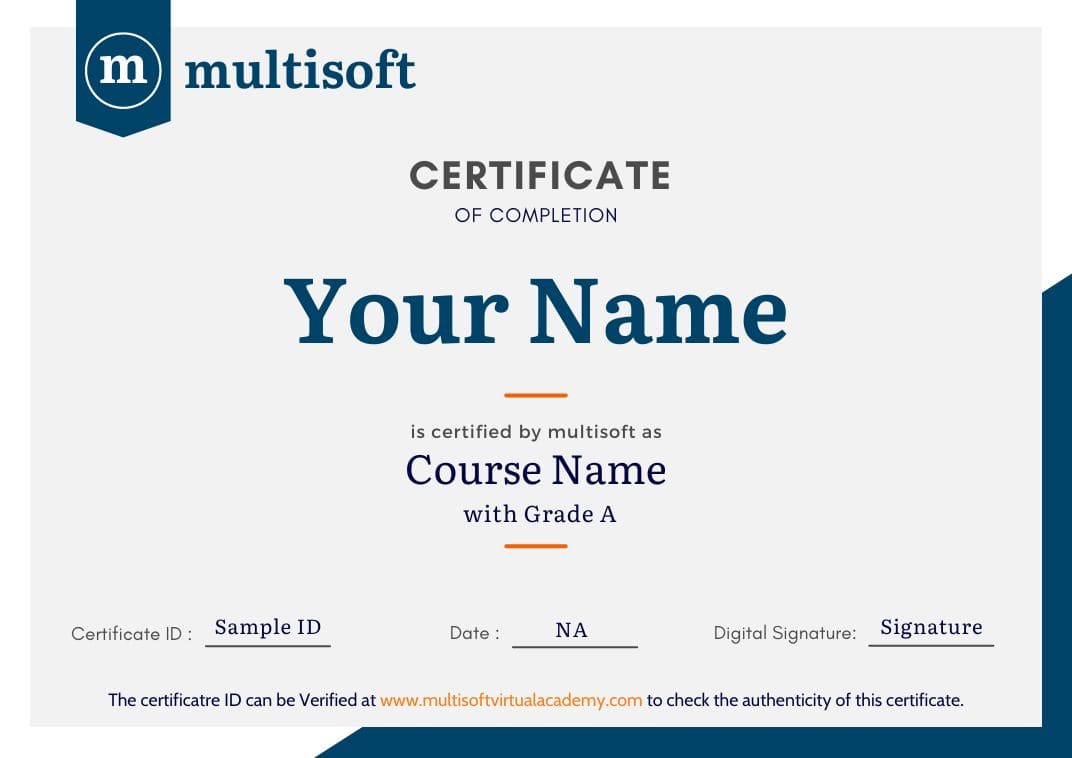
 Join our Live Instructor-Led online classes delivered by industry experts
 Let's Get Started
