


Trusted by enterprises across the globe


Designed for all your training needs

Flexible On-Demand Group Learning
Flexible, corporate learning for groups, accessible anytime, anywhere.

Instructor-Led Live, Online Training
Real-time, interactive classes taught by SME via web conferencing.

Independent Self-Paced Learning
Individual learning at your own speed, with access to digital materials.

Customized On-Site Training
Customized, face-to-face training sessions delivered at your location.
Curriculum Designed by Experts
 DOWNLOAD CURRICULUM
This course focuses on developing practical expertise in Autodesk Robot Structural Analysis Professional for structural modeling, analysis, and design. Participants will learn load application, structural behavior analysis, and design validation using industry codes. With hands-on exercises and real-world case studies, the training prepares professionals to efficiently analyze and optimize structures while ensuring safety and compliance with engineering standards.
- Overview of structural analysis software
- Features and capabilities of Autodesk Robot
- Understanding BIM integration
- User interface and workspace navigation
- Project types and applications
- Units, preferences, and settings configuration
DOWNLOAD CURRICULUM
- Creating and saving new projects
- Selecting project types (frame, shell, building)
- Setting design codes and standards
- Defining material properties
- Grid and level setup
- Importing models from CAD/BIM tools
DOWNLOAD CURRICULUM
- Creating structural elements (beams, columns, slabs)
- Defining geometry and connectivity
- Assigning materials and section properties
- Working with nodes, bars, and panels
- Modifying and editing models
- Meshing techniques for accurate analysis
DOWNLOAD CURRICULUM
- Types of loads (dead, live, wind, seismic)
- Load cases and load combinations
- Applying point, line, and surface loads
- Defining boundary conditions and supports
- Load distribution and verification
- Running basic analysis
DOWNLOAD CURRICULUM
- Linear and nonlinear analysis concepts
- Static and dynamic analysis
- Finite Element Analysis (FEA) basics
- Result interpretation (stress, displacement, reactions)
- Identifying errors and model validation
- Optimization techniques
DOWNLOAD CURRICULUM
- RC design fundamentals
- Code-based design settings
- Designing beams, slabs, and columns
- Reinforcement detailing and checks
- Serviceability and strength checks
- Generating RC design reports
DOWNLOAD CURRICULUM
- Steel design principles and standards
- Designing steel members (beams, columns, trusses)
- Connection design basics
- Stability and buckling analysis
- Code compliance checks
- Steel design documentation and reports
DOWNLOAD CURRICULUM
Free Career Counselling
We are happy to help you 24/7Multisoft Corporate Training Features
Outcome centric learning solutions to meet changing skill-demand of your organization
Wide variety of trainings to suit business skill demands

360° learning solution with lifetime access to e-learning materials

Choose topics, schedule and even a subject matter expert

Skilled professionals with relevant industry experience

Customized trainings to understand specific project requirements

Check performance progress and identify areas for development
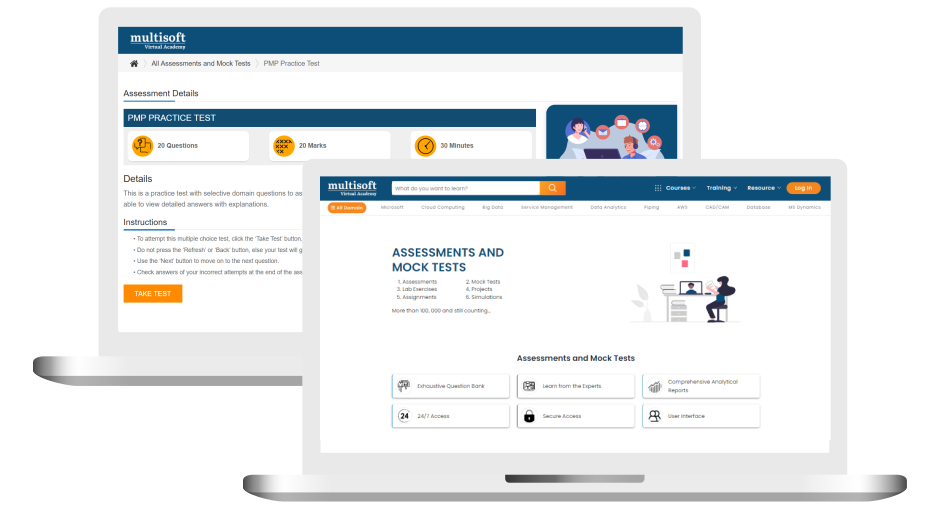
Free Autodesk Robot Structural Analysis Corporate Training Assessment
Right from the beginning of learning journey to the end and beyond, we offer continuous assessment feature to evaluate progress and performance of the workforce.
Try it Now
Autodesk Robot Structural Analysis Corporate Training Certification

 Zoom-in



.png)

A Role Based Approach To Digital Skilling
A roadmap for readying key roles in your organization for business in the digital age.
 Download Whitepaper

 Download Curriculum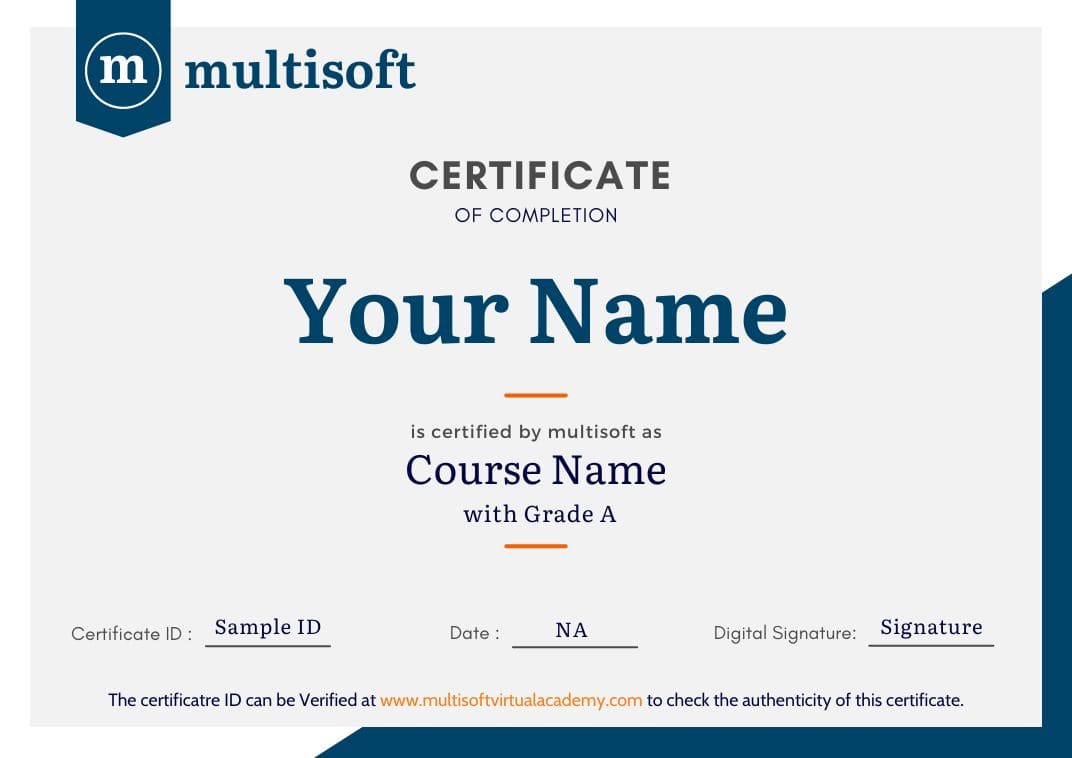
 Join our Live Instructor-Led online classes delivered by industry experts
 Let's Get Started
