


Trusted by enterprises across the globe


Designed for all your training needs

Flexible On-Demand Group Learning
Flexible, corporate learning for groups, accessible anytime, anywhere.

Instructor-Led Live, Online Training
Real-time, interactive classes taught by SME via web conferencing.

Independent Self-Paced Learning
Individual learning at your own speed, with access to digital materials.

Customized On-Site Training
Customized, face-to-face training sessions delivered at your location.
Curriculum Designed by Experts
 DOWNLOAD CURRICULUM
Nagios Online Corporate Training at Multisoft Virtual Academy is designed to help corporate IT professionals gain practical expertise in monitoring networks, servers, applications, and systems using Nagios. The course covers core concepts, installation, configuration, plugins, alerts, performance monitoring, and troubleshooting. Our industry-expert trainers deliver live, interactive sessions with real-world use cases, making learning easy and effective. This training helps organizations improve system availability, minimize downtime, and maintain smooth IT operations through proactive monitoring strategies.
Nagios Training is a specialized program designed to teach IT professionals how to monitor networks, servers, applications, and cloud environments using Nagios. It covers installation, configuration, plugins, alerting, dashboards, and performance monitoring techniques. Through hands-on sessions, learners gain the skills to detect issues proactively, ensure uptime, automate checks, and maintain a stable IT infrastructure. This training prepares participants to manage real-world monitoring environments effectively and supports career growth in system administration, DevOps, and IT operations.
- Linux OS Level Dependencies
- Nagios XI 5 installation Process
- File Locations and Directory Structure
DOWNLOAD CURRICULUM
- Overall Nagios Architecture
- Basic Approach to Configuration in Nagios
- Monitoring Engine Overview
DOWNLOAD CURRICULUM
- Using NRPE Agent to Monitor Linux Machines
- Using SSH to monitoring Linux Machines
- Using SNMP to Monitor Linux Machines
- RAM, CPU, Processes, and Disk Space Monitoring
DOWNLOAD CURRICULUM
- Using NSClient++ Agent to Monitor Windows Machines
- RAM, CPU, Processes, and Disk Space Monitoring
- Using WMI for Windows Monitoring
- Using SNMP for Windows Monitoring
DOWNLOAD CURRICULUM
- Using Basic SNMP for network monitoring
- Router, Switches, Firewall and Storage Devices
DOWNLOAD CURRICULUM
- Using Performance Charts in Nagios
- Graph Explorer in Nagios
- Simple Dashboards in Nagios
DOWNLOAD CURRICULUM
- Creating On-Screen Alerts and email notifications
- Defining escalation flow for issues in Nagios
DOWNLOAD CURRICULUM
- Standard Executive Summary Reports
- Host and Service Availability Reports
DOWNLOAD CURRICULUM
- Creating Backups for Nagios
- Restoring Nagios from an old Backup
DOWNLOAD CURRICULUM
Free Career Counselling
We are happy to help you 24/7Multisoft Corporate Training Features
Outcome centric learning solutions to meet changing skill-demand of your organization
Wide variety of trainings to suit business skill demands

360° learning solution with lifetime access to e-learning materials

Choose topics, schedule and even a subject matter expert

Skilled professionals with relevant industry experience

Customized trainings to understand specific project requirements

Check performance progress and identify areas for development
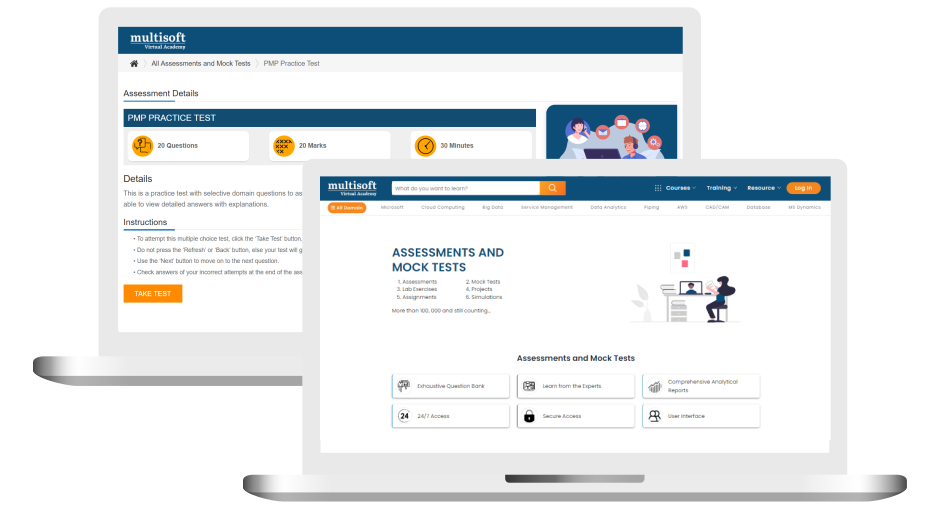
Free Nagios Online Corporate Training Assessment
Right from the beginning of learning journey to the end and beyond, we offer continuous assessment feature to evaluate progress and performance of the workforce.
Try it Now
Nagios Online Corporate Training Certification

 Zoom-in

A Role Based Approach To Digital Skilling
A roadmap for readying key roles in your organization for business in the digital age.
 Download Whitepaper

 Download Curriculum
 Join our Live Instructor-Led online classes delivered by industry experts
 Let's Get Started
