


Trusted by enterprises across the globe

Designed for all your training needs

Flexible On-Demand Group Learning
Flexible, corporate learning for groups, accessible anytime, anywhere.

Instructor-Led Live, Online Training
Real-time, interactive classes taught by SME via web conferencing.

Independent Self-Paced Learning
Individual learning at your own speed, with access to digital materials.

Customized On-Site Training
Customized, face-to-face training sessions delivered at your location.
Curriculum Designed by Experts
 DOWNLOAD CURRICULUM
Multisoft Virtual Academy’s Quantum GIS (QGIS) Corporate Training is a comprehensive, hands-on program designed for enterprises looking to upskill their workforce in open-source GIS technology. This training helps professionals understand spatial data visualization, geoprocessing, map creation, and data analysis using QGIS.
Our corporate training is fully customizable to meet organizational goals and industry requirements. Expert trainers guide participants through real-time projects, practical exercises, and case studies to ensure applied learning. With flexible schedules, live virtual sessions, and post-training support, this course empowers teams to confidently use QGIS for urban planning, environmental analysis, utilities, transportation, and business intelligence applications.
Quantum GIS (QGIS) Training is a specialized program designed to teach professionals how to use QGIS, a powerful open-source Geographic Information System software for spatial data analysis and mapping. The training covers core GIS concepts, data handling, geoprocessing, visualization, and map design using real-world datasets. Learners gain hands-on experience in vector and raster analysis, spatial queries, digitization, and plugin usage. QGIS training helps GIS analysts, planners, researchers, and environmental professionals build strong geospatial skills for modern industry needs.
- GIS
- Why GIS?
- Why prefer QGIS (Open-source vs Licensed GIS sources)?
- QGIS installation and interface
- Different data types and data formats
- Geographic and Projected coordinate systems, UTM Zone and EPSG
- The concept of Georeferencing and its importance in real life applications
- The concept of ground control points, their importance and Transformation settings
- The concept of Digitization and Topology
- The concept of mapping and map layers
- The process of map making, storytelling and data visualization
- Datum, map scale, map rotation etc.
DOWNLOAD CURRICULUM
- Menu toolbar
- Project toolbar/Side toolbar
- Layers panel
- Browser Panel
- Locator toolbar
- Status bar
- Map canvas and Map
- Navigation Toolbar
DOWNLOAD CURRICULUM
i. Data types
- Vector
- Raster
- Delimited text
- GeoPackage Database
- WMS/WMTS
ii. Data Formats
- Shapefiles layer
- GeoPackage layer
- Temporary scratch layer
- Keyhole Markup Language (KML)
DOWNLOAD CURRICULUM
i. Loading Raster ii. Raster Data Formats
ii. GeoTIFF, JPEG, SRTM etc.
iii. Create beautiful raster maps through
- Raster symbology
- Raster enhancement
- Blend effects
- Raster calculation
- Contour Polygons
- Histogram computation
- Raster shading (combined to multidirectional) and rendering
iv. Georeferencing raster: Scanned/raster georeferencing using
- Point to Point
- image to map
- georeferencing by shape
DOWNLOAD CURRICULUM
- Query Raster
- Merge Raster
- Clip Raster
- Project Raster
- Conversion to vector
- Extraction
- Hillshade
- Slope
- Aspect
- Relief
- Contouring
- Reclassify
DOWNLOAD CURRICULUM
i. Simple Fill (for each vector type, ex., Polygon, Polyline and Point features)
- Scale-based visibility
- Add Symbol layers
- Order Symbol levels
ii. Vector data classification
- Understanding of Layer Styling panel
- Simple Labels and Double labels
- Style Classification mode
- Categorized
- Graduated
- Rule-based
- Heat map
- Sized points
iii. Vector data Creation
- Create polygon, polyline and point features
- Feature topology
- Snapping
- Convert one feature to another feature
- Vector editing/delete
- Split features
- Merge features
- Clip features
iv. Vector conversions to raster and other formats
DOWNLOAD CURRICULUM
i. Vector feature analysis
- Geoprocessing Tools (Clip, dissolve, Union etc.
- Geometry Tools (Count points, Nearest neighbor etc.
- Spatial Join, Query
- Analysis Tools
- Research tools
- Data management tools
ii. Vector data transformations and projections from geographic coordinate system to projected coordinate system
- Create your own Coordinate reference system
- Adding functionality with plugins
- Digital elevation models
DOWNLOAD CURRICULUM
- Legend and Patch
- Grids
- North arrow
- Label
- Scalebar
DOWNLOAD CURRICULUM
Free Career Counselling
We are happy to help you 24/7Multisoft Corporate Training Features
Outcome centric learning solutions to meet changing skill-demand of your organization
Wide variety of trainings to suit business skill demands

360° learning solution with lifetime access to e-learning materials

Choose topics, schedule and even a subject matter expert

Skilled professionals with relevant industry experience

Customized trainings to understand specific project requirements

Check performance progress and identify areas for development
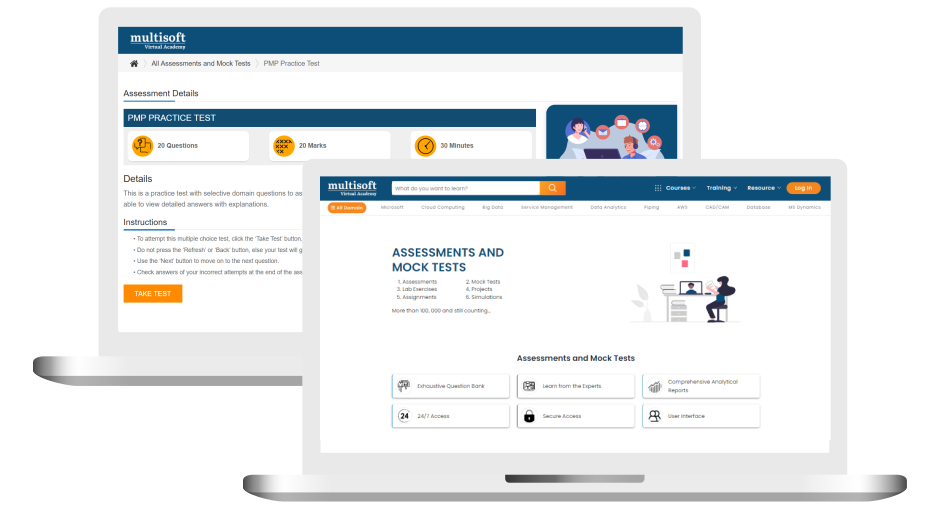
Free Quantum GIS (QGIS) Training Assessment
Right from the beginning of learning journey to the end and beyond, we offer continuous assessment feature to evaluate progress and performance of the workforce.
Try it Now
Quantum GIS (QGIS) Training Certification

 Zoom-in
Related Courses


A Role Based Approach To Digital Skilling
A roadmap for readying key roles in your organization for business in the digital age.
 Download Whitepaper

 Download Curriculum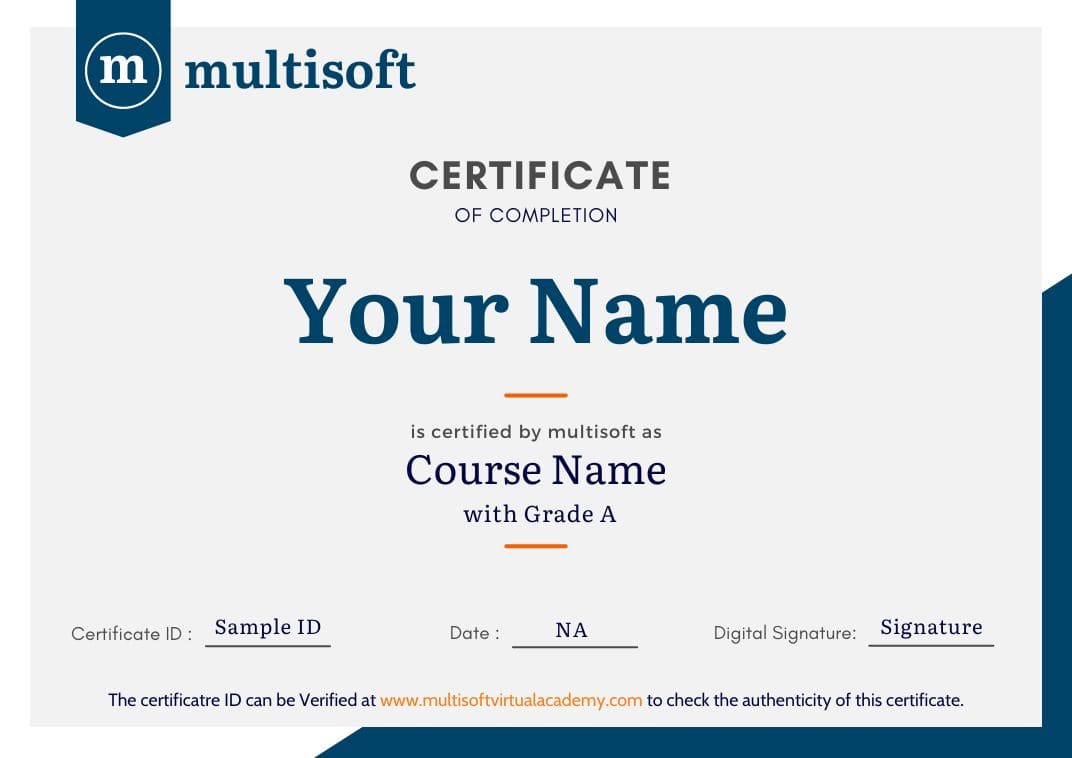
 Join our Live Instructor-Led online classes delivered by industry experts
 Let's Get Started
