


Trusted by enterprises across the globe

Designed for all your training needs

Flexible On-Demand Group Learning
Flexible, corporate learning for groups, accessible anytime, anywhere.

Instructor-Led Live, Online Training
Real-time, interactive classes taught by SME via web conferencing.

Independent Self-Paced Learning
Individual learning at your own speed, with access to digital materials.

Customized On-Site Training
Customized, face-to-face training sessions delivered at your location.
Curriculum Designed by Experts
 DOWNLOAD CURRICULUM
Multisoft Virtual Academy’s Splunk Administration Corporate Training is a comprehensive program designed to equip your team with the skills to install, configure, manage, and maintain Splunk in enterprise environments. This course enables IT administrators, system engineers, and data professionals to monitor system health, manage users, configure alerts, and generate insightful dashboards using Splunk. Delivered by certified trainers through live instructor-led sessions, the course ensures real-time interaction, practical exercises, and project-based learning. Whether your team is new to Splunk or looking to improve operational efficiency, our corporate training helps them stay competitive and productive. With flexible scheduling and customized learning paths, we cater to your organization’s specific learning goals and technical needs.
Splunk Administration Training by MVA provides practical knowledge of installing, configuring, and managing Splunk environments. The course focuses on data onboarding, indexing, search optimization, alerts, dashboards, and system monitoring. Participants will learn how to handle real-time data, manage users, and maintain performance. This training is ideal for professionals aiming to build a career in Splunk administration and data analytics with industry-relevant skills.
- Overview of Splunk and its use cases
- Splunk components (Forwarder, Indexer, Search Head)
- Splunk architecture and data flow
- Splunk editions (Enterprise vs Cloud)
- Understanding machine data and logs
DOWNLOAD CURRICULUM
- System requirements and deployment planning
- Installing Splunk Enterprise (Windows/Linux)
- Initial setup and configuration
- Licensing in Splunk
- Splunk Web interface overview
DOWNLOAD CURRICULUM
- Types of data inputs (files, network, APIs)
- Configuring forwarders (Universal & Heavy)
- Monitoring files and directories
- Real-time vs batch data ingestion
- Data onboarding best practices
DOWNLOAD CURRICULUM
- Understanding indexing process
- Index creation and management
- Parsing and indexing pipeline
- Data transformation and routing
- Managing data retention policies
DOWNLOAD CURRICULUM
- Basics of SPL commands
- Writing and optimizing search queries
- Filtering, transforming, and aggregating data
- Using fields, tags, and event types
- Search optimization techniques
DOWNLOAD CURRICULUM
- Creating reports and charts
- Building interactive dashboards
- Visualization techniques in Splunk
- Dashboard customization
- Sharing reports and dashboards
DOWNLOAD CURRICULUM
- Creating alerts and triggers
- Alert conditions and actions
- Email and script-based alerts
- Monitoring Splunk health
- Scheduled searches and alerts
DOWNLOAD CURRICULUM
- Creating users and roles
- Role-based access control (RBAC)
- Authentication methods (LDAP, SSO)
- Securing Splunk environment
- Data privacy and access policies
DOWNLOAD CURRICULUM
- Universal vs Heavy Forwarders
- Configuring Deployment Server
- Managing forwarder configurations
- Server classes and app deployment
- Forwarder troubleshooting
DOWNLOAD CURRICULUM
- Installing and managing apps
- Using Splunkbase
- Add-ons for data integration
- Custom app creation basics
- Managing app permissions
DOWNLOAD CURRICULUM
- Monitoring system performance
- Index and search optimization
- Troubleshooting common issues
- Log analysis for debugging
- Scaling Splunk deployment
DOWNLOAD CURRICULUM
- Distributed Splunk deployment
- Indexer clustering
- Search Head clustering
- Backup and disaster recovery
- High availability configuration
DOWNLOAD CURRICULUM
- Log monitoring and analysis
- Security information and event management (SIEM)
- IT operations monitoring
- Business analytics use cases
- Hands-on real-time project implementation
DOWNLOAD CURRICULUM
Free Career Counselling
We are happy to help you 24/7Multisoft Corporate Training Features
Outcome centric learning solutions to meet changing skill-demand of your organization
Wide variety of trainings to suit business skill demands

360° learning solution with lifetime access to e-learning materials

Choose topics, schedule and even a subject matter expert

Skilled professionals with relevant industry experience

Customized trainings to understand specific project requirements

Check performance progress and identify areas for development
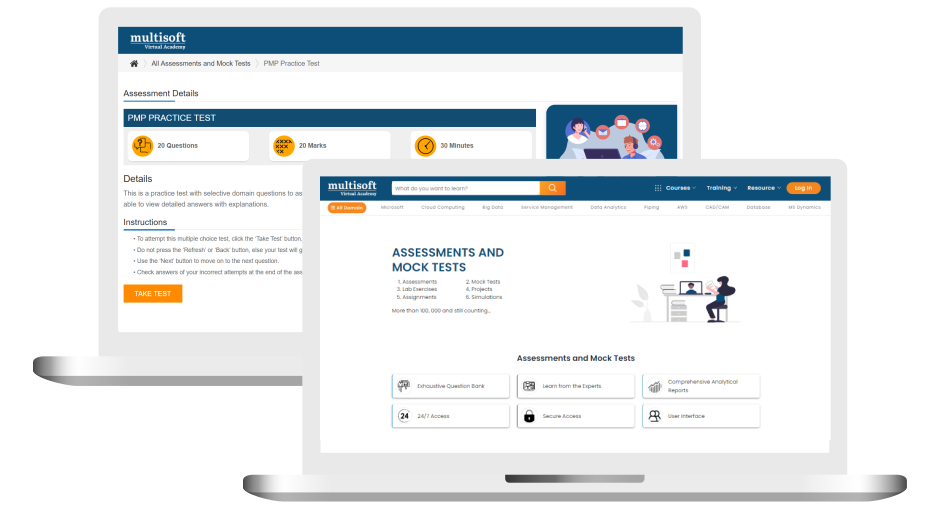
Free Splunk Administration Corporate Training Assessment
Right from the beginning of learning journey to the end and beyond, we offer continuous assessment feature to evaluate progress and performance of the workforce.
Try it Now
Splunk Administration Corporate Training Certification

 Zoom-in
Related Courses


A Role Based Approach To Digital Skilling
A roadmap for readying key roles in your organization for business in the digital age.
 Download Whitepaper

 Download Curriculum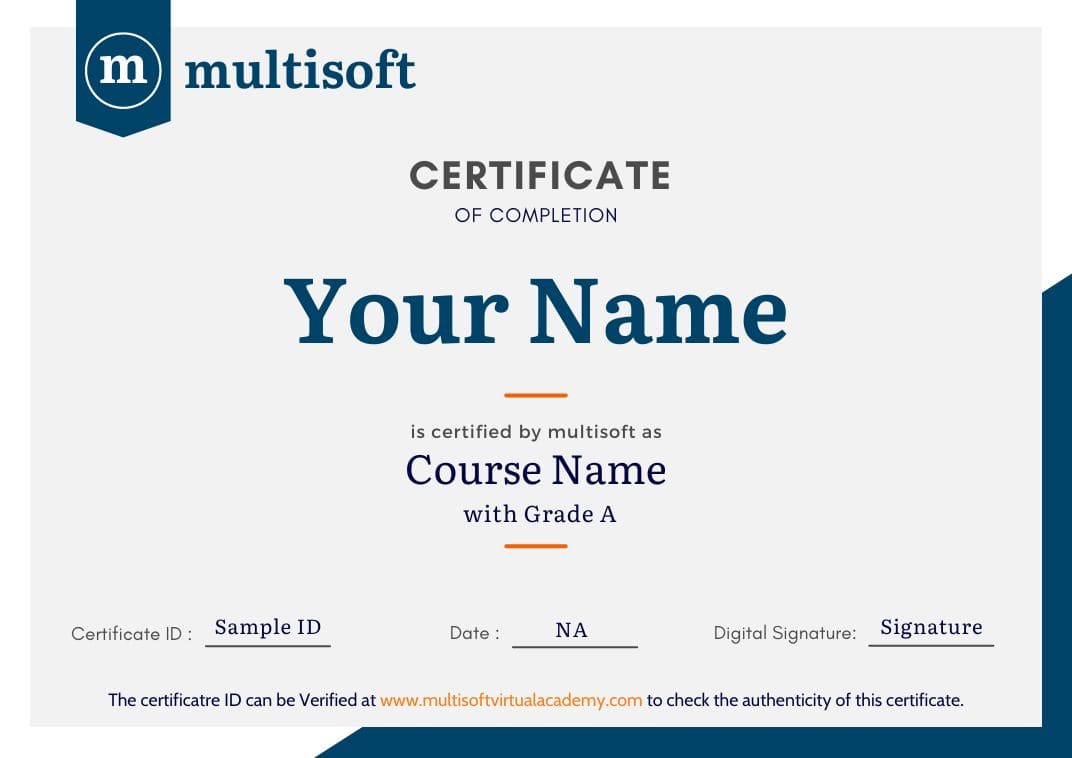
 Join our Live Instructor-Led online classes delivered by industry experts
 Let's Get Started
