New Year Offer - Flat 15% Off + 20% Cashback | OFFER ENDING IN :

Duration

24 Hrs.

Experience & Certified

Trainers

Type of Batch

WeekEnd/WeekDay

Program Formate

Online

Ready to Up-Skill yourself !

Share your details for best career advice.

AutoCAD P&ID Course Syllabus

Curriculum Designed by Experts

Download Curriculum DOWNLOAD CURRICULUM

AutoCAD P&ID Training teaches you to build consistent, standards-based P&IDs faster. You will set up projects, manage project files and templates, then create schematics using single-line components, multiwire circuits and efficient editing commands. Learn panel drawings, terminals, PLC symbols and point-to-point wiring for complete documentation. Create and customize symbols and title blocks, generate reports and apply drawing update tools for revisions. Practice settings, cross-referencing and quality checks to deliver error-free drawings for EPC teams with structured numbering and tagging standards.

  • Workspace, toolsets, palettes, project manager
  • Drawing standards, layers, text styles
  • Symbol libraries and intelligent objects overview
Download CurriculumDOWNLOAD CURRICULUM

  • Project structure, folders, paths, sheet setup
  • Drawing lists, references, descriptions
  • Backup, revision tracking, sharing and collaboration
Download CurriculumDOWNLOAD CURRICULUM

  • Single-line diagrams and component insertion
  • Tagging, attributes, ratings, manufacturer data
  • Basic wiring, ladders, cross-references
Download CurriculumDOWNLOAD CURRICULUM

  • Multiwire insertion and circuit building
  • Wire numbering and source-destination logic
  • Circuit edits, reuse, copy with intelligence
Download CurriculumDOWNLOAD CURRICULUM

  • Move, copy, mirror, rotate, stretch, grips
  • Find-replace attributes and tag edits
  • Cleanup tools for consistent formatting
Download CurriculumDOWNLOAD CURRICULUM

  • Panel layout workflow and footprints
  • DIN rail placement and component arrangement
  • Panel annotation and identification standards
Download CurriculumDOWNLOAD CURRICULUM

  • Terminal symbol insertion and strip planning
  • Terminal numbering, jumpers, accessories
  • Terminal plans and terminal reports
Download CurriculumDOWNLOAD CURRICULUM

  • PLC modules, racks and I/O representation
  • I/O addressing and connection mapping
  • PLC I/O reporting and updates
Download CurriculumDOWNLOAD CURRICULUM

  • From-to wiring diagrams and connection data
  • Wire lists and connection schedules
  • Update drawings from project data
Download CurriculumDOWNLOAD CURRICULUM

  • Custom symbols with attributes and pins
  • Block naming rules and library integration
  • Icon menu entries and reuse best practices
Download CurriculumDOWNLOAD CURRICULUM

  • Attribute-driven title blocks and fields
  • Sheet metadata, drawing index and revisions
  • Standard title block templates setup
Download CurriculumDOWNLOAD CURRICULUM

  • BOM, component, wire and terminal reports
  • PLC I/O and cross-reference reports
  • Export to Excel/CSV and data cleanup
Download CurriculumDOWNLOAD CURRICULUM

  • Project templates and drawing templates
  • Tag formats, wire numbering rules
  • Standards enforcement for teams
Download CurriculumDOWNLOAD CURRICULUM

  • Retag, renumber, reannotate utilities
  • Sync project database with drawings
  • Audit, repair and consistency checks
Download CurriculumDOWNLOAD CURRICULUM

Free Career Counselling

We are happy to help you 24/7

AutoCAD P&ID Corporate Training in Chesapeake Certification

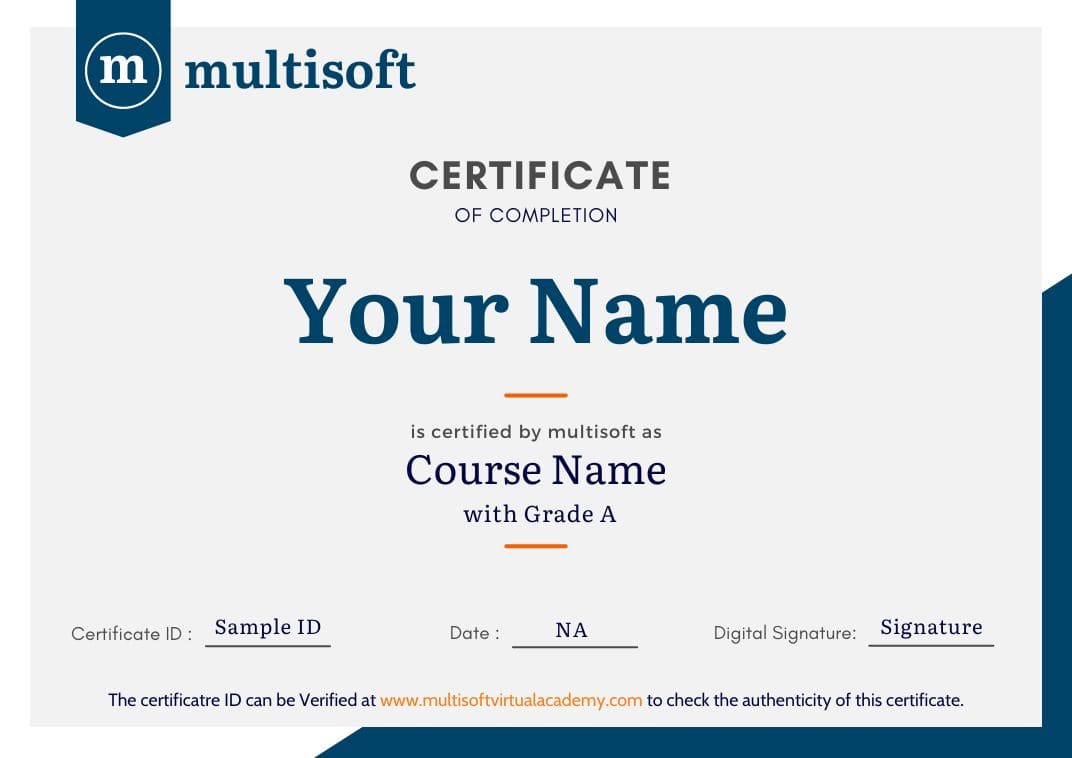
Multisoft Virtual Academy provides a globally recognized training certificate to the participants, after successful completion of a training program. The training certificates are recognized and accepted across the world.

Multisoft Virtual Academy's training certificate comes with lifetime validity.

Aspirants can directly enroll for the desired course from the Book Now Button in the course page. You can also connect on Whatsapp at +91 8130666206 to talk with a training advisor. Multisoft Virtual Academy also offers customized training programs on a wide range of domains and skills.

All training programs offered by Multisoft Virtual Academy are delivered by certified industry experts, who have years of experience in the relevant domains. Multisoft Global Subject Matter Experts impart knowledge on a wide variety of training courses through one –on-one and corporate training sessions.

Multisoft Virtual Academy training certification can help participants stand out in the competitive job market. Since the training certificates are internationally accepted, participants can showcase their skills and knowledge to employers across the world.

Multisoft Corporate Training Features

Outcome centric learning solutions to meet changing skill-demand of your organization

Wide variety of trainings to suit business skill demands

360° learning solution with lifetime access to e-learning materials

Choose topics, schedule and even a subject matter expert

Skilled professionals with relevant industry experience

Customized trainings to understand specific project requirements

Check performance progress and identify areas for development

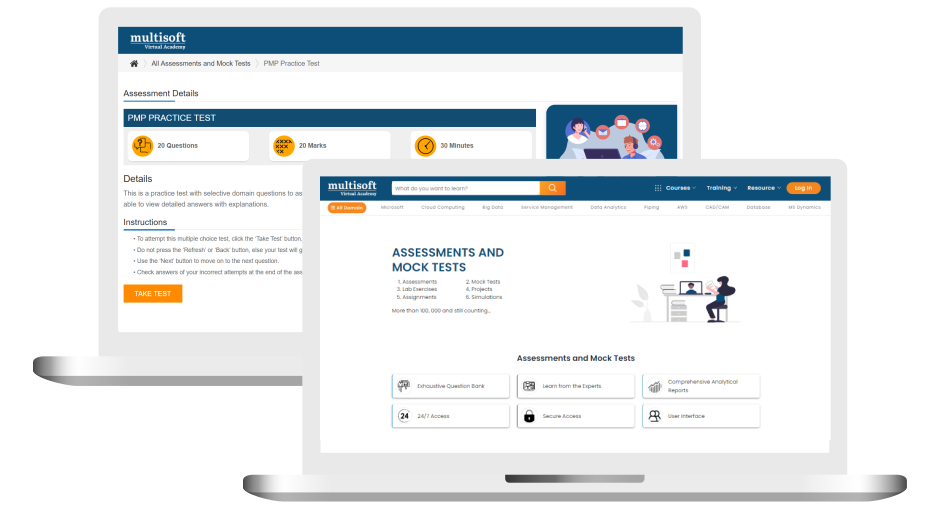
Free AutoCAD P&ID Assessment

Right from the beginning of learning journey to the end and beyond, we offer continuous assessment feature to evaluate progress and performance of the workforce.

Try it Nowright-arrow
customize time

Related Courses

Share details for upskills your team


A Role Based Approach To Digital Skilling

A roadmap for readying key roles in your organization for business in the digital age.

Download Whitepaper

Our Corporate Clients

whatsapp chat
+91 8130666206

Available 24x7 for your queries

For Career Assistance : Indian call   +91 8130666206