


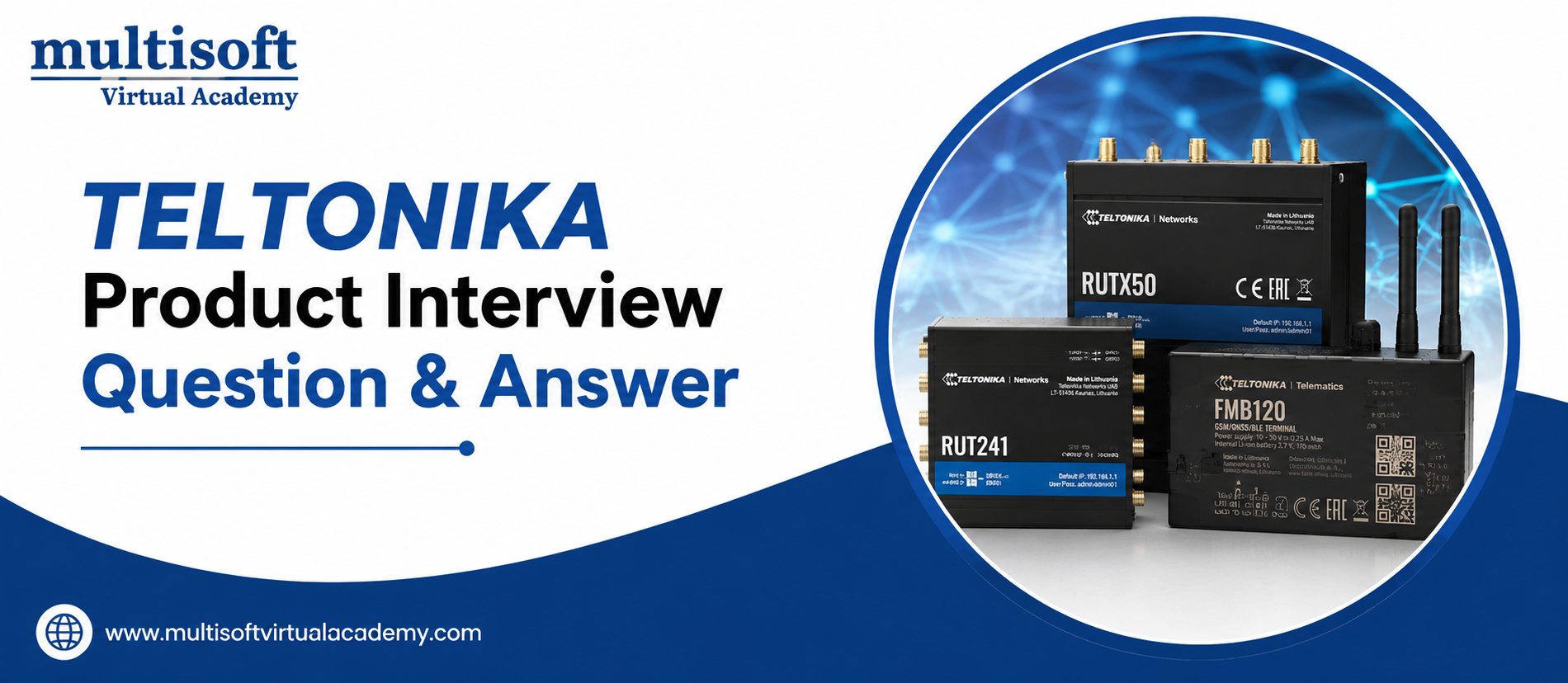
Teltonika Product Training offers advanced networking, telematics and IoT solutions designed for reliable connectivity across diverse industries. Its product portfolio includes industrial routers, gateways, GPS trackers and networking devices supporting cellular, Ethernet, Wi-Fi and GNSS technologies. These solutions enable secure communication, remote device management, asset tracking and real-time data connectivity. Teltonika products are widely applicable in transportation, logistics, industrial automation, energy and smart infrastructure, helping organizations improve connectivity, operational efficiency and control across distributed environments.
INTERMEDIATE LEVEL
1. What is Teltonika?
Answer: Teltonika is a technology company offering networking, telematics and IoT solutions. Its products include industrial routers, gateways, GPS trackers, connectivity devices and related management solutions for transportation, industrial and business applications.
2. What are Teltonika routers commonly used for?
Answer: Teltonika routers provide reliable internet and network connectivity for remote or industrial environments. They can connect devices through cellular networks, Ethernet and Wi-Fi and support applications such as IoT, CCTV, automation and fleet operations.
3. What is the purpose of a Teltonika industrial router?
Answer: An industrial router provides secure and reliable network connectivity in demanding environments. It can support cellular communication, routing, VPN connectivity, remote management and communication between local devices and cloud or enterprise networks.
4. What is RutOS?
Answer: RutOS is Teltonika Networks' operating system used on many of its networking devices. It provides features for network configuration, routing, VPNs, firewall management, monitoring, security and remote device administration.
5. What is APN in cellular networking?
Answer: APN stands for Access Point Name. It defines the network path that a cellular device uses to connect to an operator's data network. Correct APN configuration is essential for establishing mobile data connectivity.
6. What is the difference between WAN and LAN?
Answer: LAN connects devices within a local network while WAN connects the local network to an external network such as the internet or a corporate network. Teltonika routers commonly use LAN interfaces for local devices and WAN or cellular interfaces for external connectivity.
7. What is a VPN?
Answer: A VPN creates a secure encrypted connection between networks or devices over an untrusted network. Teltonika routers can support VPN technologies for securely connecting remote locations with corporate infrastructure.
8. Why is remote management important for Teltonika devices?
Answer: Remote management allows administrators to monitor, configure, troubleshoot and update devices without physically visiting the installation location. This is particularly useful for geographically distributed IoT and industrial deployments.
9. What is NAT?
Answer: NAT, or Network Address Translation, translates private IP addresses into another address, commonly a public IP address. It allows multiple devices on a private network to communicate through a shared external connection.
10. What is DHCP?
Answer: DHCP automatically provides network configuration information such as IP address, subnet mask, gateway and DNS server to connected devices. It reduces the need for manual network configuration.
11. What is a static IP address?
Answer: A static IP remains assigned to a device instead of being dynamically allocated. It can be useful when a device or service needs a predictable address for remote access or network communication.
12. What connectivity technologies can Teltonika products support?
Answer: Depending on the model, Teltonika products may support technologies such as 4G LTE, 5G, Ethernet, Wi-Fi and GNSS. The exact capabilities depend on the particular device and product family.
13. What is GNSS?
Answer: GNSS stands for Global Navigation Satellite System. It uses satellite signals to determine location. Teltonika telematics products use GNSS capabilities for vehicle and asset tracking applications.
14. What is a firewall?
Answer: A firewall controls network traffic based on predefined rules. It can allow legitimate traffic while blocking unauthorized connections and is an important component of securing Teltonika network deployments.
15. How would you troubleshoot a Teltonika router with no internet connection?
Answer: First check power and physical connections. Then verify SIM status, signal strength, APN configuration and mobile registration. Next check WAN settings, IP assignment, DNS and routing. Logs and diagnostic tools can then be used to identify the underlying issue.
ADVANCED LEVEL
1. How would you design a secure Teltonika network for multiple remote sites?
Answer: I would establish site-to-site VPN connectivity between remote routers and the central infrastructure, use appropriate firewall rules, segment local networks with VLANs where supported and restrict management access. I would also implement centralized monitoring, secure credentials and regular firmware updates.
2. What is the difference between IPsec and OpenVPN?
Answer: IPsec operates at the network layer and is commonly used for site-to-site VPNs. OpenVPN operates through TLS-based mechanisms and provides flexible client-server VPN connectivity. The appropriate option depends on interoperability, architecture, security requirements and network design.
3. How would you troubleshoot intermittent cellular connectivity?
Answer: I would examine signal strength and quality, network registration, SIM status, APN configuration and modem logs. I would also check antenna installation, frequency compatibility, roaming configuration and carrier coverage. Monitoring connection events over time can help identify whether the issue is environmental, carrier-related or configuration-related.
4. What is failover and why is it useful in Teltonika networking?
Answer: Failover automatically switches traffic to an alternative connection when the primary connection becomes unavailable. For example, a router may use wired connectivity as the primary WAN and cellular connectivity as a backup, improving network availability.
5. How can VLANs improve network security?
Answer: VLANs logically separate network traffic into different segments. For example, administrative devices, industrial equipment and guest users can be isolated. Firewall rules can then control communication between those segments and reduce unnecessary exposure.
6. How would you secure remote access to a Teltonika router?
Answer: I would use encrypted management protocols, strong unique credentials and preferably VPN-based administration. I would restrict management access by source network or firewall rules, disable unnecessary services and keep firmware updated.
7. What is MQTT and how can it be used in IoT?
Answer: MQTT is a lightweight publish-subscribe messaging protocol commonly used for IoT communication. Devices can publish telemetry to an MQTT broker while applications subscribe to relevant topics. This reduces communication overhead and works well for distributed IoT environments.
8. What is the role of Modbus in industrial IoT?
Answer: Modbus is an industrial communication protocol used to exchange data between controllers, sensors, meters and other equipment. A compatible gateway or router can help transport industrial data to remote systems for monitoring and analysis.
9. How would you troubleshoot a VPN tunnel that is not establishing?
Answer: I would verify peer addresses, credentials or certificates, encryption parameters, routing and firewall rules. I would then inspect VPN logs to identify authentication, negotiation or connectivity failures and confirm that both endpoints are reachable.
10. What is dual-SIM functionality?
Answer: Dual-SIM functionality allows a compatible device to use two SIM cards. It can provide redundancy, improve connectivity availability and allow switching between mobile operators based on configuration or connection conditions.
11. How can routing be optimized in a Teltonika deployment?
Answer: Routing should be designed according to the network topology and traffic requirements. Static routes can be used for predictable paths while dynamic routing may be appropriate for larger environments where supported. Proper route priorities and failover rules help maintain connectivity.
12. What factors should be considered when deploying Teltonika routers in remote locations?
Answer: Important factors include cellular coverage, supported frequency bands, antenna placement, power availability, environmental conditions, temperature range, IP addressing, VPN architecture, remote management and physical security. Backup connectivity and power can further improve reliability.
13. How would you monitor a large fleet of Teltonika devices?
Answer: I would use centralized device-management capabilities to monitor connectivity, configuration, firmware status, signal information and operational events. Alerting can be configured for important conditions such as connection loss, excessive downtime or configuration changes.
14. How does firmware management affect IoT security?
Answer: Firmware updates can address security vulnerabilities, fix bugs and improve device stability. A controlled update process should include testing, deployment planning, backups or recovery procedures and monitoring after updates to minimize operational risk.
15. How would you design a resilient IoT architecture using Teltonika devices?
Answer: I would combine redundant connectivity, secure VPNs, network segmentation, centralized monitoring, appropriate routing and failover mechanisms. Devices should be securely configured and regularly maintained. The architecture should also consider power redundancy, physical environment, scalability and recovery procedures.
Course Schedule
| Oct, 2026 | Weekdays | Mon-Fri | Enquire Now |
| Weekend | Sat-Sun | Enquire Now | |
| Nov, 2026 | Weekdays | Mon-Fri | Enquire Now |
| Weekend | Sat-Sun | Enquire Now |
Related Courses

Related Articles
Related Interview
Related FAQ's
- Instructor-led Live Online Interactive Training
- Project Based Customized Learning
- Fast Track Training Program
- Self-paced learning
- In one-on-one training, you have the flexibility to choose the days, timings, and duration according to your preferences.
- We create a personalized training calendar based on your chosen schedule.
- Complete Live Online Interactive Training of the Course
- After Training Recorded Videos
- Session-wise Learning Material and notes for lifetime
- Practical & Assignments exercises
- Global Course Completion Certificate
- 24x7 after Training Support



 Join our Live Instructor-Led online classes delivered by industry experts
 Let's Get Started
