New Year Offer - Flat 15% Off + 20% Cashback | OFFER ENDING IN :

Duration

24Hrs.

Experience & Certified

Trainers

Type of Batch

WeekEnd/WeekDay

Program Formate

Online

Ready to Up-Skill yourself !

Share your details for best career advice.

Instructor-led Training Live Online Classes

Suitable batches for you

03 Jan 2026 24 06:00 PM - 09:00 PM Sat, Sun
04 Jan 2026 24 06:00 PM - 09:00 PM Sat, Sun
10 Jan 2026 24 06:00 PM - 09:00 PM Sat, Sun
11 Jan 2026 24 06:00 PM - 09:00 PM Sat, Sun

Course Price At

$ 350

Enroll Now
lockimage Secure Transaction lockimage lockimage

Talk to our training advisor

Instructor-led Training Live Online Classes

03 Jan 2026 24 06:00 PM - 09:00 PM Sat, Sun
04 Jan 2026 24 06:00 PM - 09:00 PM Sat, Sun
10 Jan 2026 24 06:00 PM - 09:00 PM Sat, Sun
11 Jan 2026 24 06:00 PM - 09:00 PM Sat, Sun

Course Price At

$ 350

Enroll Now
lockimage Secure Transaction lockimage lockimage

Online Self Learning Courses are designed for self-directed training, allowing participants to begin at their convenience with structured training and review exercises to reinforce learning. You’ll learn through videos, PPTs and complete assignments, projects and other activities designed to enhance learning outcomes, all at times that are most convenient to you.

Course Price At

$ 350

Enroll Now
lockimage Secure Transaction lockimage lockimage

Talk to our training advisor

AutoCAD P&ID Online Training Course In Singapore Course Syllabus

Curriculum Designed by Experts

Download Curriculum DOWNLOAD CURRICULUM

AutoCAD P&ID Training teaches you to build consistent, standards-based P&IDs faster. You will set up projects, manage project files and templates, then create schematics using single-line components, multiwire circuits and efficient editing commands. Learn panel drawings, terminals, PLC symbols and point-to-point wiring for complete documentation. Create and customize symbols and title blocks, generate reports and apply drawing update tools for revisions. Practice settings, cross-referencing and quality checks to deliver error-free drawings for EPC teams with structured numbering and tagging standards.

  • Workspace, toolsets, palettes, project manager
  • Drawing standards, layers, text styles
  • Symbol libraries and intelligent objects overview
Download Curriculum DOWNLOAD CURRICULUM

  • Project structure, folders, paths, sheet setup
  • Drawing lists, references, descriptions
  • Backup, revision tracking, sharing and collaboration
Download Curriculum DOWNLOAD CURRICULUM

  • Single-line diagrams and component insertion
  • Tagging, attributes, ratings, manufacturer data
  • Basic wiring, ladders, cross-references
Download Curriculum DOWNLOAD CURRICULUM

  • Multiwire insertion and circuit building
  • Wire numbering and source-destination logic
  • Circuit edits, reuse, copy with intelligence
Download Curriculum DOWNLOAD CURRICULUM

  • Move, copy, mirror, rotate, stretch, grips
  • Find-replace attributes and tag edits
  • Cleanup tools for consistent formatting
Download Curriculum DOWNLOAD CURRICULUM

  • Panel layout workflow and footprints
  • DIN rail placement and component arrangement
  • Panel annotation and identification standards
Download Curriculum DOWNLOAD CURRICULUM

  • Terminal symbol insertion and strip planning
  • Terminal numbering, jumpers, accessories
  • Terminal plans and terminal reports
Download Curriculum DOWNLOAD CURRICULUM

  • PLC modules, racks and I/O representation
  • I/O addressing and connection mapping
  • PLC I/O reporting and updates
Download Curriculum DOWNLOAD CURRICULUM

  • From-to wiring diagrams and connection data
  • Wire lists and connection schedules
  • Update drawings from project data
Download Curriculum DOWNLOAD CURRICULUM

  • Custom symbols with attributes and pins
  • Block naming rules and library integration
  • Icon menu entries and reuse best practices
Download Curriculum DOWNLOAD CURRICULUM

  • Attribute-driven title blocks and fields
  • Sheet metadata, drawing index and revisions
  • Standard title block templates setup
Download Curriculum DOWNLOAD CURRICULUM

  • BOM, component, wire and terminal reports
  • PLC I/O and cross-reference reports
  • Export to Excel/CSV and data cleanup
Download Curriculum DOWNLOAD CURRICULUM

  • Project templates and drawing templates
  • Tag formats, wire numbering rules
  • Standards enforcement for teams
Download Curriculum DOWNLOAD CURRICULUM

  • Retag, renumber, reannotate utilities
  • Sync project database with drawings
  • Audit, repair and consistency checks
Download Curriculum DOWNLOAD CURRICULUM

Free Career Counselling

We are happy to help you 24/7

AutoCAD P&ID Online Training Course In Singapore Description

The Individuals handling AutoCAD P&ID project and need to develop their intelligence on the subject matter should go for this course

AutoCAD P&ID Online Training Course In Singapore Certification

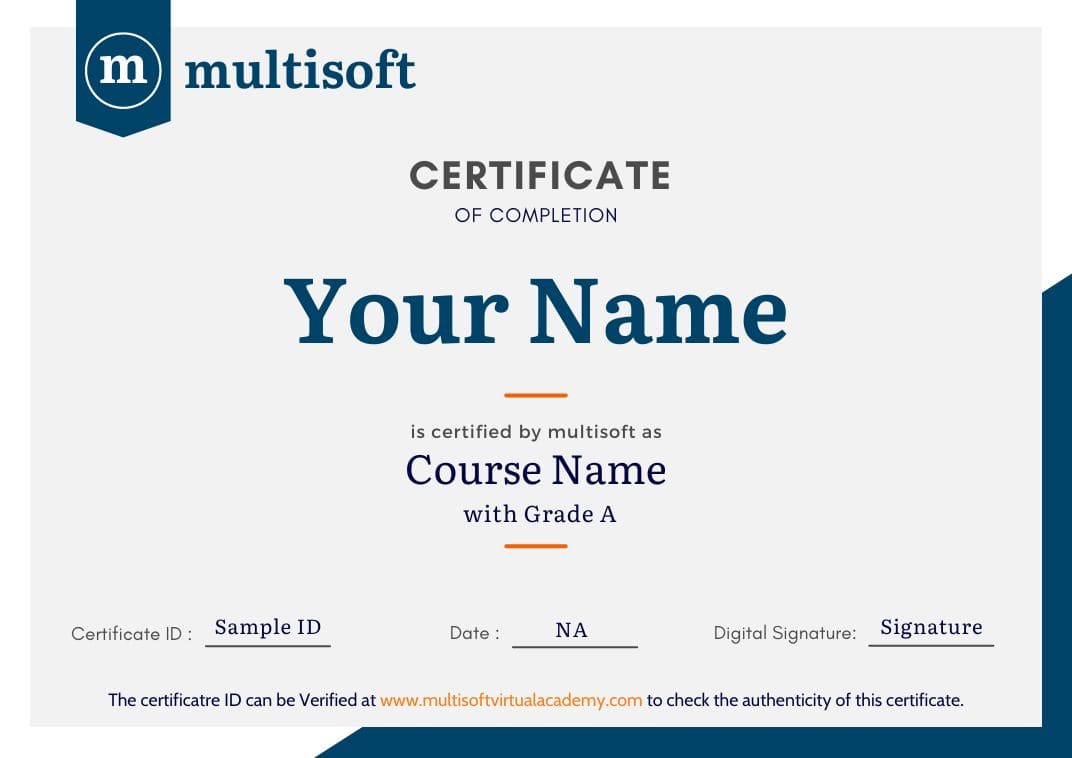
Multisoft Virtual Academy provides a globally recognized training certificate to the participants, after successful completion of a training program. The training certificates are recognized and accepted across the world.

Multisoft Virtual Academy's training certificate comes with lifetime validity.

Aspirants can directly enroll for the desired course from the Book Now Button in the course page. You can also connect on Whatsapp at +91 8130666206 to talk with a training advisor. Multisoft Virtual Academy also offers customized training programs on a wide range of domains and skills.

All training programs offered by Multisoft Virtual Academy are delivered by certified industry experts, who have years of experience in the relevant domains. Multisoft Global Subject Matter Experts impart knowledge on a wide variety of training courses through one –on-one and corporate training sessions.

Multisoft Virtual Academy training certification can help participants stand out in the competitive job market. Since the training certificates are internationally accepted, participants can showcase their skills and knowledge to employers across the world.

AutoCAD P&ID Online Course In Singapore Corporate Training Certification

Interactive Virtual Training

Interactive Virtual Training

  • Global Subject Matter Experts
  • Step-by –Step Learning Approach
  • Instant Doubt Clearing
Lifetime Access

Lifetime Access

  • Lifetime E-learning Access
  • Recorded Training Session Videos
  • Free Access to Practice Tests
24x7 Assistance

24x7 Assistance

  • Help Desk Support
  • Doubt Resolution in Real-time
  • After Training Support
Hands on Experience

Hands on Experience

  • Project Based Learning
  • Learning based on real-life examples
  • Assignments and Practice Tests
Globally Recognized Training Certificate

Globally Recognized Certificate

  • Multisoft Training Certificate
  • Globally Recognized and Accepted
  • Lifetime Validity

Like what you hear from our learners?

Take the first step!

Drop us Query

Related Courses

Register Your Interest

double-inverted-icon

What Attendees Are Saying

A

" Great experience of learning R .Thank you Abhay for starting the course from scratch and explaining everything with patience."

- Apoorva Mishra
M

" It's a very nice experience to have GoLang training with Gaurav Gupta. The course material and the way of guiding us is very good."

- Mukteshwar Pandey
F

"Training sessions were very useful with practical example and it was overall a great learning experience. Thank you Multisoft."

- Faheem Khan
R

"It has been a very great experience with Diwakar. Training was extremely helpful. A very big thanks to you. Thank you Multisoft."

- Roopali Garg
S

"Agile Training session were very useful. Especially the way of teaching and the practice session. Thank you Multisoft Virtual Academy"

- Sruthi kruthi
G

"Great learning and experience on Golang training by Gaurav Gupta, cover all the topics and demonstrate the implementation."

- Gourav Prajapati
V

"Attended a virtual training 'Data Modelling with Python'. It was a great learning experience and was able to learn a lot of new concepts."

- Vyom Kharbanda
J

"Training sessions were very useful. Especially the demo shown during the practical sessions made our hands on training easier."

- Jupiter Jones
A

"VBA training provided by Naveen Mishra was very good and useful. He has in-depth knowledge of his subject. Thankyou Multisoft"

- Atif Ali Khan

Our Corporate Clients

whatsapp chat
+91 8130666206

Available 24x7 for your queries

For Career Assistance : Indian call   +91 8130666206