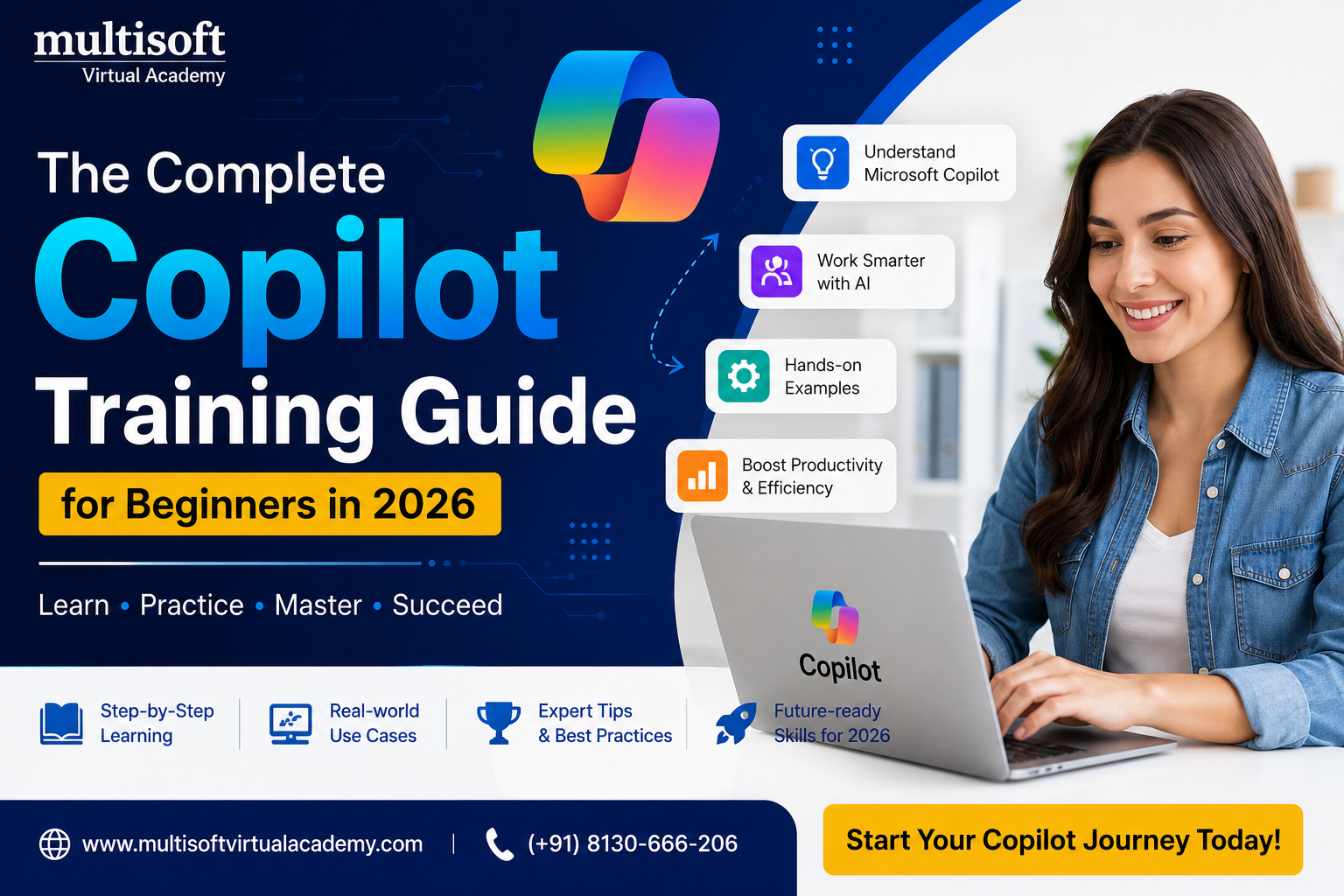
Artificial Intelligence (AI) is no longer a futuristic concept—it has become an essential part of the modern workplace. Businesses across industries are adopting AI-powered tools to automate repetitive tasks, improve efficiency, and help employees make smarter decisions. One of the most impactful AI innovations in recent years is Microsoft Copilot. Integrated with Microsoft 365 applications such as Word, Excel, PowerPoint, Outlook, and Teams, Microsoft Copilot enables users to create content, analyze data, summarize meetings, draft emails, and perform numerous business tasks with remarkable speed and accuracy.
As organizations continue their digital transformation journey, professionals who understand how to use AI effectively are becoming highly valuable. This growing demand has made Copilot Training one of the most sought-after learning programs for students, working professionals, business leaders, and IT experts. Learning Microsoft Copilot is no longer just an advantage—it is becoming an essential skill for staying competitive in today's technology-driven world.
Whether your goal is to increase workplace productivity, automate everyday tasks, improve communication, or prepare for future career opportunities, enrolling in a professional Copilot Training program can help you achieve your objectives.
Microsoft Copilot is an AI-powered digital assistant that combines the capabilities of large language models with Microsoft Graph and Microsoft 365 applications. Instead of switching between multiple tools or spending hours creating reports, presentations, emails, or spreadsheets, users can simply provide natural language instructions, and Copilot generates meaningful results within seconds.
Unlike traditional automation software, Microsoft Copilot understands context, interprets user requests, and delivers intelligent suggestions based on the information available. It acts as a collaborative assistant rather than simply executing predefined commands.
For example, users can ask Copilot to summarize lengthy reports, generate meeting notes, prepare PowerPoint presentations from Word documents, analyze Excel data, write professional emails, or create project plans. These capabilities save valuable time while allowing professionals to focus on strategic and creative work.
Copilot Training is a comprehensive learning program designed to teach learners how to effectively use Microsoft Copilot across different Microsoft 365 applications. The course focuses on practical implementation rather than only theoretical concepts.
Participants learn how Microsoft Copilot works, how to write effective prompts, how to automate daily workflows, and how to maximize AI capabilities in business environments. Most professional training programs combine instructor-led sessions with practical demonstrations, real-world case studies, and hands-on projects.
The objective is to ensure learners develop the confidence to use Microsoft Copilot independently in their professional roles.
Technology continues to evolve rapidly, and businesses expect employees to adapt to new digital tools. AI is becoming part of everyday business operations, from customer service and marketing to finance, human resources, engineering, and project management.
Professionals who know how to use Microsoft Copilot can complete work faster, improve accuracy, and contribute more effectively to organizational goals.
Some major reasons why Copilot Training has become increasingly important include:
Organizations are looking for employees who can leverage AI responsibly while improving operational efficiency. Learning Microsoft Copilot helps professionals meet these expectations.
A professional Copilot Training program introduces learners to a wide range of features that enhance productivity across Microsoft applications.
Microsoft Word
Microsoft Copilot helps users create professional documents within minutes. During training, learners discover how to draft reports, prepare proposals, summarize documents, rewrite paragraphs, improve grammar, and generate business content using AI.
Instead of spending hours writing from scratch, users learn how to provide effective prompts that generate polished content quickly.
Microsoft Excel
Excel is one of the most widely used business applications. Copilot simplifies complex spreadsheet tasks by helping users analyze data, create formulas, identify trends, build charts, generate summaries, and produce meaningful insights without extensive manual calculations.
Training participants learn how AI can make data analysis easier, even for users with limited Excel expertise.
Microsoft PowerPoint
Creating engaging presentations often requires significant effort. Copilot can generate complete presentations from simple instructions or existing documents.
During Copilot Training, learners understand how to:
These features save considerable time while improving presentation effectiveness.
Microsoft Outlook
Email communication consumes a large portion of the workday. Microsoft Copilot assists users by drafting emails, summarizing conversations, suggesting responses, organizing inboxes, and scheduling meetings.
Training demonstrates how professionals can manage communication more efficiently while maintaining professionalism.
Microsoft Teams
Virtual collaboration has become an essential part of modern business. Copilot automatically summarizes meetings, captures action items, prepares meeting notes, and helps teams remain aligned on project objectives.
Learners understand how AI improves collaboration and reduces administrative work.
One of the most valuable skills taught during Copilot Training is prompt engineering.
A prompt is simply an instruction given to Microsoft Copilot. However, the quality of the output depends greatly on how clearly the prompt is written.
For example, instead of asking:
"Create a report."
A better prompt would be:
"Create a professional project status report summarizing weekly progress, completed milestones, pending tasks, project risks, and recommendations for senior management."
Well-structured prompts generate more accurate, detailed, and useful responses.
Professional training teaches learners how to write prompts that produce consistent business-quality results.
Increased Productivity
Copilot automates repetitive tasks, allowing professionals to complete more work in less time. Routine activities such as document creation, email drafting, and report preparation become significantly faster.
Improved Work Quality
AI-generated suggestions improve grammar, formatting, presentation design, and document structure, helping users produce more professional outputs.
Better Decision-Making
By analyzing large datasets quickly, Copilot provides valuable insights that support informed business decisions.
Time Savings
Tasks that previously required several hours can often be completed within minutes.
Enhanced Creativity
Copilot assists with brainstorming ideas, creating marketing content, developing presentations, and generating innovative solutions.
Reduced Administrative Work
Meeting summaries, email organization, scheduling, and documentation become easier with AI support.
Career Advancement
Employers increasingly value professionals who understand AI-powered productivity tools. Copilot skills can strengthen resumes and improve career opportunities.
Copilot Training is suitable for professionals from almost every industry.
Ideal learners include:
Since Microsoft Copilot is designed for general productivity rather than software development, even non-technical users can learn it successfully.
Organizations are already using Microsoft Copilot to streamline operations.
Marketing teams generate campaign ideas, advertising content, blogs, and social media posts.
Finance departments prepare reports, summarize financial statements, and analyze business performance.
Human Resources teams draft job descriptions, employee communications, interview questions, and onboarding documents.
Sales professionals prepare proposals, customer emails, follow-up messages, and meeting summaries.
Project managers generate status reports, project plans, risk assessments, and meeting action items.
Customer support teams create knowledge base articles and respond to customer inquiries more efficiently.
These practical applications demonstrate why Copilot Training has become increasingly valuable.
Essential Skills You Will Learn
A comprehensive Copilot Training program helps learners develop practical business skills, including:
These skills remain useful across multiple industries and job roles.
While AI is powerful, users should follow best practices to achieve optimal results.
Always review AI-generated content before sharing it with clients or stakeholders.
Provide detailed prompts that clearly explain the expected output.
Protect confidential business information while using AI tools.
Use Copilot as an assistant rather than relying entirely on automated responses.
Continue improving prompt-writing skills through regular practice.
Stay informed about new Copilot features released by Microsoft.
These practices ensure users receive accurate, secure, and high-quality outputs.
As AI adoption increases globally, professionals with Copilot expertise are becoming highly desirable.
Possible career opportunities include:
Existing professionals can also improve their current job performance by integrating AI into daily workflows.
Learning AI requires practical experience. Reading documentation alone is not enough.
Hands-on Copilot Training provides opportunities to:
Practical exercises help learners build confidence while preparing them for real-world implementation.
Multisoft Virtual Academy is a trusted name in professional online training, offering industry-oriented learning programs for individuals and corporate teams. The Copilot Training program is designed by experienced trainers who understand current industry requirements and practical workplace applications.
Participants receive live instructor-led sessions, practical demonstrations, real-world case studies, interactive assignments, and dedicated support throughout the learning journey. The curriculum focuses on developing practical skills that learners can immediately apply in their professional environments.
With flexible learning schedules, expert guidance, and hands-on projects, Multisoft Virtual Academy helps professionals gain confidence in using Microsoft Copilot effectively while preparing them for future workplace demands.
Artificial Intelligence is transforming the way people work, communicate, and solve business challenges. Microsoft Copilot has emerged as one of the most powerful AI productivity tools, helping organizations automate tasks, improve collaboration, analyze information, and create high-quality business content more efficiently.
Investing in Copilot Training is an excellent decision for anyone who wants to stay ahead in today's rapidly evolving digital landscape. Whether you are a student preparing for your first job, a working professional aiming to increase productivity, a manager leading business transformation, or an entrepreneur looking to optimize operations, learning Microsoft Copilot can significantly enhance your efficiency and career prospects.
By gaining practical experience with AI-powered tools, developing effective prompt-writing skills, and understanding real-world business applications, you position yourself for long-term success in an increasingly AI-driven workplace. As organizations continue to embrace intelligent automation, professionals with Copilot expertise will remain in high demand. Start your Copilot Training journey today and unlock the full potential of AI to work smarter, make better decisions, and build a successful future
| Start Date | Time (IST) | Day | |||
|---|---|---|---|---|---|
| 10 Oct 2026 | 06:00 PM - 10:00 AM | Sat, Sun | |||
| 11 Oct 2026 | 06:00 PM - 10:00 AM | Sat, Sun | |||
| 17 Oct 2026 | 06:00 PM - 10:00 AM | Sat, Sun | |||
| 18 Oct 2026 | 06:00 PM - 10:00 AM | Sat, Sun | |||
|
Schedule does not suit you, Schedule Now! | Want to take one-on-one training, Enquiry Now! |
|||||






 Join our Live Instructor-Led online classes delivered by industry experts
 Let's Get Started