


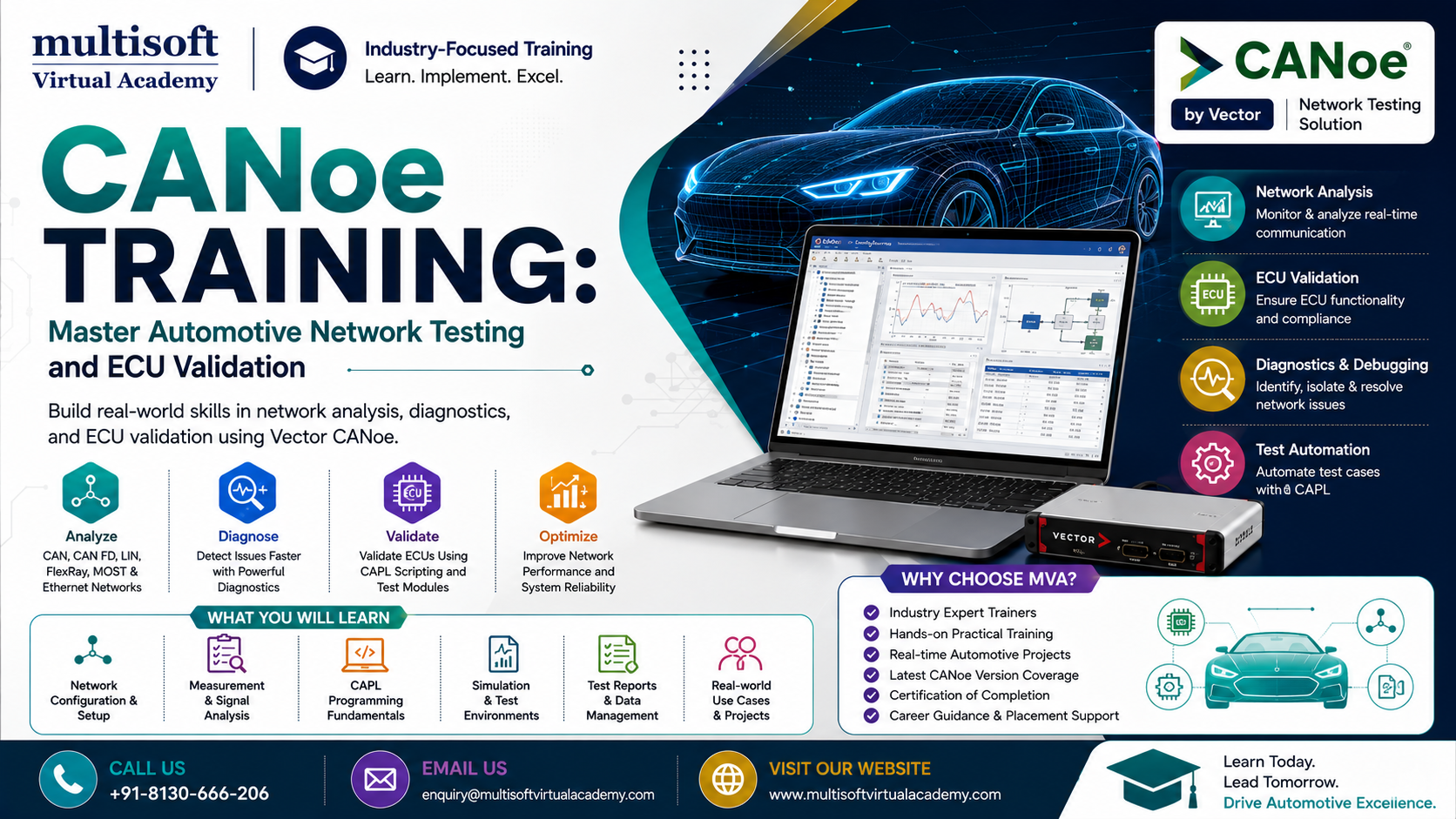
CANoe Training: Master Automotive Network Testing and ECU Validation
Modern vehicles are becoming increasingly software-driven, with multiple Electronic Control Units (ECUs) communicating continuously across complex automotive networks. As vehicle technology evolves toward electric mobility, connected cars, advanced driver assistance systems and software-defined vehicles, the need for reliable network testing and ECU validation has never been greater.
This is where CANoe Training becomes highly valuable for automotive engineers, test professionals and embedded systems specialists. CANoe is widely used for analyzing, simulating and testing automotive communication networks. Learning how to work effectively with CANoe can help professionals understand network behavior, automate test cases and improve the reliability of automotive electronic systems.
What Is CANoe and Why Is It Important?
CANoe is an engineering software platform designed for the development, simulation, analysis and testing of distributed automotive systems. It can be used with communication technologies such as CAN, CAN FD, LIN, FlexRay and Automotive Ethernet.
The platform supports activities ranging from basic network monitoring to sophisticated ECU testing and automated validation. Engineers can simulate network nodes, observe communication messages, create test environments and analyze system behavior without depending entirely on a physical vehicle.
For automotive development teams, this provides an efficient way to identify communication problems and validate system functionality before products reach later stages of development.
Why Choose CANoe Training?
Automotive testing requires more than simply understanding communication protocols. Engineers need to know how to interpret messages, configure databases, simulate ECUs, create test scenarios and analyze results.
A practical CANoe Training program can help learners develop these capabilities systematically.
Key benefits include:
- Understanding CAN and CAN FD communication
- Learning CANoe configuration and project setup
- Analyzing automotive network traffic
- Creating simulated network nodes
- Working with DBC files and signals
- Developing automated test cases
- Learning CAPL scripting fundamentals
- Performing ECU validation and testing
- Understanding diagnostics and UDS
- Building simulation-based testing environments
- Improving automotive test automation skills
The combination of theoretical knowledge and hands-on exercises is particularly important because CANoe is a powerful engineering environment with many interconnected functions.
CANoe Training for Automotive Network Analysis
Automotive networks carry information between different ECUs. For example, an engine control unit may exchange data with transmission, braking, body control and instrument cluster systems.
When communication does not work as expected, engineers need to identify where the problem occurs.
CANoe can assist engineers in monitoring network traffic and examining messages, signals and communication behavior. Through CANoe Training, learners can understand how to observe network activity, interpret frames and investigate communication-related issues.
This knowledge is useful for:
- CAN bus analysis
- CAN FD testing
- Network troubleshooting
- Signal validation
- ECU communication testing
- Message monitoring
- Network simulation
- Automotive system integration
A strong understanding of CAN fundamentals provides an important foundation for working effectively with CANoe.
Learn CAPL Programming with CANoe
One of the most important skills associated with CANoe is CAPL programming.
CAPL is a C-like programming language used within Vector development environments for creating simulations, test logic and automated behavior. Engineers can use CAPL to define how simulated nodes respond to messages, create events and implement test scenarios.
Therefore, CAPL Training is often an important part of an effective CANoe learning path.
A practical learning program may cover:
- CAPL syntax and programming concepts
- Variables and data types
- Functions
- Conditional statements
- Loops
- Event procedures
- Message handling
- Timers
- Signal manipulation
- Test case development
- Automated test execution
Understanding CAPL enables engineers to move beyond manual monitoring and develop automated testing solutions.
CANoe vs CANalyzer: Understanding the Difference
Professionals entering automotive network engineering often encounter both CANoe and CANalyzer.
CANalyzer is primarily associated with analyzing and observing communication networks. It allows engineers to monitor network traffic, examine messages and investigate communication behavior.
CANoe provides broader capabilities for simulation, development and testing. It can be used to create virtual nodes, simulate communication behavior and execute sophisticated test scenarios.
For this reason, CANalyzer Training and CANoe Training can complement each other. Engineers who understand both tools can develop a broader perspective of automotive network analysis and validation.
The appropriate tool depends on the project requirements, but understanding the capabilities of both platforms can strengthen an automotive testing professional's skill set.
CANoe for ECU Testing and Validation
ECU testing is a critical part of automotive software development. Before an ECU is integrated into a complete vehicle, its communication and functional behavior must be validated.
CANoe can support different stages of ECU testing by providing a controlled environment in which engineers can stimulate inputs, observe outputs and evaluate communication.
Through ECU Testing Training, professionals can learn how to create test scenarios and evaluate whether an ECU behaves according to defined requirements.
Typical testing activities can include:
- Message transmission testing
- Signal validation
- Response-time verification
- Error handling
- Communication testing
- Functional validation
- Regression testing
- Diagnostic testing
Automating these activities can reduce repetitive manual work and make testing more consistent.
CANoe and HIL Testing
Hardware-in-the-loop (HIL) testing is another important area in automotive validation. HIL environments allow engineers to test physical ECUs against simulated vehicle systems.
Instead of waiting for a complete vehicle prototype, engineers can create controlled test environments where the ECU interacts with simulated components.
HIL Testing Training combined with CANoe knowledge can therefore be valuable for engineers working in automotive validation and embedded testing.
A typical HIL environment may involve:
- A physical ECU
- Simulated vehicle components
- Communication interfaces
- Test automation software
- Measurement and analysis tools
- Automated test reports
CANoe can play an important role in configuring and managing communication and test scenarios within such environments.
CAN FD and Modern Automotive Communication
CAN FD has become an important development in automotive communication because it supports larger payloads and higher data rates than classical CAN.
As automotive systems become more complex, engineers increasingly need to understand modern communication technologies alongside traditional CAN.
A comprehensive CAN FD Training component can help professionals understand:
- CAN FD frame structure
- Arbitration and data phases
- Bit timing
- Payload differences
- CAN FD network configuration
- Message analysis
- Testing considerations
Learning CAN FD together with CANoe provides a practical pathway toward modern automotive network testing.
CANoe for UDS Diagnostics
Vehicle diagnostics is another important application area.
Unified Diagnostic Services (UDS) enables diagnostic communication between testing equipment and ECUs. Engineers working in automotive diagnostics may need to understand diagnostic requests, responses, sessions, security access and other diagnostic services.
CANoe can be used as part of diagnostic development and testing environments.
A UDS Diagnostics Training module can therefore complement CANoe skills by helping professionals understand how diagnostic communication works and how diagnostic scenarios can be tested.
Important areas may include:
- Diagnostic sessions
- Diagnostic requests and responses
- ECU identification
- Read and write services
- Trouble-code handling
- Security access concepts
- Tester-present communication
- Diagnostic automation
This combination can be particularly useful for automotive diagnostic engineers and ECU test professionals.
Automotive Ethernet and Next-Generation Vehicle Networks
The automotive industry is moving beyond traditional low-bandwidth vehicle networks. Modern vehicles increasingly incorporate high-speed communication technologies to support connected features, advanced driver assistance systems and software-intensive architectures.
Automotive Ethernet is an important technology in this transition.
Professionals who already understand CAN and CAN FD can expand their expertise by learning about Automotive Ethernet and multi-protocol network environments.
This makes Automotive Ethernet Training, CANoe skills and network simulation knowledge valuable additions to an automotive engineer's professional toolkit.
Who Should Take CANoe Training?
CANoe is relevant to professionals across several automotive and embedded engineering roles.
The training can be beneficial for:
- Automotive Test Engineers
- ECU Test Engineers
- Embedded Systems Engineers
- CAN Developers
- Validation Engineers
- Verification Engineers
- Automotive Software Engineers
- Diagnostic Engineers
- HIL Test Engineers
- Network Engineers
- Automotive System Engineers
- Students pursuing automotive embedded careers
Basic knowledge of electronics, automotive communication or embedded systems can make the learning process easier. However, the ideal prerequisites depend on the depth and objectives of the training program.
Skills You Can Develop Through CANoe Training
A structured learning program should focus on practical skills rather than simply explaining software features.
After completing comprehensive CANoe Training, learners can aim to develop capabilities such as:
- Creating CANoe configurations
- Monitoring CAN communication
- Working with network databases
- Simulating ECUs
- Developing CAPL scripts
- Creating automated test cases
- Performing ECU validation
- Analyzing CAN and CAN FD traffic
- Working with diagnostic environments
- Understanding HIL testing concepts
- Generating and interpreting test results
- Troubleshooting automotive communication issues
These skills can provide a strong foundation for working on automotive software validation and network testing projects.
How to Choose the Right CANoe Training Course
Not every course provides the same level of practical exposure. Before selecting a CANoe Training Course, learners should examine the curriculum carefully.
A good program should include hands-on practice rather than focusing exclusively on theoretical explanations.
Look for training that covers:
- CAN fundamentals
- CANoe environment
- CAN and CAN FD
- Database configuration
- Network simulation
- CAPL programming
- ECU testing
- Test automation
- Diagnostics
- UDS
- HIL testing concepts
- Real-world automotive use cases
Practical assignments and project-based exercises can make the learning experience more meaningful because learners can apply concepts in realistic testing scenarios.
Career Opportunities After CANoe Training
The growing complexity of automotive software has increased the importance of verification and validation. Engineers who understand automotive communication and testing tools can explore opportunities across vehicle manufacturers, automotive suppliers, embedded technology companies and engineering service organizations.
Potential career paths include:
- Automotive Test Engineer
- CANoe Test Engineer
- ECU Validation Engineer
- Embedded Test Engineer
- Automotive Network Engineer
- HIL Test Engineer
- Diagnostic Test Engineer
- CAPL Developer
- Automotive Verification Engineer
- System Validation Engineer
Professionals can further strengthen their profiles by combining CANoe knowledge with CAPL, CAN FD, UDS, Automotive Ethernet, AUTOSAR, HIL testing and embedded software testing.
Why Practical Learning Matters
Automotive network testing is highly application-oriented. Reading about CAN messages or CAPL syntax is useful, but real proficiency comes from applying the concepts.
Practical exercises can help learners understand how a network behaves under normal conditions and how engineers investigate unexpected behavior.
For example, learners can create a simulated ECU, transmit messages, modify signals, introduce test conditions and observe system responses. Such exercises make complex concepts easier to understand while building problem-solving skills.
This practical approach also helps professionals become more comfortable with real project environments.
Final Thought
As vehicles become more connected, automated and software-driven, automotive testing skills are becoming increasingly important. CANoe Training provides a structured pathway for professionals who want to build expertise in automotive network analysis, ECU testing, simulation, CAPL scripting and test automation. By combining CANoe with related skills such as CANalyzer, CAN FD, UDS diagnostics, HIL testing and Automotive Ethernet, professionals can develop a broader understanding of modern vehicle validation. For learners and working professionals seeking practical, industry-oriented learning, Multisoft Virtual Academy provides training opportunities designed to help build relevant technical capabilities and support long-term career growth in automotive engineering.


 Join our Live Instructor-Led online classes delivered by industry experts
 Let's Get Started
