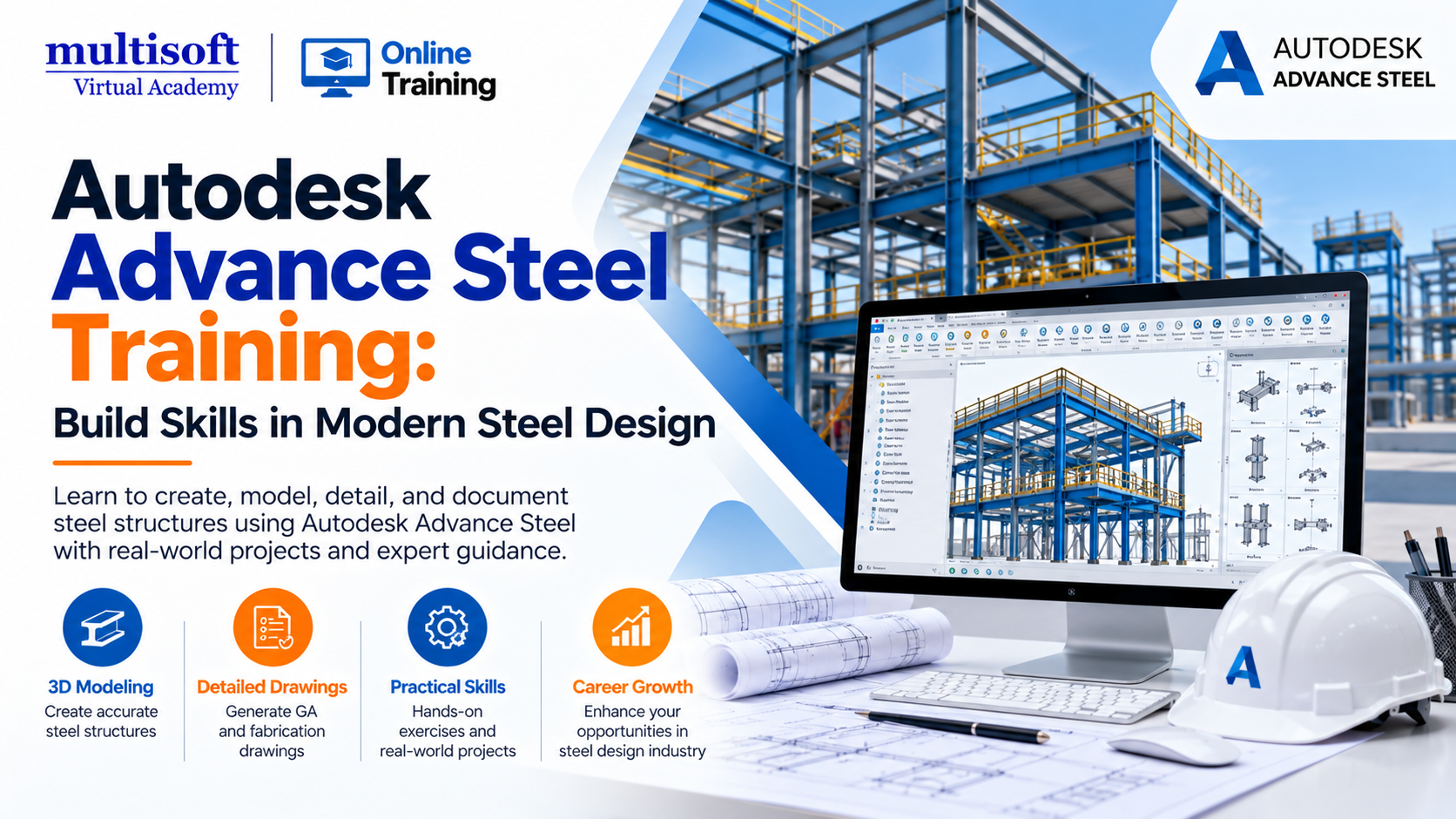
The construction and structural engineering industries increasingly rely on digital tools to improve accuracy, coordination, and productivity. From commercial buildings and industrial plants to warehouses, bridges, and infrastructure projects, structural steel plays an important role in modern construction. As projects become more complex, professionals need effective ways to create accurate 3D models, prepare fabrication drawings, and coordinate structural components.
This is where Autodesk Advance Steel Training becomes valuable. Autodesk Advance Steel is a specialized software solution used for 3D structural steel modeling, detailing, documentation, and the preparation of fabrication-related deliverables. It helps structural engineers, steel detailers, draftspeople, and fabrication professionals develop detailed steel models and generate drawings that support construction and manufacturing workflows.
Learning Advance Steel can help professionals understand how structural elements fit together, how steel connections are represented, and how a coordinated model can support downstream project activities. It also provides an opportunity for beginners and experienced CAD professionals to expand their technical capabilities.
Whether you are entering structural steel detailing or looking to strengthen your existing engineering skills, understanding Advance Steel can help you work more confidently with modern structural design and detailing processes.
Autodesk Advance Steel Training is a 3D structural steel detailing application designed to help engineering and construction professionals create intelligent steel models and produce project documentation. The software supports the development of structural components, connections, general arrangement drawings, fabrication drawings, bills of materials (BOMs), and numerical control (NC) data.
Unlike basic 2D drafting workflows, Advance Steel allows users to work with intelligent structural objects containing information about dimensions, properties, and connections. This model-based approach helps teams maintain consistency between the 3D model and associated documentation.
For example, a steel detailer working on an industrial warehouse can model columns, beams, bracing, base plates, and connections before generating drawings for fabrication. Changes to the model can also be reflected in associated documentation through the software's drawing-management workflows.
Understanding these capabilities through structured Autodesk Advance Steel Training can help professionals build practical skills relevant to steel detailing and fabrication projects.
Learning specialized engineering software can improve technical confidence and help professionals understand modern project workflows. Here are several important benefits of Advance Steel training.
Three-dimensional modeling is an essential part of modern structural steel detailing. Training helps learners understand how to create steel members, position structural elements, establish grids, and develop models for different project requirements.
You can learn to model beams, columns, bracing systems, plates, stairs, railings, and other structural components. These skills are useful when working on commercial buildings, industrial structures, warehouses, and steel-framed facilities.
Steel connections are important because they determine how structural members are represented and assembled. Advance Steel provides tools for creating and managing different connection types, including configurable parametric connections.
A comprehensive training program can introduce learners to connection placement, connection properties, bolts, plates, and connection adjustments. It should also explain how to coordinate detailing requirements with approved engineering designs.
Important: Software modeling does not replace structural engineering judgment. Connection adequacy and design compliance must be verified by qualified professionals using the applicable project requirements and standards.
Preparing detailed drawings is one of the most important responsibilities in steel detailing. Fabricators need clear information about member dimensions, holes, plates, welds, connections, assembly arrangements, and other manufacturing requirements.
Advance Steel supports automated generation of steel shop drawings and general arrangement drawings from the model. Learning how to configure drawing styles, review dimensions, manage revisions, and check drawing outputs can help professionals produce more consistent documentation.
Building Information Modeling (BIM) enables project teams to coordinate information across different design and construction disciplines.
Advance Steel supports interoperability with Autodesk Revit and other project tools. Training can help learners understand model exchange, structural data synchronization, and the coordination of design models with fabrication-level detailing.
These capabilities are particularly useful for teams working on projects where architects, structural engineers, steel detailers, and fabricators must coordinate design changes.
Accurate material information helps project teams plan procurement, fabrication, and assembly activities.
Advance Steel can generate bills of materials from model information and produce NC data for supported fabrication workflows. Training should cover how to review quantities, identify parts, organize assemblies, and validate generated outputs before they are shared with production teams.
A well-structured Autodesk Advance Steel course should combine software fundamentals with practical exercises. The following topics provide a useful learning roadmap.
Module 1: Software Interface and Project Setup
Understand the user interface, navigation, model settings, coordinate systems, grids, project templates, and basic drawing management.
Module 2: Structural Steel Modeling
Create columns, beams, braces, plates, stairs, railings, and other structural elements while learning how to organize a 3D steel model.
Module 3: Steel Connections
Explore connection tools, bolts, plates, connection properties, and the application of appropriate detailing requirements.
Module 4: Drawing Creation and Documentation
Generate general arrangement drawings, assembly drawings, single-part drawings, dimensions, labels, and drawing revisions.
Module 5: BOMs and Fabrication Outputs
Learn to prepare bills of materials, review part marks, organize assemblies, and understand NC data generation.
Module 6: BIM Integration and Project Practice
Explore Revit interoperability, model coordination, drawing updates, quality checks, and the completion of a sample steel detailing project.
The exact syllabus may vary by training provider. Autodesk's own learning resources also cover Revit-to-Advance Steel data exchange, structural modeling, connections, and documentation.
Autodesk Advance Steel Training can benefit professionals at different stages of their engineering careers.
Beginners should ideally have a basic understanding of engineering drawings and structural components. Previous experience with AutoCAD, Revit, or related design software can be helpful, although the required prerequisites depend on the course.
Professionals with practical structural steel detailing skills may explore several career paths depending on their qualifications, experience, location, and project knowledge.
Potential job roles include:
These roles can involve modeling steel structures, preparing fabrication drawings, managing revisions, coordinating with engineers, and supporting fabrication teams.
Employers may also look for experience with related technologies such as AutoCAD, Revit Structure, Navisworks, and other structural engineering applications. Combining Advance Steel skills with sound drawing interpretation, communication, and quality-control practices can strengthen a candidate's professional profile.
However, completing a course does not guarantee employment or a particular salary. Practical project experience, technical competence, and the requirements of the employer remain important factors.
Traditional 2D detailing relies heavily on individual drawings and manual coordination. Model-based detailing creates a more connected workflow by using a 3D structural model as the basis for generating documentation.
| Area | Traditional 2D detailing | Advance Steel workflow |
| Modeling | Primarily drawing-based | Intelligent 3D steel model |
| Documentation | Often requires manual drafting | Model-driven drawing generation |
| Material lists | May require separate preparation | BOM generation from model data |
| Connections | Represented through drawings and details | Modeled with dedicated connection tools |
| Model coordination | Can require manual comparison | Supports interoperability with compatible tools |
| Fabrication data | Depends on the drafting workflow | Supports NC data generation |
These approaches are not mutually exclusive. Many projects still require 2D drawings, and a model-based workflow also requires checking dimensions, drawing outputs, and project-specific requirements. The main advantage is the opportunity to coordinate design information more consistently across the detailing process.
Before enrolling in an Autodesk Advance Steel course, evaluate whether the program provides the knowledge and practice needed for your career goals.
Check the syllabus: Look for 3D modeling, connection detailing, drawing generation, BOMs, and fabrication workflows.
Prioritize hands-on exercises: A useful course should include practical assignments rather than focusing exclusively on software demonstrations.
Review trainer experience: Instructors with relevant structural detailing or engineering project experience can help explain real-world challenges.
Look for a complete project: Modeling a sample structure and producing its associated drawings provides a better understanding of the complete workflow.
Ask about learning support: Check whether the program offers doubt-clearing sessions, learning materials, recorded sessions, or post-training assistance.
Verify certification details: Understand whether the course provides a training completion certificate or prepares you for a separate software certification. Do not assume these are equivalent.
Choosing training based on practical outcomes, rather than course duration alone, can help you develop skills that are more useful in professional projects.
Digital construction workflows continue to place importance on coordinated project information, accurate documentation, and efficient collaboration. Structural steel detailing is part of this broader movement toward model-based engineering.
Tools that support parametric connections, drawing automation, data exchange, and fabrication outputs can help project teams manage complex structures more effectively. Autodesk Advance Steel also offers integration options with Revit, Navisworks, and other applications used across design and construction workflows.
For professionals, the opportunity lies in combining software knowledge with engineering fundamentals. Learning how to interpret structural drawings, understand fabrication requirements, manage model revisions, and communicate with project stakeholders remains essential.
As BIM adoption and digital coordination practices evolve, professionals who can connect 3D modeling with accurate documentation may find opportunities across structural engineering consultancies, steel fabrication companies, construction firms, and industrial project organizations. Actual demand varies by region and employer, so learners should also review local job descriptions to identify the skills most frequently requested.
Developing expertise in Autodesk Advance Steel can be a valuable step for civil engineers, structural designers, CAD professionals, and aspiring steel detailers who want to understand modern 3D modeling and fabrication documentation. The most effective learning approach combines software fundamentals, practical modeling exercises, connection detailing, drawing preparation, and BIM coordination. For professionals seeking structured learning and industry-oriented skill development, Multisoft Virtual Academy offers training opportunities designed to help learners build their technical knowledge and strengthen their understanding of engineering software workflows. By investing in consistent practice and applying learned concepts to realistic projects, learners can work toward becoming more capable and confident structural steel detailing professionals.
| Start Date | Time (IST) | Day | |||
|---|---|---|---|---|---|
| 10 Oct 2026 | 06:00 PM - 10:00 AM | Sat, Sun | |||
| 11 Oct 2026 | 06:00 PM - 10:00 AM | Sat, Sun | |||
| 17 Oct 2026 | 06:00 PM - 10:00 AM | Sat, Sun | |||
| 18 Oct 2026 | 06:00 PM - 10:00 AM | Sat, Sun | |||
|
Schedule does not suit you, Schedule Now! | Want to take one-on-one training, Enquiry Now! |
|||||






 Join our Live Instructor-Led online classes delivered by industry experts
 Let's Get Started