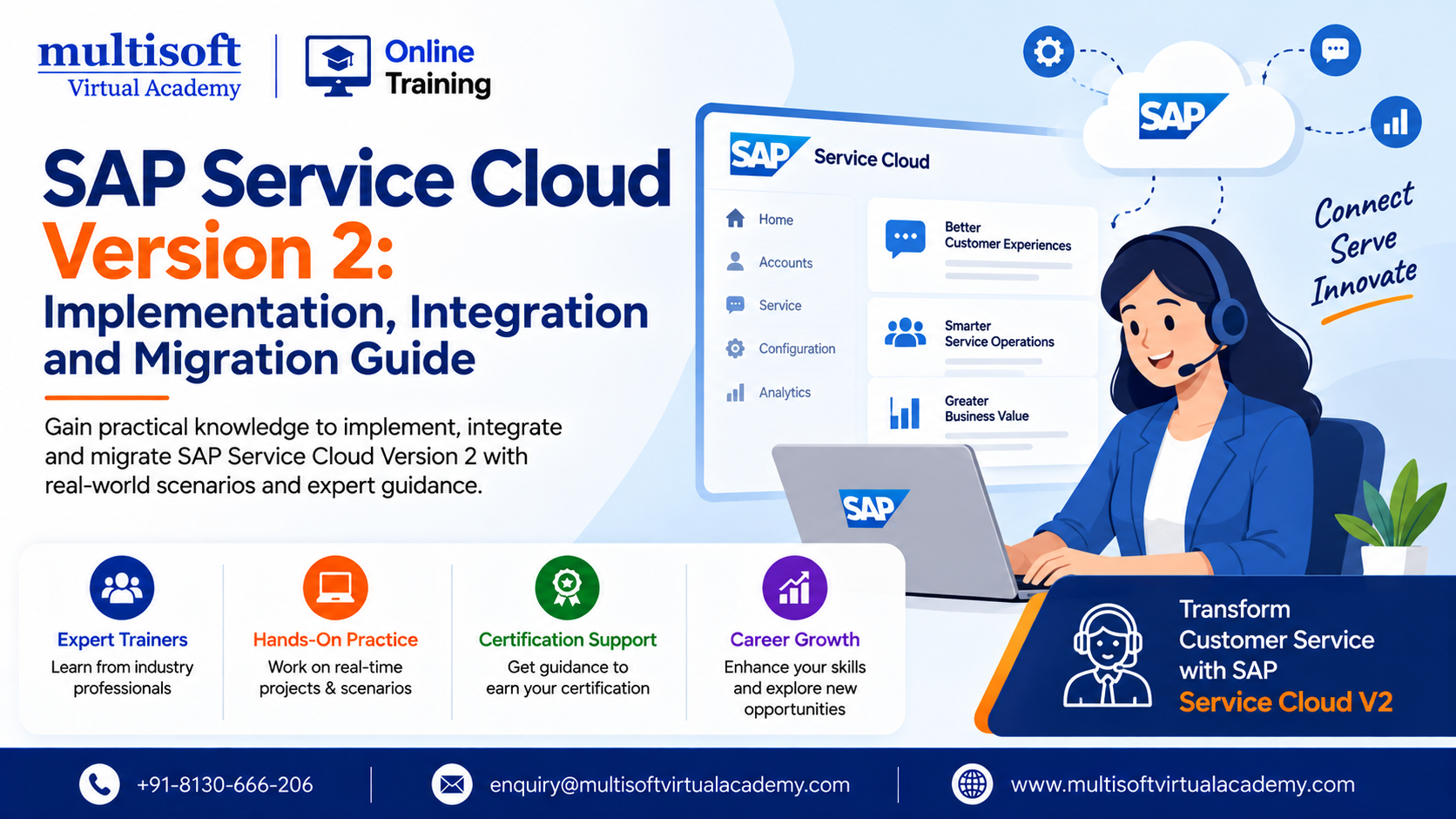
Customer expectations are changing rapidly. Businesses now need faster responses, connected service channels, personalized interactions and efficient case resolution. Traditional customer service platforms can struggle to support these expectations when data, processes and communication channels remain disconnected. SAP Service Cloud Version 2 provides a modern approach to customer service management by helping organizations streamline service operations and connect customer-facing processes with the broader SAP ecosystem.
For organizations evaluating a new customer service platform or planning a transition from SAP Cloud for Customer, understanding SAP Service Cloud V2 implementation, integration, migration and configuration requirements is increasingly important. SAP describes Service Cloud Version 2 as a solution that supports service organizations through capabilities such as case management, agent desktop functionality, communication channels, service objects and extensibility.
SAP Service Cloud Version 2 is a cloud-based customer service solution designed to help organizations manage customer interactions and service processes more efficiently. It provides a modern service environment where agents can access relevant customer information, manage cases and work with service-related processes from a centralized interface.
The platform includes an agent desktop, customer search, communication channels and case management capabilities. SAP's feature documentation also highlights support for communication through channels such as phone, email and chat through compatible third-party communication providers.
Unlike simply replacing an existing CRM platform, a successful SAP Service Cloud V2 implementation should focus on how customer service processes, master data, integrations, users and business requirements work together.
Customer service is no longer limited to answering support requests. Modern service organizations need to manage customer relationships across multiple channels while maintaining consistent information throughout the customer journey.
SAP Service Cloud Version 2 can help organizations address several important business requirements:
The platform's case management framework and flow capabilities are designed to support efficient service processes and automated communication workflows.
A successful SAP Service Cloud V2 implementation requires more than configuring screens and assigning users. Organizations should first understand their existing service processes and then map those requirements to the capabilities available in the new environment.
SAP's implementation learning journey includes activities such as starting the implementation, setting up master data, creating service objects, configuring case management, configuring service elements and communication channels and understanding integration with the wider SAP ecosystem.
A typical implementation can include the following stages.
The first step is understanding the current service environment.
Organizations should evaluate:
This assessment helps define the appropriate implementation roadmap and prevents unnecessary customization.
SAP Service Cloud Version 2 requires appropriate organizational structures, users and business roles. Access should be designed around actual job responsibilities rather than providing excessive system permissions.
SAP's setup guidance specifically includes organizational structures, user accounts, roles, access control, branding and templates as part of the configuration process.
A carefully designed role structure can improve security while making the application easier for service teams to use.
Master data is fundamental to a successful service operation.
Depending on the business scenario, organizations may need to work with information such as:
Poor master data quality can create downstream problems during integration, migration and reporting. Therefore, data cleansing should be considered an important part of the implementation strategy.
Integration is one of the most important aspects of any enterprise customer service transformation.
Businesses often need their service platform to exchange information with ERP, finance, product, customer and other enterprise systems.
SAP Service Cloud V2 integration can connect the service environment with the broader SAP landscape and external applications depending on the organization's architecture.
Integration with SAP S/4HANA can help synchronize business information between customer service and core enterprise processes.
SAP documentation describes integration scenarios involving SAP Service Cloud Version 2, SAP S/4HANA and SAP Cloud Integration. Depending on the scenario, configuration can involve communication systems, communication configurations, technical users, value mappings and integration flows.
For organizations planning an SAP Service Cloud V2 S/4HANA integration, technical architecture should therefore be defined before implementation begins.
SAP Cloud Integration can play an important role in connecting Service Cloud Version 2 with other enterprise applications.
Integration planning should consider:
SAP's documentation also identifies SAP Cloud Integration and SAP Cloud Connector among the components that may be required for specific integration scenarios.
Many organizations evaluating Service Cloud Version 2 are already using SAP Cloud for Customer. For these businesses, SAP C4C migration to SAP Service Cloud V2 requires careful planning.
Migration should not be treated as a simple technical data transfer. Existing business processes, customizations, integrations and data structures must be assessed before deciding what should move to the new environment.
SAP provides transition guidance for supported business objects and migration scenarios. However, support can vary depending on the specific object and scenario. For example, SAP documentation indicates that certain objects may have restrictions or may require replication from external systems after transition.
This makes migration assessment particularly important.
A structured migration project may include:
Organizations should also distinguish between data that can be transferred directly and information that may need to be recreated, replicated or integrated from another source.
Configuration is another important component of implementation.
Administrators may configure organizational structures, users, roles, service processes, communication channels, service objects and other platform capabilities.
The SAP setup guide is specifically designed to provide implementers with a structured checklist for configuring a new Service Cloud Version 2 tenant.
Configuration should always follow business requirements rather than attempting to replicate every aspect of a legacy system.
A cleaner approach is often to review existing processes and determine whether they can be simplified using standard functionality.
Case management is central to customer service operations.
Service teams can use cases to organize customer requests, complaints, questions and other service interactions.
An effective case management design should define:
Automation can reduce repetitive manual activities and help service teams focus on more complex customer issues.
The agent desktop is designed to bring relevant customer information and service tools together in a centralized working environment.
SAP identifies the agent desktop as the central work area for service agents, providing access to customer information, processes, object references and service tools.
For businesses, this can support a more consistent service experience.
Instead of switching between disconnected applications, agents can work within a structured service environment where customer and service information is more readily available.
Every organization has unique service requirements. However, extensive customization can make enterprise systems difficult to maintain.
SAP Service Cloud Version 2 provides extensibility capabilities that allow organizations and partners to extend the platform without modifying the original application codebase.
This approach can be useful when organizations need:
The objective should be to balance standard functionality with carefully selected extensions.
Organizations considering the platform can evaluate several potential benefits.
A centralized agent environment can reduce unnecessary application switching and make relevant information easier to access.
Connected processes can help service teams respond to customers more consistently and efficiently.
Automated workflows can reduce repetitive manual tasks and support faster case handling.
Integration with SAP S/4HANA and other systems can help connect customer service with broader business operations.
A cloud-based environment can provide organizations with a modern foundation for evolving customer service requirements.
Organizations can extend the platform when standard functionality does not fully address a specific requirement.
Despite its advantages, implementation requires careful planning.
Duplicate, incomplete or outdated customer information can create migration and operational problems.
Organizations migrating from older environments may have extensive custom developments that are not directly transferable.
Multiple enterprise applications can make integration architecture complicated.
Employees need adequate training and support to adopt new service processes.
Trying to implement everything simultaneously can increase project complexity.
A phased implementation approach can help organizations manage these challenges more effectively.
Businesses can improve implementation outcomes by following several practical principles.
Start with business requirements: Define service objectives before configuring the platform.
Prioritize standard functionality: Avoid unnecessary customization when standard capabilities can meet the requirement.
Clean data before migration: Identify duplicates, outdated records and inconsistent information early.
Design integrations carefully: Define APIs, data mappings, authentication and monitoring requirements before development.
Plan user roles: Apply role-based access according to actual business responsibilities.
Test end-to-end processes: Testing should cover customer creation, case handling, communication, integration and reporting.
Prepare users for change: Training and documentation are essential for adoption.
Plan post-go-live support: The implementation does not end when the system goes live. Continuous optimization can improve long-term value.
Before going live, organizations should review:
A structured checklist helps project teams identify gaps before they affect business operations.
SAP Service Cloud Version 2 can be relevant for organizations that want to modernize customer service operations, improve service process management or connect customer service with their SAP ecosystem.
It may be particularly relevant for:
The right implementation approach depends on the organization's existing technology landscape, business requirements and migration objectives.
SAP Service Cloud Version 2 is a cloud-based customer service solution that supports service processes including case management, agent operations, communication channels and service-related data management.
SAP Service Cloud V2 implementation involves configuring the platform according to business requirements, setting up organizational structures and users, managing master data, configuring service processes and establishing required integrations.
Yes. SAP provides integration scenarios between SAP Service Cloud Version 2 and SAP S/4HANA. Depending on the scenario, SAP Cloud Integration and other integration components may be involved.
Yes, SAP provides transition and migration guidance for moving supported scenarios from SAP Cloud for Customer to SAP Service Cloud Version 2. However, migration support varies by business object and scenario, so a detailed assessment is recommended before migration.
Accurate customer, product and service data is essential for successful customer service operations. Poor-quality data can create duplicate records, incorrect customer information and operational issues after go-live.
Yes. SAP Service Cloud Version 2 provides extensibility options that allow organizations to add capabilities without modifying the original application codebase.
A successful SAP Service Cloud Version 2 journey is not simply about moving to a newer customer service platform. It is about creating a connected, efficient and scalable service environment that aligns people, processes, customer data and enterprise applications. From SAP Service Cloud V2 implementation and SAP C4C migration to SAP Service Cloud V2 integration, S/4HANA connectivity, data migration, configuration and extensibility, each stage requires careful planning and practical expertise. Organizations looking for experienced guidance across these areas can work with Multisoft Virtual Academy, a professional service provider focused on helping businesses approach SAP Service Cloud Version 2 projects with structured implementation, integration and migration strategies.
| Start Date | Time (IST) | Day | |||
|---|---|---|---|---|---|
| 31 Oct 2026 | 06:00 PM - 10:00 AM | Sat, Sun | |||
| 01 Nov 2026 | 06:00 PM - 10:00 AM | Sat, Sun | |||
| 07 Nov 2026 | 06:00 PM - 10:00 AM | Sat, Sun | |||
| 08 Nov 2026 | 06:00 PM - 10:00 AM | Sat, Sun | |||
|
Schedule does not suit you, Schedule Now! | Want to take one-on-one training, Enquiry Now! |
|||||






 Join our Live Instructor-Led online classes delivered by industry experts
 Let's Get Started