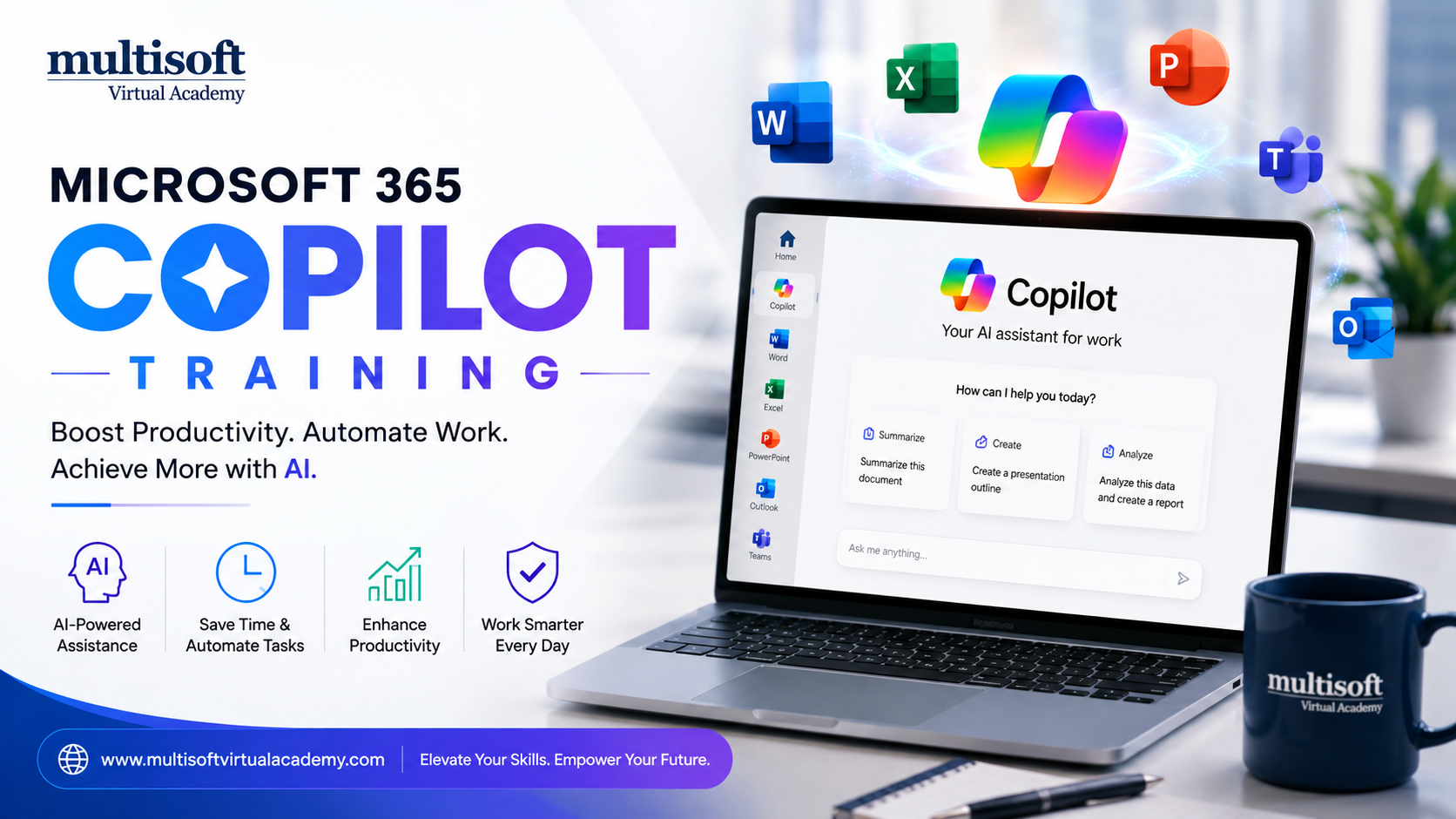
Artificial Intelligence (AI) is transforming the way businesses operate across industries. From automating repetitive tasks to improving decision-making, AI is helping organizations become more productive and efficient. One of the most significant innovations in workplace productivity is Microsoft 365 Copilot. Designed to work seamlessly within Microsoft 365 applications, this AI-powered assistant helps users create content, analyze data, manage communications and collaborate more effectively.
Whether you are a business professional, manager, marketer, analyst or student, Microsoft 365 Copilot can simplify your daily tasks and help you achieve more in less time. By integrating advanced AI capabilities into familiar tools such as Word, Excel, PowerPoint, Outlook and Teams, Microsoft has created a solution that enhances productivity without requiring extensive technical knowledge.
This article explores Microsoft 365 Copilot, its features, benefits, applications and why it is becoming an essential tool for modern workplaces.
Microsoft 365 Copilot Training is an AI-powered productivity assistant integrated into Microsoft 365 applications. It uses advanced language models combined with organizational data to help users generate content, summarize information, analyze data and automate routine tasks.
Unlike traditional software tools that require manual input for every task, Microsoft 365 Copilot understands natural language commands. Users can simply describe what they need, and Copilot generates relevant responses, reports, presentations or insights.
For example:
The goal is to reduce manual work and allow professionals to focus on higher-value activities.
1. AI-Powered Content Creation
One of the most popular features of Microsoft 365 Copilot is its ability to generate high-quality content.
Users can create:
Instead of starting from a blank page, users can provide instructions and receive a structured draft within seconds.
Data analysis often requires significant time and expertise. Microsoft 365 Copilot simplifies this process by helping users:
Even users with limited Excel experience can gain valuable insights from their data.
Managing emails is one of the biggest productivity challenges in modern workplaces.
With Microsoft 365 Copilot, users can:
This reduces the time spent managing inboxes and improves communication efficiency.
Meetings generate valuable information, but keeping track of discussions can be difficult.
Microsoft 365 Copilot helps by:
This ensures team members stay informed even if they miss a meeting.
Creating professional presentations can take hours.
Microsoft 365 Copilot assists by:
Users can build impactful presentations much faster than traditional methods.
Increased Productivity
By automating repetitive tasks, Microsoft 365 Copilot allows employees to focus on strategic work rather than administrative activities.
Improved Collaboration
Teams can collaborate more effectively through automated summaries, shared insights and better communication.
Better Decision-Making
AI-powered analysis helps businesses make informed decisions based on accurate data insights.
Enhanced Creativity
Copilot assists with brainstorming, content generation and idea development, helping users overcome creative blocks.
Reduced Workload
Employees spend less time on manual tasks and more time on innovation and problem-solving.
Microsoft 365 Copilot combines:
Microsoft Graph connects data from:
This integration allows Copilot to provide context-aware recommendations and responses.
For example, if a manager asks Copilot to prepare a project update, it can gather information from emails, meetings and documents to generate a comprehensive report.
For Business Leaders
Executives can:
For Marketing Teams
Marketers can:
For Human Resources
HR professionals can:
For Sales Teams
Sales representatives can:
For Finance Teams
Finance professionals can:
Organizations worldwide are recognizing the value of AI-powered productivity tools. Microsoft 365 Copilot provides measurable benefits by reducing manual effort and increasing operational efficiency.
Businesses adopting Copilot often experience:
As competition increases, organizations are seeking tools that help employees work smarter rather than harder.
Give Clear Instructions
The quality of Copilot’s output depends on the clarity of the prompt. Detailed instructions usually generate better results.
Review AI-Generated Content
Always review generated content before sharing it externally.
Use Copilot Across Multiple Applications
Integrating Copilot into Word, Excel, Outlook and Teams maximizes its value.
Train Employees
Providing proper training helps employees use Microsoft 365 Copilot effectively and responsibly.
Copilot should support human decision-making rather than replace it entirely.
The future of workplace productivity is closely connected with AI. Microsoft continues to enhance Copilot with new capabilities, deeper integrations and improved intelligence.
Future developments may include:
As AI technology evolves, Microsoft 365 Copilot is expected to become an even more powerful workplace assistant.
Microsoft 365 Copilot is revolutionizing the way professionals work by bringing advanced AI capabilities directly into the applications they use every day. From content creation and data analysis to email management and meeting summaries, Copilot helps users accomplish tasks more efficiently while improving accuracy and productivity.
Organizations that embrace Microsoft 365 Copilot can benefit from streamlined workflows, enhanced collaboration and better decision-making. Whether you are a business leader, marketer, analyst, HR professional or student, this AI-powered assistant can help you work smarter and achieve more in less time.
As businesses continue their digital transformation journeys, Microsoft 365 Copilot is set to become an essential productivity tool for the modern workplace. Companies that adopt and leverage this technology today will be better positioned to succeed in an increasingly competitive and AI-driven business environment. Enroll in Multisoft Virtual Academy now!
| Start Date | Time (IST) | Day | |||
|---|---|---|---|---|---|
| 24 Oct 2026 | 06:00 PM - 10:00 AM | Sat, Sun | |||
| 25 Oct 2026 | 06:00 PM - 10:00 AM | Sat, Sun | |||
| 31 Oct 2026 | 06:00 PM - 10:00 AM | Sat, Sun | |||
| 01 Nov 2026 | 06:00 PM - 10:00 AM | Sat, Sun | |||
|
Schedule does not suit you, Schedule Now! | Want to take one-on-one training, Enquiry Now! |
|||||






 Join our Live Instructor-Led online classes delivered by industry experts
 Let's Get Started