New Year Offer - Flat 15% Off + 20% Cashback | OFFER ENDING IN :

Blogs

Unleashing Potential, Inspiring Growth: Your Pathway to Endless Learning and Knowledge Explore a world of opportunities with a vast array of information and resources designed to empower your mind and fuel your curiosity.

Explore our Blogs

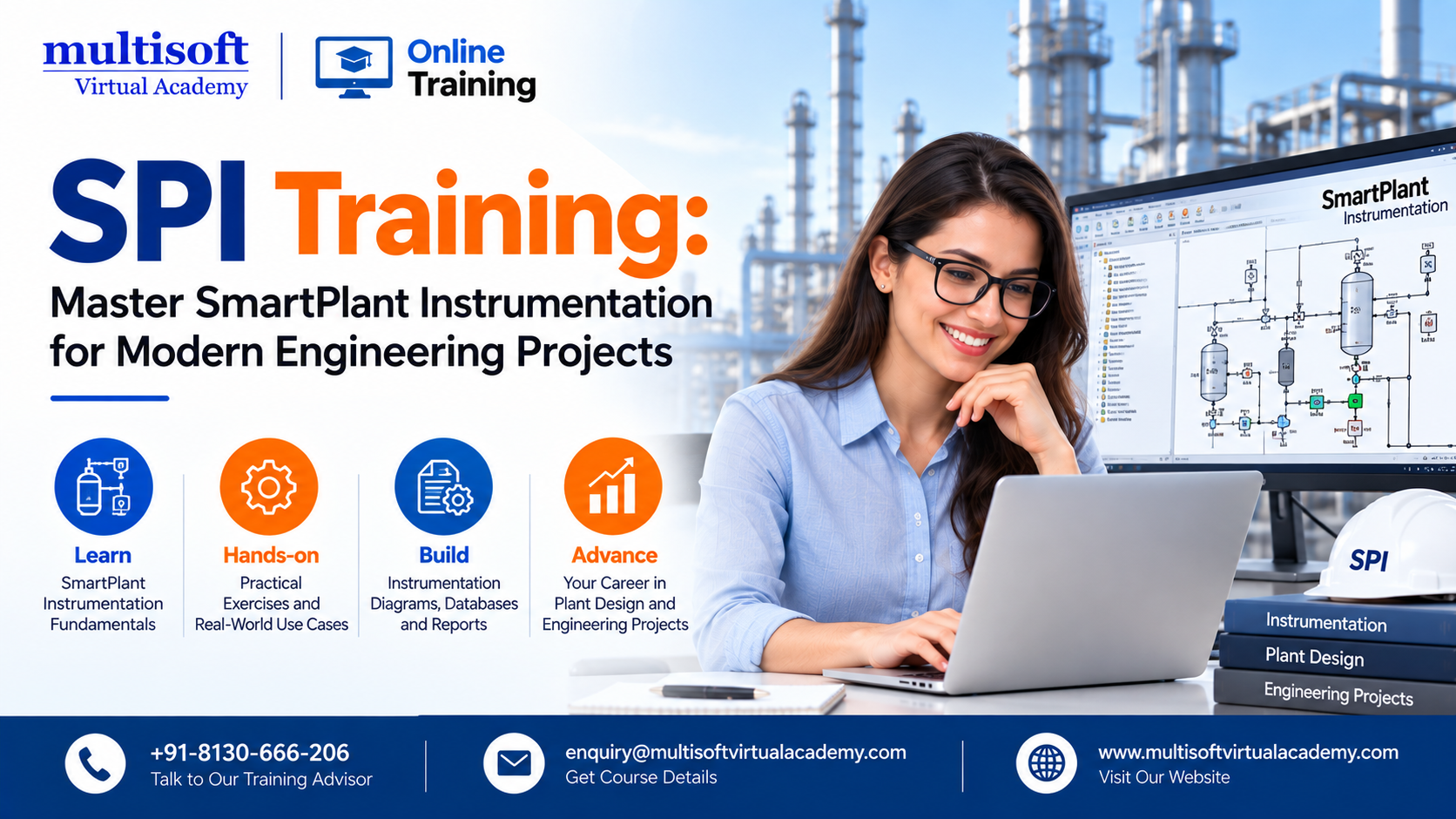
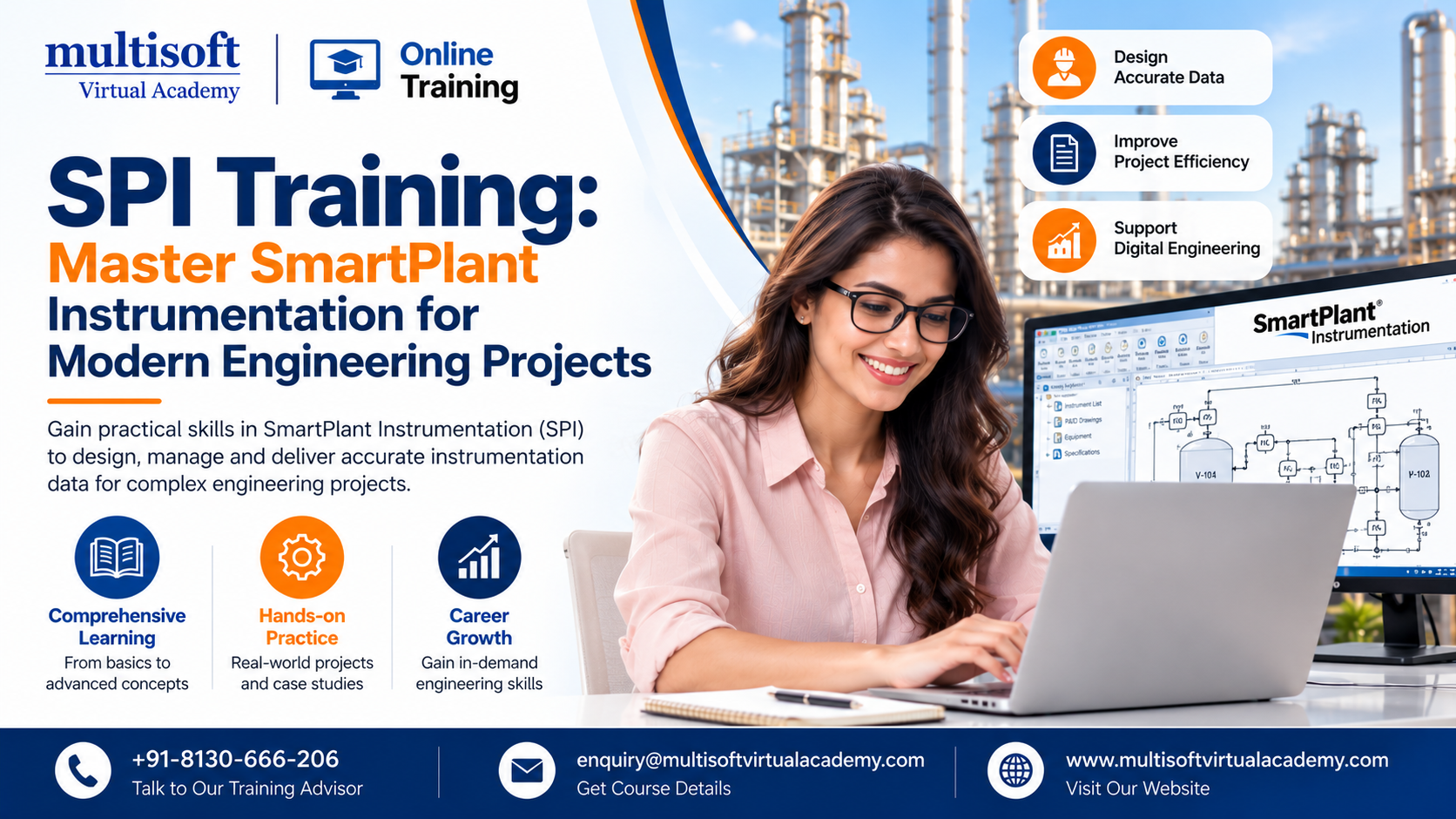
SPI Training: Master SmartPlant Instrumentation for Modern Engineering Projects

Instrumentation plays a vital role in the design, control, monitoring, and safe operation of industrial facilities. As engineering projects become more complex, organizations need professionals who can manage large volumes of instrumentation data accurately and efficiently. This is where SPI Training becomes highly valuable.

SPI Training, commonly known as SPI or INtools, is a specialized engineering application used to manage instrumentation and control-system information throughout industrial projects. It supports important activities such as instrument definition, specifications, process data, calculations, wiring, loop diagrams, hook-ups, documentation, and engineering data management. Official training material also highlights workflows involving instruments, control loops, specification sheets, wiring, and loop drawings.

For instrumentation engineers, designers, project professionals, and technical specialists, learning SPI can provide practical skills that align with the requirements of modern EPC and process-industry projects.

What Is SPI and Why Does It Matter?

SPI stands for SmartPlant Instrumentation. It was originally associated with the INtools platform and is now part of Hexagon's engineering software ecosystem.

The platform provides a structured environment for creating and managing instrumentation information. Instead of depending heavily on disconnected spreadsheets and manually maintained documents, engineers can work with centralized engineering information.

A typical SmartPlant Instrumentation environment can support:

  • Instrument indexes
  • Instrument specifications
  • Process data
  • Control loops
  • Engineering calculations
  • Wiring information
  • Hook-up information
  • Loop drawings
  • I/O-related information
  • Reports and engineering documentation
  • Instrumentation databases

This makes SmartPlant Instrumentation Training particularly relevant to professionals working on large engineering projects where data accuracy and consistency are essential.

The software's specification workflow, for example, can use information from areas such as the Instrument Index, Process Data, and Calculation modules to generate specifications according to configured instrument profiles.

Why Is SPI Training Important for Instrumentation Professionals?

Modern engineering projects involve thousands of instruments and associated engineering records. Managing this information manually can become time-consuming and increase the possibility of errors.

A structured SPI Training Course helps professionals understand how instrumentation information is created, organized, reviewed, modified, and documented within an engineering environment.

Instead of learning isolated software commands, effective training should connect the software with real engineering workflows.

Professionals can learn how different activities relate to one another. For example, an instrument may require process information, a specification, calculations, wiring information, and documentation. Understanding these relationships allows engineers to work more efficiently.

SPI training can therefore help professionals improve:

  • Instrument data management
  • Engineering documentation
  • Design consistency
  • Project coordination
  • Data accuracy
  • Workflow efficiency
  • Technical reporting
  • Instrumentation documentation

What Do You Learn in an SPI Training Course?

A comprehensive SmartPlant Instrumentation Course should cover both fundamental concepts and practical workflows.

1. Introduction to SmartPlant Instrumentation

The training generally begins with the SPI environment, terminology, project structure, and basic navigation.

Learners become familiar with the software interface and understand how instrumentation information is organized.

This foundation is important because advanced activities depend on understanding the underlying project structure.

2. Instrument Index Management

The instrument index is an important part of instrumentation engineering.

During SPI INtools Training, professionals can learn how instrument information is created, organized, searched, reviewed, and maintained.

Understanding instrument tags and associated engineering information helps maintain consistency throughout a project.

3. Process Data Management

Process data provides important information required for instrumentation design and engineering.

Training can introduce professionals to the process information associated with instruments and explain how this information supports downstream engineering activities.

This knowledge becomes especially useful when working on large-scale process plants.

4. Instrument Specifications

Instrument specifications are essential engineering deliverables.

SPI provides structured workflows for managing specification information. Professionals can learn how specification forms, instrument types, and associated data work together.

This part of an SPI Certification Training program can help learners understand how standardized engineering information can be managed more efficiently.

5. Control Loops and Loop Diagrams

Control loops connect instruments and control-system components into functional systems.

SPI training can introduce learners to the creation and management of control loops and associated documentation.

Loop diagrams are also important deliverables for instrumentation teams. Learning how these documents are generated and maintained can help engineers reduce repetitive manual work.

6. Wiring and Connectivity

Instrumentation projects involve extensive wiring information.

A structured SPI environment allows professionals to manage wiring-related engineering information in a systematic way.

Training can cover wiring concepts, connections, related components, and documentation workflows.

7. Hook-Ups and Engineering Documentation

Instrumentation hook-ups provide important installation-related information.

A practical SmartPlant Instrumentation Training program should explain how hook-up information is created and managed and how it connects with other instrumentation deliverables.

Professionals can also learn how to manage engineering documents and generate project-related outputs.

SPI Admin Training: Why Administration Skills Matter

Not every SPI professional works only as a designer or engineer. Large projects also require administrators who understand project configuration, databases, security, and system maintenance.

SPI Admin Training is therefore an important specialization for professionals responsible for managing the SPI environment.

Administrative topics may include:

  • Project and domain setup
  • Database configuration
  • User management
  • Access control
  • System configuration
  • Data maintenance
  • Backup and recovery concepts
  • Project administration
  • Database structure
  • Customization concepts

Some SPI administrator programs specifically focus on installation, database configuration, domain creation, database maintenance, and customization.

These skills can be particularly valuable for professionals supporting engineering teams and maintaining project environments.

Who Should Take SPI Training?

SPI Training Online can benefit a wide range of professionals involved in instrumentation and plant engineering.

The course may be suitable for:

  • Instrumentation engineers
  • Instrumentation designers
  • Control engineers
  • Process control professionals
  • Engineering consultants
  • EPC professionals
  • Project engineers
  • Instrumentation technicians
  • Engineering graduates
  • Professionals moving into instrumentation design
  • SPI administrators
  • Plant engineering professionals

Beginners can use foundational training to understand the software, while experienced engineers can use advanced training to improve their existing workflows.

A structured training program can also help professionals understand how instrumentation data connects across different stages of a project.

Industries That Use SmartPlant Instrumentation Skills

Instrumentation engineering is essential across multiple process and industrial sectors.

Professionals with SmartPlant Instrumentation Software Training can find relevant applications in industries such as:

Oil and Gas

Oil and gas facilities contain extensive instrumentation systems for monitoring pressure, temperature, flow, level, and other process parameters.

Petrochemical and Chemical Plants

Chemical facilities require accurate instrumentation for process control, safety, and operational monitoring.

Power Generation

Power plants depend on instrumentation and control systems to monitor and manage complex processes.

Pharmaceutical Manufacturing

Pharmaceutical facilities require controlled processes, accurate measurement, and well-maintained engineering documentation.

Water and Wastewater

Water treatment and wastewater facilities use instrumentation to monitor and control important operational parameters.

Manufacturing

Industrial manufacturing environments increasingly depend on automation, instrumentation, and control systems.

Because of this broad application, Instrumentation Engineering Training combined with SPI knowledge can be a valuable professional-development pathway.

Benefits of Learning SPI Online

Online learning has made specialized engineering software training more accessible to working professionals.

With SPI Training Online, learners can study without necessarily leaving their current jobs or projects.

Some key advantages include:

Flexible Learning

Professionals can schedule learning around their existing responsibilities.

Practical Software Knowledge

A well-designed course can focus on actual software workflows instead of only theoretical concepts.

Career Development

Adding specialized instrumentation software skills can strengthen a technical professional's profile.

Project Readiness

Practical knowledge can help learners become more comfortable with project-based engineering activities.

Continuous Skill Development

Experienced professionals can use online training to refresh their knowledge when moving between projects or software environments.

Official virtual training documentation for SmartPlant Instrumentation has also described instructor-led sessions, demonstrations, tutorials, and self-paced learning approaches.

How to Choose the Right SPI Certification Training

Not every SPI Certification Training program provides the same depth of learning. Before selecting a course, professionals should evaluate several factors.

Look for Practical Training

Choose a course that explains real engineering workflows rather than focusing only on theoretical software features.

Check the Course Curriculum

The curriculum should ideally cover important areas such as instruments, specifications, process data, loops, wiring, hook-ups, documentation, and reporting.

Consider Your Experience Level

Beginners may require foundational training, while experienced professionals may benefit more from advanced user or administrator training.

Evaluate Instructor Expertise

Trainers with practical engineering knowledge can provide better context around software workflows.

Look for Project-Oriented Learning

Project-based exercises can make it easier to understand how different SPI modules work together.

Consider Version Relevance

SmartPlant Instrumentation environments can differ by version and project configuration. Therefore, learners should confirm that the course content matches the software environment relevant to their work.

SPI Training and Career Development

Learning specialized engineering software is increasingly important for professionals who want to remain competitive in technical industries.

However, software knowledge alone is not enough. Professionals should combine SPI skills with fundamental instrumentation and control engineering knowledge.

A strong learning path may include:

  1. Instrumentation fundamentals
  2. Process control concepts
  3. Engineering documentation
  4. SmartPlant Instrumentation fundamentals
  5. Advanced SPI workflows
  6. Project-based exercises
  7. SPI administration, where relevant
  8. Related plant-design software knowledge

This combination can help professionals develop a broader understanding of engineering project requirements.

What Makes Effective SPI Training Different?

The best learning experience does not simply teach where to click inside the software.

Instead, it explains why a particular workflow is required and how one engineering activity affects another.

For example, creating an instrument is only one part of the process. Professionals also need to understand specifications, process information, calculations, loops, wiring, documentation, and project deliverables.

This workflow-oriented approach makes SmartPlant Instrumentation Training more useful for professionals who want to apply their knowledge in real engineering environments.

It also supports better understanding of data relationships and reduces the gap between software training and practical project requirements.

Frequently Asked Questions About SPI Training

What is SPI Training?

SPI Training teaches professionals how to use SmartPlant Instrumentation for instrumentation engineering, design, documentation, data management, and related project workflows.

Is SPI the same as INtools?

SPI is commonly associated with the earlier INtools branding. SmartPlant Instrumentation is the current terminology used for the software within the broader SmartPlant ecosystem.

Who can learn SmartPlant Instrumentation?

Instrumentation engineers, designers, control professionals, EPC professionals, engineering graduates, and other technical professionals can learn SmartPlant Instrumentation.

Is SPI useful for oil and gas projects?

Yes. Instrumentation and control engineering are important parts of oil and gas and other process-industry projects, making SPI skills relevant to many EPC workflows.

What is SPI Admin Training?

SPI Admin Training focuses on administering the SPI environment, including areas such as configuration, databases, users, domains, maintenance, and system management.

Can I learn SPI online?

Yes. Online training can provide flexible access to instructor-led or self-paced learning depending on the training format.

Final Thought

As industrial projects become increasingly data-driven, professionals need more than traditional instrumentation knowledge. They also need the ability to manage engineering information accurately, efficiently, and consistently. SPI Training can help instrumentation engineers, designers, administrators, and other technical professionals develop practical skills for working with SmartPlant Instrumentation across modern engineering workflows. From instrument indexes and specifications to control loops, wiring, hook-ups, and documentation, the right learning approach can create a strong foundation for professional growth. For learners seeking structured, practical, and career-focused SmartPlant Instrumentation Training, Multisoft Virtual Academy acts as a best service provider, helping professionals build relevant technical capabilities and strengthen their readiness for instrumentation and plant-engineering projects.
ServiceNow AI / Now Assist: Transforming Enterprise Workflows with Generative AI

Artificial intelligence is rapidly changing how organizations manage IT services, employee support, customer operations, and business workflows. Among the technologies gaining strong attention, ServiceNow AI / Now Assist stands out by bringing generative AI capabilities directly into enterprise workflows.

ServiceNow describes Now Assist as a generative AI experience designed to improve productivity through conversational and proactive experiences. Its capabilities include generative AI skills, AI agents, agentic workflows, and integrations with large language models.

As organizations move beyond traditional automation toward intelligent and autonomous operations, professionals who understand ServiceNow AI, Now Assist, generative AI, AI agents, ServiceNow automation, and intelligent workflows can become increasingly valuable.

What Is ServiceNow AI / Now Assist?

ServiceNow AI / Now Assist is a collection of generative AI capabilities within the ServiceNow ecosystem. It helps users interact with enterprise information, summarize records, generate content, support service operations, and automate tasks using natural-language interactions.

Unlike conventional rule-based automation, generative AI can understand context and produce useful responses or content. ServiceNow's current AI platform also includes AI agents and agentic workflows that can perform more sophisticated, multi-step activities.

This makes ServiceNow Now Assist particularly relevant for organizations looking to improve productivity without completely replacing their existing workflows.

Why Is Now Assist Becoming Important?

Enterprise organizations generate enormous amounts of information through incidents, service requests, knowledge articles, employee interactions, customer cases, documents, and operational records.

Employees often spend considerable time searching for information, summarizing records, writing responses, creating documentation, and performing repetitive activities.

Now Assist can help reduce this burden by introducing AI directly into workflows.

Some common objectives include:

  • Improving employee productivity
  • Accelerating IT service management
  • Supporting customer service teams
  • Automating repetitive tasks
  • Generating summaries and responses
  • Improving knowledge management
  • Enhancing self-service
  • Supporting developers and administrators
  • Creating AI-powered workflows
  • Improving decision-making through contextual information

ServiceNow's AI platform now provides multiple capabilities covering AI skills, AI agents, AI governance, data, knowledge, and workflow execution.

Key Features of ServiceNow Now Assist

1. Generative AI for Enterprise Workflows

One of the primary benefits of Now Assist is its ability to bring generative AI into everyday enterprise processes.

Instead of switching between separate AI tools and business applications, users can access AI capabilities within relevant ServiceNow workflows.

For example, teams can use AI to summarize records, generate content, retrieve information, or assist with service-related activities.

2. AI-Powered Summarization

Large service records can contain extensive information. Reviewing every comment, update, attachment, and knowledge article can consume valuable time.

AI-powered summarization can help users quickly understand important information and focus on the next action.

This can be particularly useful for:

  • Incident summaries
  • Customer case summaries
  • Knowledge content
  • Employee service requests
  • Problem records
  • Change-related information
  • Operational documentation

3. Conversational AI

Natural-language interaction is another important part of the modern ServiceNow AI experience.

Employees can communicate with AI using conversational language rather than navigating multiple screens or remembering complicated commands.

This supports more accessible AI-powered employee service, IT service automation, and enterprise self-service.

ServiceNow has also positioned generative AI capabilities as a way to create more direct and conversational self-service experiences through its platform.

4. AI Agents and Agentic Workflows

The evolution from assistive AI toward agentic AI is one of the most important developments in the ServiceNow ecosystem.

Traditional automation follows predefined rules. Generative AI can assist users within those processes. Agentic workflows can go further by coordinating multiple steps to achieve a defined outcome.

ServiceNow currently describes three major AI asset types: skills, AI agents, and agentic workflows.

AI agents can potentially handle more complex tasks, while agentic workflows can connect multiple activities and systems.

This creates opportunities for:

  • Autonomous service operations
  • Intelligent incident management
  • Automated employee support
  • Customer service automation
  • AI-powered IT operations
  • Workflow orchestration
  • Cross-functional business automation

ServiceNow AI Skills and Customization

Organizations have different processes, data structures, and business requirements. A generic AI capability may therefore not be enough.

ServiceNow provides AI skills that can be designed around particular workflows and use cases. According to current ServiceNow documentation, generative AI skills can perform specific tasks using enterprise inputs and underlying large language models.

This opens the door to custom ServiceNow AI solutions.

Organizations can explore AI capabilities for areas such as:

  • ITSM
  • ITOM
  • Customer Service Management
  • HR Service Delivery
  • Knowledge Management
  • Security Operations
  • Application development
  • Document processing
  • Workplace service delivery

ServiceNow also provides tools for creating custom skills and managing AI assets, allowing organizations to align AI capabilities with specific business requirements.

How Does Now Assist Support IT Service Management?

IT Service Management is one of the most obvious areas where generative AI can deliver value.

IT teams regularly handle incidents, requests, problems, changes, and knowledge management activities. Many of these processes involve repetitive documentation and information retrieval.

Now Assist can support these workflows by helping professionals:

  • Summarize incidents
  • Generate resolution notes
  • Create knowledge content
  • Analyze service information
  • Improve employee self-service
  • Support service desk teams
  • Retrieve contextual information
  • Accelerate routine documentation

The objective is not simply to add AI to an existing platform. The larger opportunity is to redesign workflows so that people and AI can work together more efficiently.

Now Assist for Customer Service

Customer expectations are increasing, while service teams need to manage growing volumes of requests.

Now Assist for Customer Service can help organizations introduce generative AI into customer-facing and agent-support workflows.

Potential applications include:

  • Case summarization
  • Response generation
  • Knowledge discovery
  • Customer self-service
  • Agent assistance
  • Case resolution support
  • Intelligent recommendations
  • Workflow automation

ServiceNow's 2026 knowledge-session material highlights grounded generative AI skills for customer-service personas, with an emphasis on trusted, scalable skills that can become foundations for agentic workflows.

Now Assist and Document Intelligence

Enterprise operations depend heavily on documents, forms, images, and structured and unstructured information.

Now Assist in Document Intelligence uses generative AI to analyze and extract information from documents and make that information available to automation workflows.

This can be useful in scenarios involving:

  • Document processing
  • Data extraction
  • Form analysis
  • Business automation
  • Information classification
  • Workflow initiation

For organizations processing large volumes of documents, intelligent extraction can reduce manual data-entry requirements and help employees focus on higher-value activities.

ServiceNow AI and Enterprise Automation

The biggest opportunity may be the combination of AI + automation + enterprise data + workflows.

AI alone can generate information. Automation alone can execute predefined instructions. When these capabilities are connected with enterprise context, organizations can create more intelligent workflows.

For example:

Employee request → AI understands intent → relevant information retrieved → workflow initiated → required approvals obtained → task completed → employee receives response

This type of process can significantly reduce manual intervention while maintaining appropriate controls.

ServiceNow's 2026 enterprise AI research indicates that many organizations are still primarily using AI to make existing work faster, while more transformative autonomous workflows remain less common.

That gap creates an important opportunity for professionals who understand both ServiceNow workflows and AI technologies.

Skills Professionals Should Develop

The growing importance of enterprise AI means professionals should look beyond basic platform knowledge.

A strong ServiceNow AI / Now Assist training path can include:

ServiceNow Fundamentals

Understanding the ServiceNow platform, applications, tables, workflows, roles, and administration.

ITSM Knowledge

Understanding incidents, problems, changes, requests, knowledge management, and service operations.

Generative AI Fundamentals

Learning concepts such as large language models, prompts, grounding, AI skills, and responsible AI.

Now Assist

Understanding Now Assist capabilities, configuration, use cases, administration, and adoption.

AI Agents

Learning how AI agents work and where they can be applied to enterprise processes.

Agentic Workflows

Understanding when a conventional workflow, assistive AI capability, or agentic approach is appropriate.

AI Governance

Understanding data security, access control, monitoring, responsible AI, and governance requirements.

Workflow Automation

Learning how AI can interact with existing ServiceNow workflows and enterprise processes.

These skills can help administrators, developers, IT professionals, consultants, architects, and service-management specialists prepare for increasingly AI-driven environments.

Why ServiceNow AI Training Matters

Technology changes quickly, but implementation knowledge is what turns technology into business value.

Learning ServiceNow AI and Now Assist can help professionals understand how to move from theoretical AI concepts to practical enterprise use cases.

Training can provide exposure to:

  • Now Assist configuration
  • AI-powered workflows
  • Generative AI skills
  • AI agent concepts
  • ServiceNow automation
  • AI governance
  • Prompt design
  • Workflow integration
  • Practical use cases
  • Troubleshooting
  • Enterprise AI implementation

This is particularly important because AI implementation requires more than simply activating an AI feature. Organizations need suitable processes, reliable data, appropriate governance, and measurable business objectives.

ServiceNow itself emphasizes readiness, AI governance, AI assets, and contextual enterprise data as important elements of an effective AI strategy.

Emerging ServiceNow AI Trends to Watch

The ServiceNow ecosystem is moving toward a broader AI-native enterprise model.

Several trends deserve attention.

Agentic AI

AI agents are becoming increasingly important because they can move beyond generating responses toward completing tasks and coordinating activities.

AI-Powered IT Operations

AI is increasingly being applied to incident analysis, service operations, monitoring, and operational decision-making.

Intelligent Employee Experience

Organizations are using AI to make employee interactions with internal services more conversational and personalized.

AI Governance

As AI adoption increases, organizations need stronger mechanisms for controlling models, data, access, risks, and AI-generated outcomes.

AI + Workflow Automation

The combination of generative AI and workflow automation is likely to remain a major enterprise technology trend.

Context-Aware AI

AI systems need relevant enterprise context to provide useful results. ServiceNow's current strategy places significant emphasis on connected data and enterprise context for AI-driven decision-making.

Who Should Learn ServiceNow AI / Now Assist?

This technology is relevant to a broad range of professionals, including:

  • ServiceNow Administrators
  • ServiceNow Developers
  • ServiceNow Consultants
  • ServiceNow Architects
  • ITSM Professionals
  • IT Operations Teams
  • Business Analysts
  • Automation Professionals
  • AI Professionals
  • Enterprise Architects
  • Digital Transformation Specialists
  • Service Desk Professionals

It can also be useful for organizations that want to upskill existing ServiceNow teams instead of building completely separate AI teams.

ServiceNow's 2026 workforce research highlights increasing demand for both technical capabilities and human skills such as leadership and collaboration as AI changes workplace tasks.

Best Practices for Implementing Now Assist

Successful adoption requires more than technology deployment. Organizations should approach implementation strategically.

Start with a clear business problem. Identify a process where AI can create measurable value.

Evaluate data quality. AI performance depends heavily on the relevance and quality of available information.

Choose the appropriate AI capability. A focused AI skill may be sufficient for one task, while a more complex business process may require an agentic workflow.

Establish governance. Define access, security, monitoring, compliance, and responsible-AI practices.

Keep humans involved where necessary. AI should support appropriate human decisions, especially for sensitive or high-impact workflows.

Measure outcomes. Track productivity, resolution time, user satisfaction, automation rates, and other relevant KPIs.

The Future of ServiceNow AI

The future of ServiceNow AI is moving toward intelligent systems that do more than answer questions.

The broader direction is toward AI that understands enterprise context, collaborates with employees, executes workflow steps, and coordinates activities across business functions.

ServiceNow's current platform direction combines AI, data connectivity, workflow execution, security, and governance as interconnected parts of an enterprise AI strategy.

For professionals, this means ServiceNow expertise is increasingly intersecting with generative AI, automation, data, and agentic technology.

Learning these areas together can create a stronger foundation for modern digital transformation careers.

Final Thought

Multisoft Virtual Academy acts as a best service provider for professionals and organizations looking to develop practical knowledge of ServiceNow AI / Now Assist, generative AI, AI agents, agentic workflows, ServiceNow automation, ITSM, and intelligent enterprise workflows. As businesses continue adopting AI-powered operations, developing relevant ServiceNow AI skills can help professionals stay prepared for changing technology requirements and emerging career opportunities. The combination of ServiceNow expertise, AI knowledge, workflow automation, and practical implementation skills can provide a strong foundation for organizations seeking smarter and more efficient digital operations.


OpenLink Endur Training: Gain Practical Skills in Energy Trading & Risk

The energy and commodity trading industry is becoming increasingly technology-driven, creating a growing need for professionals who understand both trading operations and enterprise technology. Organizations dealing with oil, natural gas, electricity, metals, emissions, and other commodities rely on sophisticated Energy Trading and Risk Management (ETRM) systems to manage transactions, positions, pricing, risk, physical operations, settlements, and reporting.

OpenLink Endur Training provides professionals with an opportunity to develop specialized knowledge of an enterprise ETRM environment while understanding how trading activities move from the front office through middle-office and back-office processes. Rather than learning isolated software functions, effective training focuses on the complete trade lifecycle and the relationship between business processes, technology, risk, and financial operations.

As demand grows for professionals with ETRM expertise, learning Endur can be valuable for business analysts, functional consultants, developers, application-support professionals, testers, trading-operations specialists, risk professionals, and technology professionals seeking a specialized career path.

What Is OpenLink Endur?

OpenLink Endur is an enterprise platform associated with energy and commodity trading and risk management. It supports a broad range of processes connected with trading, contract management, positions, valuation, risk, physical operations, scheduling, settlements, accounting, and reporting.

In a typical trading environment, entering a transaction is only the beginning. A deal can influence market valuation, trading positions, risk exposure, operational activities, confirmations, invoices, settlements, and accounting.

This makes Endur knowledge particularly valuable for professionals who need to understand how information moves throughout a trading organization.

A typical ETRM workflow can involve:

Trade Capture → Validation → Pricing → Position Management → Valuation → Risk → Operations → Confirmation → Settlement → Accounting → Reporting

The exact process can vary depending on the organization, commodity, transaction type, and implementation, but understanding this connected workflow is central to effective Endur learning.

Why Is OpenLink Endur Training Important?

Energy markets involve complex transactions, rapidly changing market conditions, regulatory requirements, physical delivery considerations, and significant financial exposure. Organizations therefore need professionals who can work with trading technology while understanding the business processes behind it.

OpenLink Endur Online Training can help learners develop this combination of technical and domain knowledge.

Instead of focusing only on screen navigation, practical training should help learners answer questions such as:

  • How is a trade captured?
  • What information defines a transaction?
  • How does market data affect valuation?
  • How does a transaction contribute to a position?
  • How is risk exposure calculated and analyzed?
  • What happens after trade confirmation?
  • How are settlements and accounting events generated?
  • How can application issues be investigated?
  • How do different business teams interact with the ETRM platform?

This process-oriented approach is particularly useful because Endur implementations connect several business functions rather than operating as isolated applications.

What Does OpenLink Endur Training Cover?

A comprehensive OpenLink Endur Course should combine ETRM fundamentals, Endur functionality, technical concepts, and practical business scenarios.

1. ETRM and Commodity Trading Fundamentals

Before working with Endur, professionals need to understand the environment in which ETRM platforms operate.

Training may introduce:

  • Energy trading fundamentals
  • Commodity markets
  • Physical and financial transactions
  • OTC trading
  • Derivatives
  • Hedging concepts
  • Trading portfolios
  • Front-office, middle-office, and back-office functions
  • Trade lifecycle management

This foundation helps learners understand why particular Endur processes exist and how they support real business operations.

2. Trade Capture and Deal Lifecycle

Trade capture is a fundamental part of an ETRM environment.

Professionals can learn how transactions are entered, validated, amended, confirmed, cancelled, and processed throughout their lifecycle.

A practical OpenLink Endur Training program should explain how an initial deal can influence downstream activities such as position management, valuation, risk analysis, scheduling, settlement, and accounting.

Understanding the complete lifecycle is especially important for functional consultants, business analysts, testers, and support professionals.

3. Market Data and Pricing

Market data plays a significant role in energy and commodity trading.

Professionals working with Endur may need to understand concepts such as:

  • Market prices
  • Forward curves
  • Price indexes
  • Reference data
  • Market data feeds
  • Discounting curves
  • Fixings
  • Pricing inputs

Incorrect or outdated market information can affect valuation and risk analysis. Consequently, understanding how market data interacts with trading transactions is an important part of ETRM knowledge.

4. Position Management and Valuation

Once transactions are captured, organizations need to understand their overall trading position.

OpenLink Endur Online Training can introduce professionals to concepts such as:

  • Position management
  • Portfolio analysis
  • Exposure
  • Mark-to-market valuation
  • Present value
  • Realized and unrealized P&L
  • Trading performance
  • Position reporting

A strong understanding of these concepts helps professionals connect individual transactions with broader portfolio-level outcomes.

5. Risk Management

Risk management is one of the most important areas of ETRM.

Trading organizations need visibility into potential exposure resulting from price movements, positions, counterparties, and other market factors.

Relevant areas can include:

  • Market risk
  • Credit risk
  • Price exposure
  • Position risk
  • Sensitivity analysis
  • Value at Risk concepts
  • Stress testing
  • Scenario analysis
  • Credit-limit monitoring

Modern ETRM learning increasingly emphasizes the relationship between trades, positions, valuation, and risk rather than treating risk reports as isolated outputs.

OpenLink Endur Functional Training vs Developer Training

One of the major advantages of the Endur ecosystem is that professionals can specialize according to their career interests.

OpenLink Endur Functional Training

OpenLink Endur Functional Training is suitable for professionals who want to understand business processes, requirements, configurations, workflows, testing, and functional implementation.

It can be particularly relevant for:

  • Business analysts
  • Functional consultants
  • ETRM consultants
  • Trading operations professionals
  • Risk professionals
  • QA and testing professionals
  • Application-support teams

Functional professionals often act as a bridge between business users and technical teams. They need to understand both business requirements and how those requirements are represented within an ETRM platform.

OpenLink Endur Developer Training

OpenLink Endur Developer Training focuses more heavily on the technical side of the platform.

Depending on the implementation, relevant learning areas may include:

  • Endur architecture
  • OpenJVS
  • AVS
  • Scripting
  • Database concepts
  • SQL
  • Interfaces
  • APIs
  • Reports
  • Batch processing
  • Integration
  • Debugging
  • Application customization

Technical training is particularly relevant for developers, integration specialists, database professionals, and application-support engineers. Current Endur training resources commonly include OpenJVS, AVS, SQL, interfaces, scripting, and technical troubleshooting as part of the learning path.

OpenLink Endur Implementation: Why Practical Knowledge Matters

OpenLink Endur Implementation involves much more than configuring individual screens. Successful implementation requires a clear understanding of business requirements, trading processes, data, integrations, risk, operations, testing, and downstream financial activities.

Professionals involved in implementation may work on:

  • Requirement gathering
  • Business-process mapping
  • Functional design
  • Configuration
  • Data mapping
  • Integration requirements
  • Testing
  • User acceptance testing
  • Migration activities
  • Production support
  • Issue resolution
  • Business validation

Practical training can help learners understand how individual requirements fit into the larger ETRM architecture.

This is especially important because a seemingly small change in a trading application can affect valuation, risk, settlements, reports, interfaces, or accounting processes.

Career Opportunities After OpenLink Endur Training

Specialized ETRM knowledge can open opportunities across energy trading, commodities, financial technology, consulting, and enterprise application support.

Professionals may explore roles such as:

  • OpenLink Endur Consultant
  • ETRM Functional Consultant
  • ETRM Technical Consultant
  • OpenLink Endur Developer
  • ETRM Business Analyst
  • Endur Application Support Analyst
  • Trading Systems Analyst
  • ETRM QA Analyst
  • Risk Systems Analyst
  • Energy Trading Technology Consultant
  • ETRM Implementation Consultant

The strongest candidates are often those who combine platform knowledge with an understanding of energy markets, trading processes, databases, integration, risk, and business analysis.

Skills to Develop Alongside Endur

Learning Endur becomes more valuable when combined with complementary skills.

Professionals should consider developing knowledge of:

  • Energy and commodity markets
  • ETRM and CTRM concepts
  • SQL and database fundamentals
  • Java or relevant programming concepts
  • Scripting
  • APIs and system integration
  • Business analysis
  • Data analysis
  • Risk management
  • Financial markets
  • Agile methodologies
  • Software testing
  • Production support

This combination can help professionals understand not only how the platform works, but also why organizations use it and how different components interact.

How to Choose the Right OpenLink Endur Course

Before selecting an OpenLink Endur Course, professionals should evaluate the curriculum carefully.

Look for training that provides:

Practical ETRM Knowledge

The course should explain real trading workflows instead of concentrating only on theoretical terminology.

Functional and Technical Coverage

Depending on career goals, learners should have access to functional, technical, or specialized learning paths.

End-to-End Trade Lifecycle

The course should connect trade capture with valuation, risk, operations, settlements, and reporting.

Real-World Scenarios

Scenario-based learning can help learners understand how professionals investigate issues and solve business problems.

Experienced Instructors

Trainers with practical industry experience can provide useful context around implementation challenges, production issues, and business requirements.

Flexible Learning Options

Online instructor-led, corporate, customized, and one-to-one learning options can be useful for working professionals and enterprise teams.

Frequently Asked Questions

What is OpenLink Endur Training?

OpenLink Endur Training is specialized learning focused on the Endur ETRM environment, including energy trading processes, trade lifecycle management, market data, valuation, risk, settlements, operations, reporting, and relevant technical or functional concepts.

Is OpenLink Endur difficult to learn?

Endur can involve complex business and technical concepts. However, learning becomes more manageable when training starts with ETRM fundamentals and gradually progresses into trade lifecycle, market data, valuation, risk, settlements, and technical topics.

Who should take OpenLink Endur Online Training?

The training can be useful for ETRM consultants, business analysts, developers, testers, application-support professionals, trading operations teams, risk professionals, and IT specialists interested in energy and commodity trading technology.

Is OpenLink Endur useful for developers?

Yes. Developers working with Endur environments can benefit from knowledge of scripting, OpenJVS, AVS, SQL, databases, interfaces, APIs, integration, reporting, and troubleshooting, depending on the specific implementation.

Does Endur training help functional consultants?

Yes. Functional professionals can use Endur training to understand business requirements, trading workflows, configuration concepts, testing, risk processes, settlements, and communication between business and technical teams.

What is the difference between ETRM and Endur?

ETRM means Energy Trading and Risk Management and describes a broader category of business processes and technology. OpenLink Endur is an enterprise platform associated with ETRM and commodity trading workflows.

Final Thought

The growing complexity of energy and commodity markets makes specialized ETRM expertise increasingly valuable. OpenLink Endur Training can help professionals build knowledge across trade lifecycle management, market data, valuation, risk, scheduling, settlements, accounting, reporting, and technical or functional implementation. For professionals and organizations seeking structured, practical, industry-oriented learning, Multisoft Virtual Academy provides specialized OpenLink Endur Training designed to connect platform knowledge with real-world ETRM business processes. The right training can help learners strengthen their technical and functional capabilities, prepare for specialized ETRM roles, and develop the confidence required to contribute to modern energy trading technology projects. Download Course Brochure to explore the program, and Talk to an Expert to discuss the most suitable learning path.


Siemens NX X: Transforming Modern CAD Design with Cloud-Based Engineering

Modern product development is moving rapidly toward connected, cloud-enabled engineering environments. Designers, manufacturing engineers, and product development teams increasingly need CAD platforms that provide powerful modeling capabilities while also supporting collaboration, scalability, data accessibility, and faster deployment.

Siemens NX X addresses these requirements by bringing the capabilities of NX into a managed Software-as-a-Service (SaaS) environment. Siemens describes NX X as the cloud-based evolution of NX, combining advanced CAD capabilities with the flexibility and scalability associated with cloud deployment.

For professionals planning to develop expertise in Siemens NX X, NX CAD, cloud CAD software, 3D CAD design, CAD/CAM, product design, and digital manufacturing, understanding the platform and its applications can be an important step toward staying relevant in modern engineering.

What Is Siemens NX X?

Siemens NX X Training is a cloud-based SaaS solution built around the NX architecture and data model. It provides professional 3D CAD capabilities while reducing some of the traditional IT overhead associated with deploying, maintaining, and upgrading engineering software.

Unlike conventional CAD environments that may require organizations to manage extensive local infrastructure, NX X provides a managed product engineering environment. Siemens states that NX X maintains the same core NX architecture, data format, and user experience while adding SaaS-related flexibility, security, and scalability.

This makes NX X particularly relevant for organizations working with distributed engineering teams, rapidly changing product requirements, and increasingly connected design-to-manufacturing workflows.

Why Is Cloud CAD Becoming Important?

Engineering organizations are under continuous pressure to reduce development time, improve collaboration, and control technology costs. Traditional CAD deployments can involve software installation, hardware management, updates, licensing administration, and IT support.

Cloud CAD introduces a different approach.

With a cloud-enabled CAD platform, organizations can potentially simplify deployment and provide teams with more flexible access to engineering data and applications. Siemens positions NX X as a solution designed to provide greater flexibility, scalability, collaboration, and simplified IT management.

The broader movement toward CAD software as a service, cloud engineering software, and digital product development is therefore becoming an important consideration for companies planning their engineering technology strategies.

Key Features of Siemens NX X

NX X combines advanced design capabilities with cloud-based delivery. Some of its important areas include:

1. Advanced 3D CAD Design

NX provides professional capabilities for creating and modifying sophisticated 3D models, assemblies, and engineering documentation.

Professionals can work with parametric modeling, assemblies, drafting, synchronous modeling, and other design processes required for modern product development. Siemens' training material also highlights basic NX workflows such as creating parametric solid models, modifying imported geometry, building assemblies, and producing drawings.

2. Cloud-Based CAD Environment

The SaaS model is one of the defining characteristics of NX X.

Instead of treating CAD purely as locally managed desktop software, NX X provides a managed environment designed to reduce deployment and IT overhead while supporting scalable engineering operations.

3. Flexible Collaboration

Modern engineering projects rarely involve a single designer working independently. Projects often involve designers, manufacturing engineers, suppliers, quality teams, project managers, and other stakeholders.

NX X supports a more connected approach to engineering data and collaboration, helping organizations work toward a consistent product definition.

4. Integrated Data Management

Data management is particularly important when organizations maintain thousands of components, assemblies, drawings, and revisions.

NX X includes built-in data management capabilities, while deeper lifecycle management can be supported through the Siemens Teamcenter ecosystem.

5. Scalability

Organizations frequently need to add users, support new teams, or expand engineering operations.

A SaaS-based approach can provide greater flexibility when scaling engineering software. NX X is offered through different solution tiers, allowing organizations to select capabilities according to their design requirements.

Siemens NX X and Teamcenter: How Do They Work Together?

One of the most important topics for professionals learning NX X is its relationship with Teamcenter.

Teamcenter is Siemens' Product Lifecycle Management (PLM) platform. It connects product information, processes, and stakeholders throughout the product lifecycle.

NX X can work with Teamcenter-based data management capabilities, creating opportunities to connect CAD design with broader product lifecycle processes.

For example, an organization may need to connect:

  • CAD models
  • Product requirements
  • Engineering documents
  • Bills of materials
  • Design revisions
  • Change processes
  • Manufacturing information
  • Supplier collaboration
  • Product lifecycle data

Siemens states that Teamcenter X supports NX and NX X among its mechanical design integrations.

This relationship makes NX X and Teamcenter particularly relevant for organizations looking beyond isolated CAD design toward connected PLM and digital thread strategies.

NX X for Manufacturing and CAD/CAM

The evolution of CAD and manufacturing software is another major reason professionals are exploring NX X.

Siemens offers NX X Manufacturing, a cloud-based CAD/CAM solution designed to support part manufacturing workflows. It can support processes involving CNC machining, robotics, additive manufacturing, and quality inspection.

Manufacturing professionals can therefore explore a connected workflow involving:

3D Design → Engineering Validation → CAM Programming → Manufacturing → Inspection

This approach can help reduce disconnects between engineering and manufacturing teams.

NX X Manufacturing is also available in different tiers, ranging from foundational capabilities to advanced and premium functionality for more complex manufacturing requirements.

Benefits of Learning Siemens NX X

Learning NX X can be valuable for professionals working in mechanical engineering, product design, manufacturing, automotive, aerospace, industrial machinery, and related industries.

Better Understanding of Modern CAD

Learning NX X provides exposure to advanced CAD concepts while introducing professionals to the cloud-based software delivery model.

Improved Product Design Skills

NX workflows cover important design concepts such as modeling, assemblies, drafting, and design modification. These skills can be applied across numerous engineering environments.

Knowledge of Cloud Engineering

Cloud technology is increasingly influencing engineering software. Understanding SaaS-based CAD can help professionals adapt to changing workplace environments.

Exposure to Digital Manufacturing

Professionals who understand both CAD and manufacturing workflows can better appreciate the relationship between design intent and production requirements.

PLM Awareness

Learning how CAD connects with PLM systems such as Teamcenter can provide broader knowledge of product lifecycle management and digital thread concepts.

Who Should Learn Siemens NX X?

Siemens NX X training can be relevant to several professional groups, including:

  • Mechanical design engineers
  • CAD engineers
  • Product designers
  • Manufacturing engineers
  • CNC programmers
  • Automotive engineers
  • Aerospace professionals
  • Industrial machinery designers
  • CAE professionals
  • Engineering managers
  • Production professionals
  • CAD/CAM professionals
  • Engineering students

Siemens' NX training resources specifically identify manufacturing engineers, NC/CNC programmers, CAE engineers, detailers, and managers among the audiences who may use NX.

Professionals already familiar with conventional NX may also find NX X relevant when their organization is considering a transition toward SaaS-based engineering environments.

Siemens NX X Training: What Should You Learn?

A structured Siemens NX X training program should ideally go beyond simply learning software commands.

A practical learning path can include:

Module 1: NX X Fundamentals

Start with the interface, navigation, modeling environment, file management, and fundamental design concepts.

Module 2: 3D Modeling

Learn sketching, constraints, feature creation, parametric modeling, and solid modeling techniques.

Module 3: Assembly Design

Understand assembly structures, component relationships, constraints, and assembly-based workflows.

Module 4: Drafting and Documentation

Learn how to generate engineering drawings, dimensions, annotations, and design documentation.

Module 5: Synchronous and Convergent Modeling

Explore techniques for working with existing geometry and more complex modeling scenarios.

Module 6: Manufacturing and CAM

For manufacturing professionals, progress into CNC programming, toolpath development, simulation, and manufacturing workflows.

Module 7: Data Management and PLM

Understand how CAD data can connect with Teamcenter and broader PLM processes.

Module 8: Real-World Projects

Finally, apply the concepts to practical engineering projects rather than relying exclusively on theoretical exercises.

Siemens NX X Certification and Career Development

Certification can be useful for professionals who want to demonstrate their knowledge of engineering software.

Siemens provides certification examinations for individuals who have completed training or gained experience with its products. Its certification programs can include learning maps and exam guides to help candidates prepare.

However, certification should ideally be supported by practical project experience.

Employers often need professionals who can do more than recognize software features. They need people who can create accurate designs, understand engineering requirements, manage revisions, communicate with manufacturing teams, and solve real-world design challenges.

Therefore, a strong combination is:

Training + Hands-on Practice + Projects + Certification + Industry Knowledge

Siemens NX X vs Traditional CAD Deployment

The key difference is not necessarily the fundamental design philosophy but how the software is delivered and managed.

Traditional CAD deployments may require organizations to handle installations, upgrades, hardware considerations, licensing administration, and IT maintenance.

NX X introduces a SaaS-based model intended to simplify these aspects while providing access to the capabilities of NX. Siemens describes NX X as a managed product engineering environment with cloud-based flexibility and scalability.

For organizations with distributed teams, changing workforce requirements, and increasing collaboration needs, this model can be particularly attractive.

Career Opportunities After Learning NX X

Professionals with NX expertise can explore career paths such as:

  • NX Designer
  • CAD Design Engineer
  • Mechanical Design Engineer
  • Product Design Engineer
  • CAD/CAM Engineer
  • Manufacturing Engineer
  • CNC Programmer
  • Automotive Design Engineer
  • Aerospace Design Engineer
  • Product Development Engineer
  • PLM/CAD Specialist

Career outcomes naturally depend on experience, engineering qualifications, industry knowledge, project exposure, and employer requirements.

The most valuable professionals are often those who combine software expertise with strong fundamentals in mechanical engineering, manufacturing processes, GD&T, materials, design methodology, and product lifecycle management.

What Makes NX X Relevant to Digital Transformation?

Digital transformation in manufacturing is not simply about moving software to the cloud. It involves connecting people, processes, engineering information, manufacturing systems, and lifecycle data.

NX X fits into this broader transformation because it connects advanced CAD capabilities with cloud-based delivery and can participate in a larger Siemens digital ecosystem.

The relationship between CAD, CAM, PLM, simulation, manufacturing, and digital twin technologies is becoming increasingly important for companies developing complex products. Siemens positions NX as an integrated CAD/CAM solution supporting digital-twin-driven product development, while Teamcenter provides broader product lifecycle management capabilities.

Future Scope of Siemens NX X

The future of engineering software is likely to be increasingly connected, collaborative, cloud-enabled, and data-driven.

Professionals who understand NX X, cloud CAD, CAD/CAM, Teamcenter, PLM, digital twins, and smart manufacturing can position themselves for the changing requirements of modern engineering organizations.

The growing integration between engineering design and manufacturing also means that CAD professionals may benefit from developing knowledge beyond traditional modeling.

Understanding the complete product lifecycle can make a professional more versatile and valuable.

Frequently Asked Questions About Siemens NX X

What is Siemens NX X?

Siemens NX X is a cloud-based SaaS version of the NX engineering environment, providing advanced CAD capabilities with the flexibility and scalability associated with cloud software.

Is NX X different from NX?

NX X uses the same core NX architecture and data model while providing a managed SaaS-based environment. Siemens describes it as the cloud-based evolution of NX.

Is NX X useful for mechanical engineers?

Yes. NX X is particularly relevant to professionals involved in 3D CAD, mechanical design, assemblies, product development, and manufacturing workflows.

Can NX X work with Teamcenter?

Yes. Siemens identifies NX X among the mechanical design tools supported by Teamcenter X.

Is NX X useful for manufacturing professionals?

Yes. NX X Manufacturing provides cloud-based CAD/CAM capabilities for manufacturing workflows including CNC machining and other production processes.

Should beginners learn NX X?

Beginners can learn NX X, although a basic understanding of mechanical design, engineering drawings, 3D modeling, and manufacturing concepts can make the learning process easier.

Final Thought

The transition toward cloud-enabled engineering is changing how organizations approach product design, collaboration, manufacturing, and product lifecycle management. Siemens NX X brings advanced NX capabilities into a SaaS-based environment while supporting the growing demand for flexible CAD, connected engineering, and modern digital manufacturing workflows.

For professionals and organizations looking to build practical expertise in Siemens NX X, NX CAD, cloud CAD, CAD/CAM, Teamcenter, PLM, and digital manufacturing, choosing structured learning with hands-on exposure can be a valuable investment. Multisoft Virtual Academy acts as a professional service provider for training and skill development, helping learners build relevant knowledge for today's evolving engineering and manufacturing environment.


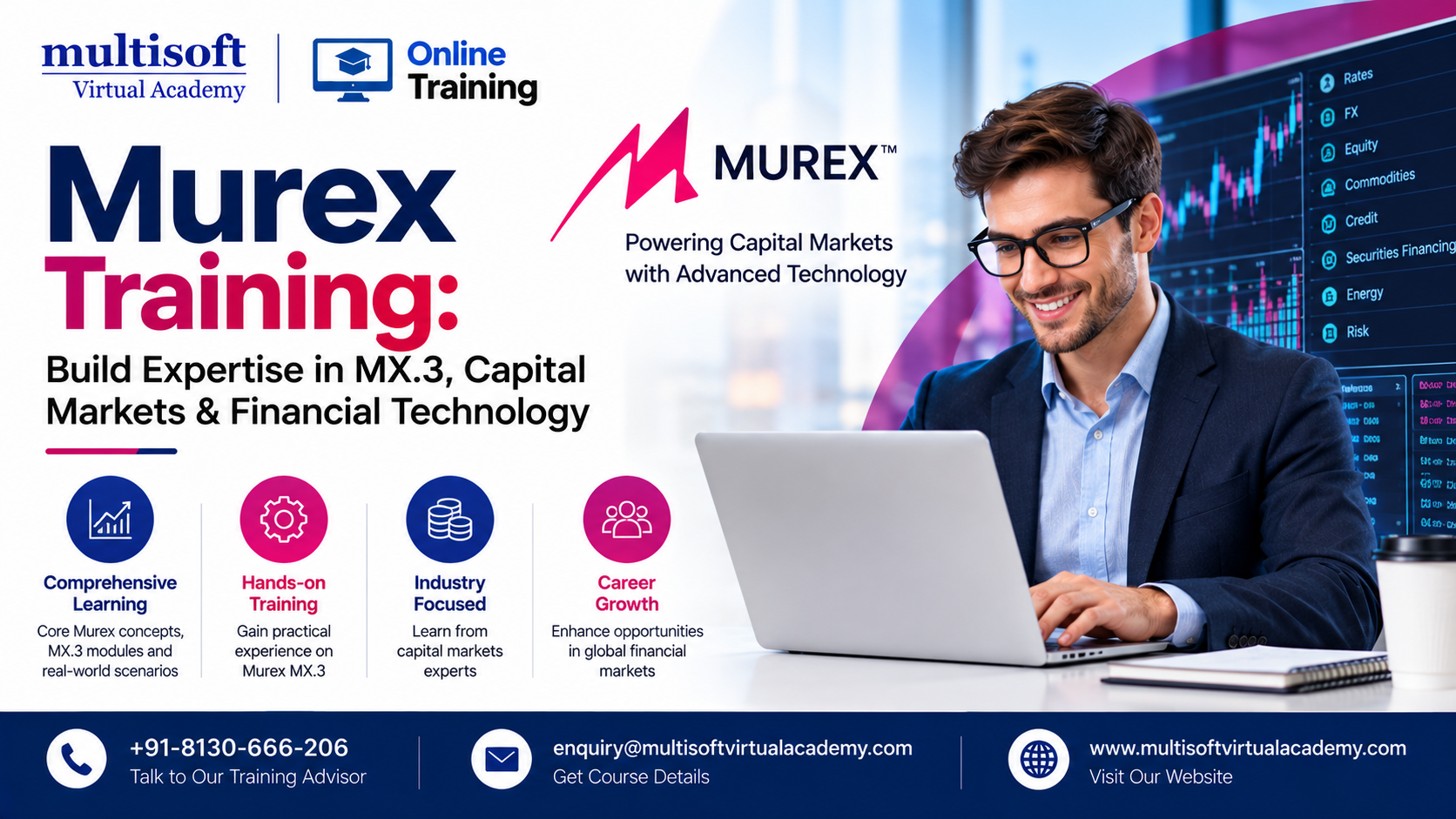
Murex Training: Build Expertise in MX.3, Capital Markets & Financial Technology

Murex has become an important technology platform across capital markets, supporting trading, treasury, risk management, investment management, operations, finance, and post-trade activities. Its flagship MX.3 platform brings together front-office, middle-office, back-office, finance, and risk functions across a broad range of financial products. Murex states that MX.3 is used by more than 60,000 users worldwide and by 65 of the world’s top 100 global banks.

For professionals aiming to develop a career in financial technology, banking software, capital markets, or enterprise risk systems, Murex Training can provide a structured way to understand the platform, its functional areas, implementation concepts, and technical capabilities.

What Is Murex and Why Is MX.3 Important?

Murex is a financial technology provider specializing in cross-asset trading, risk management, and post-trade processing solutions. Its MX.3 platform is designed to connect different areas of financial institutions through an integrated technology environment.

Rather than focusing on only one financial function, MX.3 supports activities spanning:

  • Trading and sales
  • Treasury management
  • Market risk management
  • Credit risk management
  • Liquidity risk
  • XVA
  • Collateral management
  • Portfolio management
  • Investment management
  • Operations and finance
  • Regulatory reporting
  • Post-trade processing

The platform supports multiple asset classes and financial instruments, while its APIs and customization capabilities allow organizations to integrate MX.3 with their broader technology environments.

This wide functional scope is one reason Murex MX.3 Training is relevant to professionals who want to build specialized expertise rather than learning a conventional programming or business application in isolation.

What Is Murex Training?

Murex Training is designed to help learners understand the functional and technical aspects of the Murex MX.3 ecosystem. Depending on the learning path, training may focus on business processes, configuration, implementation, customization, integration, support, testing, or specific capital-market functions.

A well-structured Murex course can introduce learners to the relationship between financial products, trading workflows, market data, risk calculations, settlement processes, and reporting.

For beginners, the objective is to develop a foundation in Murex and capital markets. For experienced professionals, the learning path can be more specialized around areas such as Murex implementation, Murex configuration, risk management, front-office processes, or technical development.

Why Learn Murex MX.3?

The growing complexity of financial markets requires technology platforms that can handle large volumes of transactions, diverse financial instruments, regulatory requirements, and sophisticated risk calculations.

MX.3 is positioned by Murex as an integrated platform for trading, risk management, and processing across asset classes. It supports both cloud and on-premises deployment models and can be used through SaaS offerings.

Learning Murex can therefore be valuable for professionals interested in:

  • Capital markets technology
  • Banking technology
  • Financial software implementation
  • Trading systems
  • Risk management systems
  • Treasury technology
  • Investment management
  • Financial data and analytics
  • Enterprise application support
  • Murex consulting careers

The key advantage is that Murex expertise combines technology knowledge with financial-domain understanding.

Key Topics Covered in Murex Training

A comprehensive Murex Training Course should ideally combine platform concepts with practical financial-market scenarios.

1. Murex and Capital Markets Fundamentals

Learners can begin with an overview of capital markets and the role of enterprise trading and risk platforms.

Important concepts include:

  • Front office
  • Middle office
  • Back office
  • Trading lifecycle
  • Trade capture
  • Settlement
  • Market data
  • Portfolio management
  • Risk management
  • Financial instruments

This foundation helps technical professionals understand why particular Murex workflows and configurations are required.

2. MX.3 Architecture and Platform Concepts

Understanding the MX.3 environment is essential for professionals working on implementation or support projects.

Training can cover platform architecture, environments, application components, data flows, interfaces, configuration concepts, and integration patterns.

Murex also emphasizes the openness of MX.3, including APIs that allow organizations to connect the platform with third-party systems and proprietary applications.

3. Murex Implementation

Murex Implementation Training is particularly relevant to consultants, business analysts, functional specialists, and technology professionals involved in deployment projects.

Implementation-oriented learning may cover:

  • Requirement analysis
  • Functional design
  • Configuration
  • Data mapping
  • Interfaces
  • Testing
  • User acceptance testing
  • Migration
  • Production support
  • Implementation best practices

A strong implementation professional must understand both the customer's business requirements and how those requirements can be represented within the Murex platform.

4. Murex Configuration

Configuration is another important area for professionals working with MX.3.

A Murex Configuration Course can help learners understand how business requirements are translated into system behavior. Depending on the role, this may include product setup, workflows, market data configuration, processing rules, user settings, and other platform parameters.

The exact configuration responsibilities can vary significantly between projects, which makes practical, scenario-based learning particularly useful.

Murex Front-Office and Trading Training

Front-office professionals work with processes where speed, accuracy, pricing, positions, and risk visibility are critical.

MX.3 supports sales and trading across multiple asset classes and provides capabilities including real-time portfolio and P&L analysis, risk-based pricing, analytics, and product coverage.

A Murex Front Office Training path can therefore introduce professionals to areas such as:

  • Trade capture
  • Deal management
  • Pricing
  • Position management
  • P&L
  • Market data
  • Product lifecycle
  • Trading workflows
  • Front-office risk

Understanding these processes can help learners communicate more effectively with traders, business analysts, technology teams, and project stakeholders.

Murex Risk Management Training

Risk management is another major area within the MX.3 ecosystem.

Murex describes MX.3's enterprise risk capabilities as covering market, credit, XVA, and liquidity risk, alongside regulatory requirements and exposure monitoring.

A Murex Risk Management Training program may introduce:

  • Market risk
  • Credit risk
  • Liquidity risk
  • Counterparty exposure
  • Value at Risk
  • Stress testing
  • XVA
  • FRTB
  • SA-CCR
  • Initial margin
  • Risk reporting

Professionals with banking, finance, quantitative, or risk-management backgrounds may find this specialization especially relevant.

Murex for Investment Management

Murex is not limited to traditional trading environments. MX.3 also supports investment management processes involving portfolio management, trading, compliance, risk, performance, and accounting.

This makes Murex Investment Management Training another potential specialization for professionals working with:

  • Asset management
  • Portfolio management
  • Investment operations
  • Performance analysis
  • Compliance
  • Risk
  • Accounting
  • Public and private investments

Understanding how these functions interact within a unified platform can provide broader insight into financial technology architecture.

Who Should Take Murex Training?

A Murex course can be relevant to several professional groups, including:

Murex Developers: Professionals interested in customization, integration, APIs, and technical development.

Murex Consultants: Consultants who work with clients on implementation, configuration, support, and transformation projects.

Business Analysts: Professionals who translate business requirements into functional solutions.

Capital Markets Professionals: Individuals who want stronger technology knowledge alongside financial-market expertise.

Risk Professionals: Specialists interested in understanding technology-enabled risk management.

Banking IT Professionals: Technology professionals supporting enterprise financial applications.

Fresh Graduates: Candidates with suitable backgrounds in finance, technology, mathematics, engineering, or computer science who want to explore capital-markets technology.

Career Opportunities After Murex Training

Murex expertise can support several career directions, depending on a candidate's previous experience and specialization.

Potential roles include:

  • Murex Consultant
  • Murex Developer
  • Murex Business Analyst
  • Murex Functional Consultant
  • Murex Technical Consultant
  • Murex Implementation Consultant
  • Murex Support Specialist
  • Murex Integration Specialist
  • Murex Production Support Analyst
  • Capital Markets Technology Consultant
  • Financial Technology Analyst

Career progression generally depends on more than completing a course. Practical experience, financial-domain knowledge, project exposure, problem-solving skills, and the ability to work with stakeholders can all influence professional growth.

How to Choose the Right Murex Course

Not every learner needs the same Murex curriculum. Before enrolling, identify your career objective.

If you are from a finance background, focus on capital markets, trading lifecycle, risk, products, and functional workflows.

If you are from an IT background, prioritize architecture, configuration, integration, APIs, customization, testing, and support.

If you want to become a Murex consultant, look for training that combines functional knowledge with implementation scenarios and business requirements.

If you are targeting risk-related roles, look for modules covering market risk, credit risk, liquidity risk, XVA, FRTB, and SA-CCR.

A role-based learning approach can make training considerably more relevant than attempting to learn every part of a complex enterprise platform at once.

Why Practical Learning Matters in Murex

Murex is a sophisticated enterprise platform, so theoretical knowledge alone may not be sufficient for project-oriented roles.

Practical exercises can help learners understand how a business requirement moves through the technology lifecycle—from requirement gathering and configuration to testing, integration, processing, and reporting.

Murex itself highlights role-based learning and scenario-based exercises within its Center of Expertise, including learning resources designed around functional domains, asset classes, technical settings, and job-specific responsibilities.

For this reason, learners should look for training that connects concepts with realistic banking and capital-markets scenarios.

Murex Training and the Future of Financial Technology

Financial institutions are continuing to modernize their technology environments while managing increasingly complex regulations, digitalization requirements, data volumes, and risk challenges.

Murex's current technology direction also includes cloud deployment and continued platform innovation. In September 2026, Murex announced a strategic partnership with Google Cloud and stated that MX.3 had achieved certification on Google Cloud, broadening cloud deployment choices for clients.

This evolution means professionals working with Murex may increasingly benefit from knowledge beyond traditional functional configuration—including cloud concepts, APIs, data, integration, automation, and modern financial technology architectures.

Frequently Asked Questions About Murex Training

Is Murex Training suitable for beginners?

Yes, provided the course begins with the required capital-markets and platform fundamentals. Beginners should preferably choose a structured curriculum rather than jumping directly into advanced implementation topics.

Is Murex a technical or functional platform?

It can involve both technical and functional responsibilities. Business analysts and functional consultants may focus on workflows and configuration, while developers and technical consultants may work with customization, integration, APIs, and technical environments.

What is MX.3?

MX.3 is Murex's integrated capital-markets platform. It supports functions such as trading, treasury, risk management, investment management, operations, and finance across multiple asset classes.

Can Murex training help with consulting careers?

Yes. A combination of Murex knowledge, capital-markets understanding, implementation experience, communication skills, and project exposure can be useful for aspiring Murex consultants.

What should I learn before Murex?

Basic knowledge of financial markets is helpful. For technical roles, familiarity with databases, software development, APIs, integration, and enterprise application concepts can also provide a strong foundation.

Final Thought

Murex Training can be a valuable learning path for professionals who want to build expertise at the intersection of financial markets and enterprise technology. From Murex MX.3 Training and Murex implementation to trading, risk management, investment management, configuration, integration, and technical development, the right learning path can help professionals understand how modern financial institutions use technology to manage complex business processes.

As the financial technology landscape continues to evolve through cloud adoption, automation, analytics, regulatory transformation, and digitalization, developing practical Murex expertise can help professionals prepare for specialized opportunities in banking and capital-markets technology. Multisoft Virtual Academy provides Murex-focused learning solutions for professionals seeking structured knowledge, practical understanding, and career-oriented training in this specialized domain.


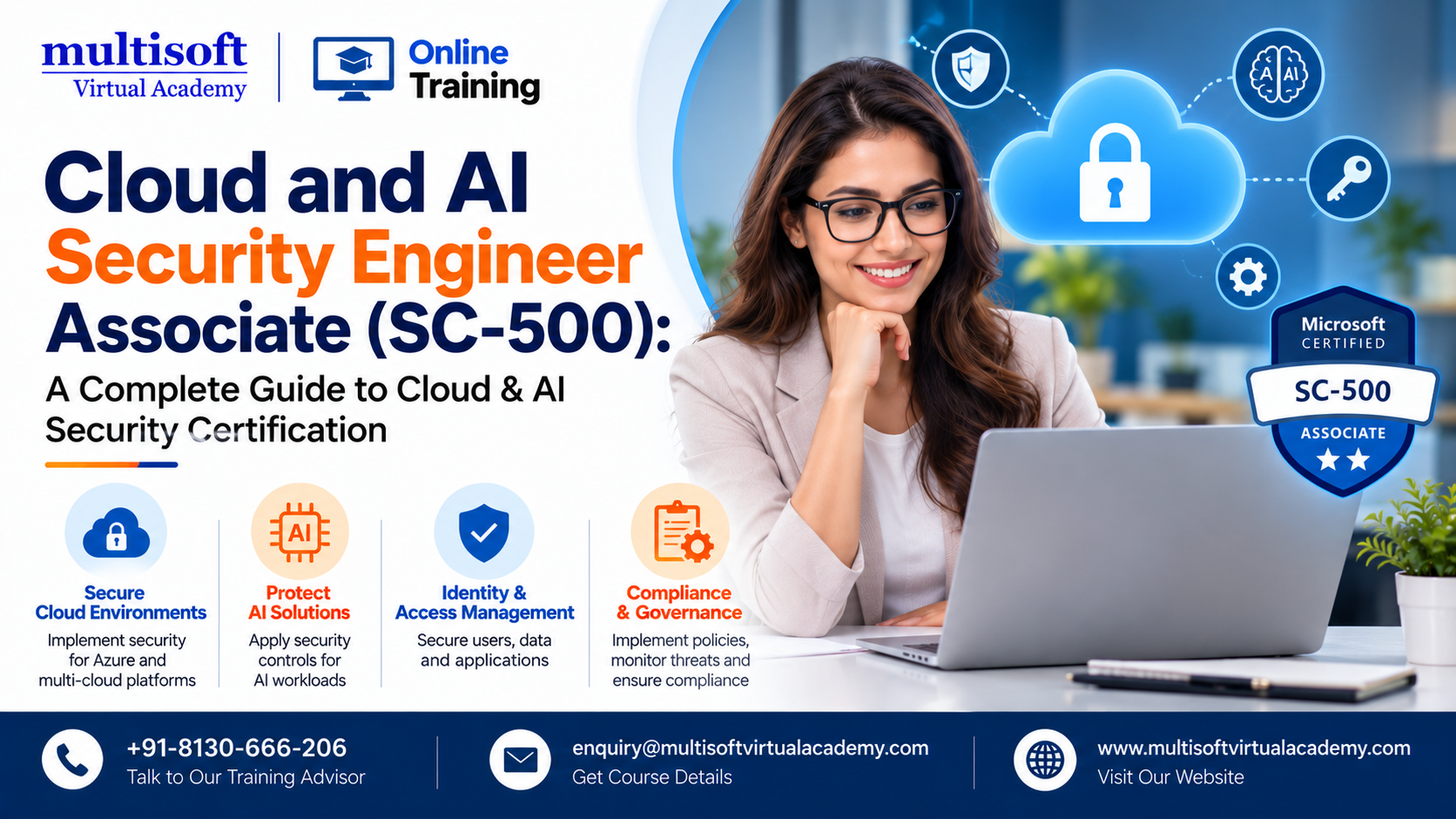
Cloud and AI Security Engineer Associate (SC-500): A Complete Guide to Cloud & AI Security Certification

Cloud environments are becoming more complex as organizations adopt AI applications, hybrid infrastructure, cloud-native workloads, and distributed data platforms. At the same time, security teams must protect identities, applications, data, networks, compute resources, and AI workloads against increasingly sophisticated threats.

The Cloud and AI Security Engineer Associate (Exam SC-500) is designed for security professionals who want to demonstrate practical capabilities in implementing end-to-end security controls across Microsoft cloud and AI environments. Microsoft describes the certification as an intermediate-level credential covering cloud security, generative AI, identity and access, networking, storage, virtual machines, and security operations.

For professionals planning a career in Azure security, cloud cybersecurity, AI security, identity security, or Microsoft security technologies, SC-500 is an important certification to understand.

What Is the Cloud and AI Security Engineer Associate Certification?

The Microsoft Certified: Cloud and AI Security Engineer Associate certification validates skills required to design, implement, and manage security controls across Azure, hybrid environments, and AI-enabled workloads.

Unlike security certifications that concentrate on only one technology area, SC-500 addresses security across several layers. These include:

  • Identity and access management
  • Cloud governance
  • Storage and databases
  • Network security
  • Compute security
  • AI workload security
  • Security monitoring
  • Regulatory compliance
  • Security posture management

Microsoft states that candidates should have practical experience administering Azure and hybrid environments, including compute, networking, and storage. Familiarity with Microsoft Entra ID and Microsoft 365 administration is also recommended.

This makes SC-500 certification particularly relevant to professionals who already have some cloud or security experience and want to move toward specialized cloud and AI security responsibilities.

Why Is SC-500 Becoming Important?

The rapid adoption of cloud computing and artificial intelligence has changed the responsibilities of security teams.

Organizations are no longer protecting only traditional applications and servers. They are also securing:

  • AI applications
  • Generative AI workloads
  • Cloud APIs
  • Data pipelines
  • Machine learning infrastructure
  • Cloud identities
  • SaaS environments
  • Hybrid infrastructure
  • Distributed databases
  • Cloud storage

Microsoft introduced the Cloud and AI Security Engineer Associate certification to address this changing security landscape. Its exam focuses on protecting identities, data, infrastructure, applications, and AI workloads through comprehensive security controls.

As a result, searches around SC-500 training, SC-500 certification, Azure security training, cloud security certification, and AI security certification are increasingly relevant for professionals exploring modern cybersecurity careers.

What Is Exam SC-500?

Exam SC-500: Implementing End-to-End Security Controls for Cloud and AI Workloads is the examination associated with the Cloud and AI Security Engineer Associate certification.

The exam evaluates four major capability areas:

  1. Manage identity, access, and governance
  2. Secure storage, databases, and networking
  3. Secure compute
  4. Manage and monitor security posture

These areas reflect the responsibilities of a modern cloud security engineer rather than focusing on a single Microsoft security product.

The exam is intended for professionals working across Azure and hybrid environments who are responsible for reducing security risks and implementing appropriate security controls.

Key Skills Covered in SC-500 Training

A well-structured SC-500 training course should go beyond exam terminology and help learners understand how cloud security works in practical environments.

1. Identity and Access Security

Identity is one of the most important components of modern cloud security.

SC-500 preparation includes understanding how to protect access to cloud resources through technologies such as Microsoft Entra ID and Azure Key Vault.

Important concepts include:

  • Identity protection
  • Authentication
  • Authorization
  • Role-based access control
  • Privileged access
  • Conditional access
  • Identity governance
  • Secure resource access

Understanding identity security is particularly important because compromised credentials can provide attackers with access to multiple cloud resources.

2. Azure Key Vault and Secrets Protection

Applications frequently require credentials, encryption keys, certificates, and secrets.

Azure Key Vault provides capabilities for securely managing these sensitive assets. SC-500 preparation therefore includes understanding how security controls can be applied to protect secrets and cryptographic material.

Microsoft's learning resources specifically include defense-in-depth protection for Azure Key Vault in the SC-500 preparation path.

3. Cloud Storage and Database Security

Data is one of the most valuable assets in any organization.

A cloud security engineer needs to understand how to protect data throughout its lifecycle. This includes controlling access, configuring appropriate security policies, monitoring activity, and reducing unnecessary exposure.

SC-500 covers security considerations for storage, databases, and related cloud services.

Professionals preparing for the exam should therefore understand concepts such as:

  • Data access control
  • Encryption
  • Secure storage configuration
  • Network restrictions
  • Data protection
  • Monitoring
  • Compliance requirements

4. Network Security

Cloud networking introduces new security challenges because applications, users, APIs, and services may communicate across different environments.

SC-500 preparation should cover cloud network security principles, secure connectivity, segmentation, traffic controls, and appropriate monitoring.

This knowledge can help professionals secure Azure environments while supporting business applications and hybrid infrastructure.

5. Compute Security

Virtual machines, containers, applications, and other compute resources must be protected against vulnerabilities, unauthorized access, configuration weaknesses, and malicious activity.

SC-500 includes compute security as one of its four major assessed areas.

Learners should understand how to apply security controls to cloud compute environments while maintaining operational efficiency.

6. AI Workload Security

One of the most distinctive elements of this certification is its focus on AI security.

Generative AI applications introduce additional considerations involving:

  • Sensitive data
  • Model access
  • AI application permissions
  • Prompt-related risks
  • Data exposure
  • Application security
  • Monitoring
  • Governance

Organizations deploying AI solutions need security controls that address both traditional infrastructure and AI-specific risks.

This is why AI security engineer, cloud AI security, and generative AI security are increasingly relevant concepts for cybersecurity professionals.

SC-500 and Microsoft Security Technologies

SC-500 preparation can involve several Microsoft security technologies and services.

Depending on the learning path and organizational environment, professionals may encounter technologies including:

  • Microsoft Entra ID
  • Azure Key Vault
  • Microsoft Defender
  • Microsoft Defender for Cloud
  • Microsoft Security Copilot
  • Microsoft security and compliance capabilities
  • Azure infrastructure security services

Microsoft's official preparation resources include learning paths covering Entra-based resource access, Azure Key Vault, security governance, Azure Storage security, and Microsoft Security Copilot.

This technology exposure makes SC-500 certification training useful for professionals who want to build a broader understanding of Microsoft's cloud security ecosystem.

Who Should Take SC-500 Training?

The certification is primarily suited to professionals who already have some experience with cloud, infrastructure, security, or Microsoft technologies.

It can be relevant for:

  • Cloud Security Engineers
  • Cybersecurity Engineers
  • Azure Security Engineers
  • Security Administrators
  • Cloud Administrators
  • Identity and Access Management Professionals
  • Security Analysts
  • Infrastructure Engineers
  • DevSecOps Professionals
  • IT Security Professionals
  • AI Security Professionals

Microsoft recommends practical Azure and hybrid administration experience, particularly across compute, networking, and storage. Strong familiarity with Microsoft Entra ID and familiarity with Microsoft 365 administration are also recommended.

SC-500 Certification: Career Benefits

Cloud security continues to become an important organizational priority as enterprises move workloads to public, private, hybrid, and multi-cloud environments.

Earning the Cloud and AI Security Engineer Associate certification can help professionals demonstrate knowledge across several security domains instead of limiting their expertise to one security function.

Potential career directions include:

Cloud Security Engineer

Cloud security engineers design and implement security controls for cloud infrastructure, applications, identities, and data.

Azure Security Engineer

Professionals with Azure expertise can use SC-500 knowledge to strengthen their understanding of security controls across Microsoft's cloud ecosystem.

Cybersecurity Engineer

Security engineers increasingly need cloud expertise because enterprise applications and infrastructure are moving away from traditional data centers.

Identity Security Professional

Identity and access management remains central to modern cybersecurity, making Entra ID and identity governance knowledge particularly valuable.

AI Security Professional

As organizations deploy generative AI and AI-powered applications, security professionals with knowledge of both cloud and AI environments can help address emerging security risks.

How to Prepare for the SC-500 Exam

A structured preparation strategy is more effective than relying only on memorizing questions.

Start With the Official Exam Skills

Begin by understanding the four domains assessed by SC-500:

  • Identity, access, and governance
  • Storage, databases, and networking
  • Compute
  • Security posture management

The official Microsoft certification page recommends reviewing the SC-500 study guide and provides learning resources and an exam sandbox.

Build Hands-On Experience

Cloud security is highly practical.

Instead of simply reading about security policies, candidates should try to understand how security controls work in realistic Azure scenarios.

Hands-on practice can include:

  • Configuring identities
  • Applying access controls
  • Protecting secrets
  • Securing cloud storage
  • Reviewing network security
  • Monitoring security posture
  • Understanding security alerts
  • Evaluating cloud configurations

Learn the Security Architecture

Candidates should understand why a particular security control is required, not simply remember where a setting appears.

For example, understanding least privilege, defense in depth, Zero Trust principles, identity governance, and continuous security monitoring can make exam scenarios easier to analyze.

Use Practice Scenarios

Scenario-based preparation is particularly useful for a role-based certification because real security engineering requires decision-making.

Rather than memorizing isolated definitions, candidates should ask:

What is the security risk? What resource is being protected? Who requires access? Which control provides the appropriate level of protection? How can the environment be monitored afterward?

This approach helps develop practical problem-solving skills.

SC-500 vs Other Microsoft Security Certifications

Microsoft offers several security-focused certifications, and each has a different career orientation.

For example:

  • SC-900 is aimed at security, compliance, and identity fundamentals.
  • SC-200 focuses on security operations.
  • SC-300 concentrates on identity and access administration.
  • SC-401 focuses on information security administration.
  • SC-100 is oriented toward cybersecurity architecture.
  • SC-500 focuses on end-to-end security controls for cloud and AI workloads.

The right certification depends on a professional's current experience and career objective.

For professionals who want to combine Azure cloud security and AI workload protection, SC-500 provides a particularly relevant path.

What Makes SC-500 Different From Traditional Cloud Security Training?

Traditional cloud security training may concentrate heavily on infrastructure, networks, virtual machines, or identity.

SC-500 takes a broader approach by bringing these security domains together while also addressing AI-enabled environments.

That broader perspective is important because modern enterprise security is interconnected.

For example, an AI application may depend on:

Identity → API → Application → Compute → Network → Storage → Data → Monitoring

A weakness at any point in that chain can potentially affect the overall security posture.

Therefore, a modern cloud security engineer needs to understand security as an integrated system rather than a collection of individual tools.

Emerging Career Trends Around Cloud and AI Security

AI adoption is creating new security requirements for organizations. Security professionals increasingly need to understand how AI workloads interact with identity, data, applications, infrastructure, and governance.

This is contributing to growing interest in areas such as:

  • AI security
  • Cloud cybersecurity
  • Azure security
  • Generative AI security
  • Identity and access management
  • Zero Trust security
  • Cloud governance
  • Security posture management
  • Microsoft Defender
  • Microsoft Entra security
  • Security Copilot
  • AI risk management
  • Cloud compliance

These related skills can complement SC-500 knowledge and help professionals build a more comprehensive cloud security profile.

Frequently Asked Questions About SC-500

Is SC-500 suitable for beginners?

SC-500 is positioned at an intermediate level. Candidates benefit from prior Azure administration and hybrid environment experience.

What does SC-500 stand for?

SC-500 is the exam associated with Implementing End-to-End Security Controls for Cloud and AI Workloads and the Microsoft Certified: Cloud and AI Security Engineer Associate certification.

What topics are covered in SC-500?

The exam assesses identity, access and governance; storage, databases and networking; compute; and security posture management.

Is SC-500 relevant to AI security?

Yes. The certification specifically addresses security for AI workloads and includes AI security within its broader cloud security scope.

How should candidates prepare?

Candidates should combine the official study guide, Microsoft learning resources, hands-on practice, scenario-based questions, and practical Azure security experience.

Final Thought

The Cloud and AI Security Engineer Associate (Exam SC-500) represents an important direction in modern cybersecurity: securing cloud infrastructure while also addressing the unique requirements of AI-enabled workloads. Its focus on identity, governance, data, networking, compute, AI security, and security posture makes it relevant for professionals seeking to strengthen their expertise in Microsoft's evolving security ecosystem.

For learners looking for structured SC-500 training, Azure security training, cloud security certification preparation, and AI security skills, Multisoft Virtual Academy provides a focused learning option designed around practical cloud and AI security concepts, expert-led instruction, hands-on learning, and certification preparation.


SPI Training: Master SmartPlant Instrumentation for Modern Engineering Projects

The engineering and process industries are becoming increasingly dependent on digital tools to manage complex instrumentation data, engineering documentation, and plant design workflows. As projects in oil and gas, petrochemicals, power generation, chemicals, and manufacturing become more data-driven, professionals need specialized software skills to improve accuracy, productivity, and project coordination. SPI Training provides an effective pathway for engineers and designers who want to develop practical expertise in SmartPlant Instrumentation, also known as SPI or INtools.

SmartPlant Instrumentation is designed to support instrumentation and control engineering activities throughout a project lifecycle. Professionals can work with instrument indexes, specifications, process data, wiring, loop drawings, datasheets, reports, and other engineering deliverables within an integrated environment.

For instrumentation engineers, designers, EPC professionals, and technical specialists, learning SPI can help bridge the gap between traditional engineering practices and modern digital plant-design workflows.

What Is SPI Training?

SPI Training refers to structured learning focused on SmartPlant Instrumentation, a software platform used for instrumentation and control system engineering. The training typically introduces participants to the software environment, project structures, instrumentation databases, engineering modules, documentation, and reporting processes.

A well-designed SmartPlant Instrumentation Training program combines fundamental concepts with practical exercises. Instead of learning isolated software functions, participants can understand how different activities connect within an engineering project.

Typical areas covered in an SPI or INtools course may include:

  • Project and domain administration
  • Instrument index management
  • Instrument and loop creation
  • Process data management
  • Instrument specifications
  • Datasheet development
  • Wiring and cable management
  • Junction box and panel information
  • Loop drawings
  • Document management
  • Reports and deliverables
  • Database-related activities
  • Engineering data management

The exact curriculum can vary according to the learner's role, project requirements, and level of experience.

Why Is SmartPlant Instrumentation Important?

Instrumentation engineering involves managing large quantities of technical information. A project may contain thousands of instruments, loops, specifications, cables, signals, and associated engineering documents. Managing these details manually can increase the possibility of inconsistencies and data-entry errors.

SmartPlant Instrumentation supports a structured, database-driven approach to engineering information. This makes it particularly relevant to large EPC and plant engineering projects.
Industry training resources describe SPI applications around activities such as creating instruments, control loops, specification sheets, wiring information, and loop drawings.

For professionals, this means that SPI INtools Training is not simply about learning software commands. It is about understanding how instrumentation information is created, maintained, connected, validated, and delivered throughout an engineering workflow.

Key Skills You Can Develop Through SPI Training

A comprehensive SmartPlant Instrumentation Course should focus on skills that can be applied to real engineering assignments.

1. Instrument Index Management

The instrument index is an important component of instrumentation engineering. Training can introduce learners to creating, editing, organizing, and maintaining instrument records.

Participants can learn how instrument information relates to other engineering data and deliverables.

2. Instrument Specifications and Datasheets

SPI can be used to manage specifications and datasheet-related information. Learners can understand how specifications are created, assigned, updated, and maintained.

This knowledge is particularly useful for engineers working on detailed design and EPC projects.

3. Control Loops and Loop Drawings

Control loops connect instruments and control-system components within an engineering design. SPI Training can help participants understand how loops are created, associated, modified, and documented.

Loop drawing generation is another important area because accurate drawings are essential for engineering review, construction, commissioning, and maintenance activities.

4. Process Data Management

Instrumentation decisions depend heavily on process information. SPI workflows can help professionals manage process data associated with instruments and lines.

Understanding this relationship can improve consistency between process engineering information and instrumentation deliverables.

5. Wiring and Cable Management

Wiring is another major area of SmartPlant Instrumentation. Training may cover cables, junction boxes, panels, marshaling, systems, and related wiring information.

This knowledge is valuable for E&I engineers and designers involved in detailed plant engineering.

6. Reporting and Engineering Deliverables

Engineering teams frequently need reports for design reviews, procurement, construction, commissioning, and project documentation.

An SPI INtools Training program can introduce learners to report generation and the organization of engineering information required for project deliverables.

Who Should Take SPI Training?

SPI Certification Training or professional SPI learning can be relevant to a broad range of engineering professionals.

The course can be particularly useful for:

  • Instrumentation engineers
  • Instrumentation designers
  • Control engineers
  • E&I engineers
  • Electrical and instrumentation professionals
  • EPC engineering professionals
  • Plant design professionals
  • Engineering graduates
  • Diploma holders in instrumentation
  • Professionals moving into digital engineering
  • Experienced engineers upgrading their software skills

Beginners can use structured training to understand the fundamentals, while experienced professionals can focus on advanced workflows, administration, troubleshooting, and productivity improvement.

SPI Training for Oil & Gas and EPC Professionals

Oil and gas and EPC projects typically involve extensive engineering documentation and multidisciplinary coordination. Instrumentation teams must maintain consistency between process information, equipment data, instrument records, specifications, wiring, and drawings.

This makes SPI Training for instrumentation engineers particularly relevant to professionals working in project engineering environments.

A practical training program can help learners understand how instrumentation information fits into the wider project workflow. It can also provide exposure to real-world engineering scenarios instead of focusing only on theoretical software demonstrations.

Professionals can further benefit by learning how SPI works alongside other plant engineering systems and workflows.

What Should You Look for in an SPI Course?

Not every SmartPlant Instrumentation Training program offers the same learning experience. Before selecting a course, professionals should evaluate several factors.

Practical and Hands-On Learning

The course should include practical exercises rather than relying entirely on presentations. Working with sample engineering scenarios helps learners understand how software functions are applied.

Industry-Relevant Curriculum

The curriculum should reflect commonly used instrumentation workflows, including instrument indexes, specifications, process data, wiring, loops, reports, and documentation.

Experienced Trainers

Trainers with practical engineering knowledge can explain not only how a feature works but also when and why it should be used.

Flexible Learning Options

Online instructor-led, self-paced, and customized corporate formats can make training accessible to professionals with different schedules and requirements.

Project-Based Exercises

Realistic project exercises can help learners understand how individual tasks connect together. This is especially valuable for professionals preparing to work on EPC and plant engineering projects.

SPI Online Training: Is It Effective?

SPI Online Training can be an effective option for working professionals, provided the program includes structured instruction, demonstrations, practical assignments, and opportunities to clarify technical questions.

Online training can eliminate geographical limitations and allow professionals to learn from their workplace or home. Instructor-led virtual programs can also provide real-time interaction.

For example, virtual SPI training models may combine instructor-led sessions with demonstrations, tutorials, and assessments.

However, learners should verify whether the training includes access to a suitable practice environment. Some virtual programs may provide instructional material without providing access to the actual software environment.

Career Benefits of SPI Training

Learning SmartPlant Instrumentation can complement an engineer's existing technical background and help develop specialized digital engineering skills.

Potential benefits include:

  • Better understanding of instrumentation workflows
  • Improved software proficiency
  • Stronger engineering documentation skills
  • Greater familiarity with EPC project processes
  • Improved ability to manage instrumentation data
  • Better understanding of loop and wiring documentation
  • Enhanced project coordination skills
  • Greater confidence working with digital engineering environments

However, an SPI course should be viewed as a skill-development investment rather than a guarantee of employment or a specific salary. Career outcomes depend on experience, technical knowledge, project exposure, qualifications, and market conditions.

SPI Training and the Future of Digital Engineering

Engineering organizations are increasingly adopting digital approaches to improve the management of complex plant information. As projects become more integrated, engineers who understand both engineering principles and specialized digital tools can become valuable contributors.

The role of instrumentation professionals is also evolving. Modern engineers need to work with structured engineering data, multidisciplinary teams, digital documentation, and increasingly connected project environments.

Developing expertise through SmartPlant Instrumentation Training can therefore be a practical step for professionals who want to strengthen their digital engineering capabilities.

The most valuable learning approach combines software knowledge with a strong understanding of instrumentation engineering fundamentals. Professionals should focus not only on memorizing commands but also on understanding engineering logic, data relationships, project standards, and documentation requirements.

How to Get the Most From an SPI Training Program

Learners can maximize the value of their training by following a practical approach:

Start with instrumentation fundamentals: Understand instruments, loops, process data, specifications, and engineering drawings before moving into complex software functions.

Practice regularly: Repetition helps transform software procedures into practical skills.

Work on project scenarios: Try to understand how an instrument moves from initial definition through specification, loop development, wiring, documentation, and reporting.

Ask workflow-based questions: Instead of asking only which button performs a function, understand why that function is required within the engineering process.

Review engineering standards: Software skills become more useful when combined with knowledge of project specifications and industry practices.

Build a portfolio of practical exercises: Documenting completed sample projects can help demonstrate your learning journey during professional discussions and interviews.

Frequently Asked Questions About SPI Training

What is SPI Training?

SPI Training is professional training focused on SmartPlant Instrumentation, also known as SPI or INtools. It teaches users how to manage instrumentation engineering data, specifications, loops, wiring, documentation, and reports.

Is SPI the same as INtools?

SPI and INtools are commonly used names associated with SmartPlant Instrumentation. Many training providers therefore use terms such as SPI INtools Training, SmartPlant Instrumentation Training, and SPI Training when describing related programs.

Who can learn SmartPlant Instrumentation?

Instrumentation engineers, designers, E&I professionals, control engineers, engineering graduates, and professionals involved in EPC or plant engineering can consider learning SmartPlant Instrumentation.

Is SPI useful for EPC projects?

Yes. SPI is relevant to instrumentation engineering workflows involving instrument data, specifications, loops, wiring, documentation, and project deliverables.

Can I learn SPI online?

Yes. Online instructor-led and self-paced formats are available. The quality of the program depends on the curriculum, trainer expertise, practical exercises, and software access provided.

Final Thought

As engineering projects become more digitally connected, specialized software expertise is becoming an increasingly important part of an instrumentation professional's skill set. SPI Training can help engineers and designers develop practical knowledge of SmartPlant Instrumentation, from instrument indexes and specifications to loops, wiring, documentation, and reporting. A structured learning program can also help professionals connect software capabilities with real engineering workflows and project requirements. For professionals looking to strengthen their SmartPlant Instrumentation and digital engineering capabilities, Multisoft Virtual Academy acts as a best service provider, offering focused learning solutions designed to support practical skill development and professional growth.


Azure AI Apps and Agents Developer Associate (Exam AI-103): A Complete Guide

Artificial intelligence is moving beyond traditional machine learning models toward intelligent applications that can understand context, use tools, retrieve information, and complete tasks with limited human intervention. As organizations increasingly adopt generative AI and agentic AI solutions, professionals who can develop and deploy these systems on cloud platforms are becoming highly valuable.

The Azure AI Apps and Agents Developer Associate (Exam AI-103) certification is designed for professionals who want to demonstrate practical skills in building, managing, and deploying AI applications and intelligent agents on Azure. The certification focuses strongly on Microsoft Foundry, Python-based development, generative AI, agentic solutions, computer vision, text analysis, and information extraction.

For developers, AI engineers, software professionals, and cloud specialists, preparing for AI-103 can be a strategic way to strengthen expertise in modern Azure AI development.

What Is the Azure AI Apps and Agents Developer Associate Certification?

The Azure AI Apps and Agents Developer Associate (Exam AI-103) certification validates the ability to design, develop, and deploy advanced AI applications and agents using Azure and Microsoft Foundry.

Unlike certifications that focus primarily on theoretical artificial intelligence concepts, AI-103 is oriented toward practical implementation. Candidates are expected to understand how AI services can be selected, integrated, evaluated, secured, and operationalized as part of real-world applications.

Microsoft describes the target audience as Azure AI engineers who build, manage, and deploy AI solutions and agents using Microsoft Foundry. Candidates should have experience developing applications with Python and understand general AI, generative AI, and Azure services.

This makes the certification particularly relevant for professionals pursuing roles such as:

  • Azure AI Engineer
  • AI Application Developer
  • Generative AI Developer
  • AI Agent Developer
  • Machine Learning Engineer
  • Cloud AI Developer
  • AI Solutions Engineer
  • Python AI Developer
  • Azure Developer

Why Is AI-103 Becoming Important for AI Professionals?

The nature of application development is changing rapidly. Traditional applications generally depend on predefined workflows and deterministic business logic. Modern AI applications can combine large language models, retrieval systems, tools, APIs, memory, multimodal capabilities, and autonomous workflows.

Microsoft Foundry provides a unified environment for developing, customizing, managing, and deploying generative AI applications and agents. Its ecosystem includes model capabilities, agent services, tools, evaluation, tracing, and operational features.

This shift is creating demand for professionals who understand not only how to call an AI model but also how to build reliable applications around it.

The AI-103 certification addresses this broader skill set. It covers AI solution planning, generative AI and agentic development, computer vision, text analysis, and information extraction.

Key Skills Covered in the AI-103 Exam

The AI-103 exam is divided into several major competency areas. According to Microsoft's current study guide, the largest section focuses on generative AI and agentic solutions.

1. Plan and Manage an Azure AI Solution

This area focuses on selecting appropriate Azure and Microsoft Foundry capabilities for specific AI requirements.

Candidates should understand how to:

  • Select appropriate AI models for different workloads
  • Work with large and small language models
  • Select multimodal models
  • Choose services for generative AI applications
  • Implement retrieval and indexing approaches
  • Design infrastructure for AI applications
  • Configure model and agent deployments
  • Integrate AI projects with CI/CD pipelines
  • Implement Retrieval-Augmented Generation
  • Evaluate AI applications
  • Monitor quality, relevance, safety, and reliability

Understanding architecture is important because successful AI development involves more than selecting a model. Developers need to consider data sources, retrieval, security, scalability, latency, cost, observability, and user requirements.

2. Implement Generative AI and Agentic Solutions

Generative AI and AI agents represent one of the most important areas of the AI-103 exam.

An AI agent can be designed to interpret a user's objective, interact with tools, retrieve information, maintain context, and execute a workflow.

Candidates should understand concepts such as:

  • AI agent architecture
  • Agent roles and goals
  • Prompt engineering
  • Tool calling
  • Function calling
  • Conversation management
  • Agent memory
  • Retrieval-augmented generation
  • Knowledge integration
  • Multi-agent orchestration
  • Autonomous and semi-autonomous workflows
  • Agent evaluation
  • Monitoring and error analysis

Microsoft's current AI-103 study guide specifically includes agent roles, tool schemas, retrieval, function calling, memory, APIs, knowledge stores, search, custom functions, multi-agent solutions, safeguards, monitoring, and evaluation.

These capabilities are becoming increasingly relevant to enterprise AI applications such as customer service assistants, internal knowledge assistants, research agents, document-processing systems, workflow automation, and intelligent business applications.

Microsoft Foundry and AI-103 Preparation

A strong understanding of Microsoft Foundry is central to AI-103 preparation.

Microsoft Foundry brings together models, tools, agent orchestration, application development, evaluation, and operational capabilities. Developers can use it to create AI applications and agents while integrating models and external tools into practical workflows.

For example, a developer can create a prompt-based agent that combines a model with instructions and tools. Foundry Agent Service can then provide managed capabilities for running and integrating agents into applications.

Professionals preparing for AI-103 should therefore become comfortable navigating the Foundry environment and understanding how its components work together.

Understanding Retrieval-Augmented Generation and Azure AI Search

Retrieval-Augmented Generation (RAG) is another important concept for modern Azure AI development.

Instead of depending solely on information contained within a language model, a RAG application retrieves relevant information from an external knowledge source and provides that information to the model before generating a response.

This approach can help organizations build AI applications grounded in their own documents and business information.

Azure AI Search can be connected to Foundry agents to retrieve indexed organizational content and provide source-backed information to an agent. Microsoft documentation describes support for semantic, hybrid, and vector-based search scenarios within modern grounding workflows.

AI-103 candidates should understand:

  • Document ingestion
  • Data indexing
  • Vector search
  • Semantic search
  • Hybrid search
  • Embeddings
  • Retrieval pipelines
  • Grounding
  • RAG architecture
  • Knowledge integration
  • Search-based agent tools

RAG knowledge is particularly useful for professionals working on enterprise chatbots, document assistants, knowledge management systems, and AI-powered search applications.

Python Skills for AI-103

Python is an important prerequisite for the certification.

Candidates are expected to have application development experience using Python and should be comfortable working with SDKs, APIs, data structures, authentication, error handling, and application logic.

For AI developers, Python provides the foundation for connecting models and services into complete applications.

A practical preparation strategy should include building small Python applications that:

  1. Connect to AI services.
  2. Send prompts and process model responses.
  3. Retrieve information from external sources.
  4. Call functions and APIs.
  5. Maintain conversation state.
  6. Implement basic agent workflows.
  7. Handle errors and security requirements.
  8. Evaluate generated responses.

Hands-on Python development can make AI-103 concepts considerably easier to understand.

Computer Vision and Multimodal AI

AI-103 is not limited to text-based generative AI.

The exam also includes computer vision and multimodal AI. Candidates may need to understand solutions involving images, video, speech, and multimodal models.

Relevant areas include:

  • Image generation
  • Image editing
  • Video generation
  • Image understanding
  • Image captioning
  • Entity extraction
  • Structured output generation
  • Speech-to-text
  • Text-to-speech
  • Audio-based reasoning
  • Translation
  • Multimodal AI applications

This broader focus reflects how enterprise AI applications increasingly combine text, images, audio, documents, and other forms of information.

Text Analysis and Information Extraction

Another significant area of AI-103 preparation involves text analysis and information extraction.

AI applications often need to identify meaningful information from large amounts of unstructured content. This can include documents, contracts, reports, emails, forms, images, and business records.

Professionals should understand how AI services can be used for:

  • Text classification
  • Summarization
  • Entity extraction
  • Sentiment analysis
  • Translation
  • Document analysis
  • OCR
  • Layout analysis
  • Structured data extraction
  • Content understanding

Microsoft's study guide also emphasizes retrieval and grounding pipelines, multimodal document processing, OCR, enrichment, and structured outputs for downstream AI reasoning.

AI-103 Certification Preparation Strategy

Preparing for the Azure AI Apps and Agents Developer Associate certification requires more than memorizing exam terminology.

A practical preparation plan can be divided into several stages.

Start With Azure AI Fundamentals

First, establish a clear understanding of Azure AI services, generative AI concepts, language models, computer vision, search, and AI application architecture.

Strengthen Python Development

Review Python programming and practice connecting applications to cloud-based AI services through SDKs and APIs.

Learn Microsoft Foundry

Spend time understanding Foundry projects, model deployment, agents, tools, evaluation, monitoring, and application integration.

Build RAG Applications

Create a small RAG application using documents and search. This will help you understand ingestion, indexing, retrieval, grounding, and response generation.

Build an AI Agent

Develop an agent capable of using tools or retrieving information. Experiment with function calling, memory, instructions, and multi-step workflows.

Microsoft's learning resources include a dedicated learning path for developing AI agents on Azure, covering Microsoft Foundry Agent Service, Visual Studio Code, tools, testing, deployment, and integration.

Practice Evaluation and Monitoring

AI applications need to be evaluated for quality, relevance, safety, latency, and reliability. AI-103 preparation should therefore include practical exposure to evaluation and observability.

Modern Foundry capabilities also support tracing and evaluation of agentic workflows, which are valuable skills for production AI development.

Career Opportunities After AI-103

The growth of generative AI and agentic applications is creating new opportunities for professionals who combine cloud, software development, and artificial intelligence skills.

An AI-103-focused skill set can support career paths such as:

  • Azure AI Engineer
  • Generative AI Engineer
  • AI Application Developer
  • Agentic AI Developer
  • AI Solutions Developer
  • Cloud AI Engineer
  • Machine Learning Engineer
  • AI Automation Engineer
  • Python AI Developer
  • AI Solutions Architect

However, certification alone should not be treated as a substitute for practical experience. Employers increasingly value professionals who can demonstrate that they can turn AI concepts into working applications.

Building projects involving RAG, AI agents, multimodal processing, search, and enterprise automation can therefore strengthen the practical value of the certification.

AI-103 vs Traditional Azure AI Development

Traditional Azure AI development often involves integrating individual cognitive and machine learning capabilities into applications.

The AI-103 approach is broader. It combines conventional AI capabilities with generative AI, agents, retrieval, multimodal processing, evaluation, and operational practices.

This makes the certification relevant to the evolving role of the AI engineer.

Instead of simply asking, "How can an AI model generate an answer?", modern AI development asks broader questions:

  • Where should the model obtain information?
  • Which tools should the agent be allowed to use?
  • How should conversations be maintained?
  • How can responses be evaluated?
  • How should incorrect or unsafe outputs be handled?
  • How can multiple agents collaborate?
  • How can the application be monitored after deployment?

These are the types of practical considerations that distinguish production-ready AI applications from simple AI demonstrations.

Why Agentic AI Skills Matter for the Future

The next generation of enterprise applications is increasingly expected to combine AI reasoning with tools, data, workflows, and business systems.

Agentic AI can help automate multi-step processes where traditional chatbots may not be sufficient. Microsoft Foundry supports both managed prompt agents and hosted agent approaches, allowing organizations to build agents with different levels of application control and customization.

As this ecosystem develops, professionals who understand agent architecture, RAG, tool integration, evaluation, security, and cloud deployment can position themselves for increasingly specialized AI engineering roles.

The combination of Azure AI certification, Python development, generative AI, Microsoft Foundry, RAG, Azure AI Search, and agent development provides a strong technical foundation for professionals entering this rapidly changing field.

Final Thought

The Azure AI Apps and Agents Developer Associate (Exam AI-103) is a valuable certification path for professionals who want to develop practical expertise in modern Azure AI application development. Its focus on Microsoft Foundry, generative AI, AI agents, RAG, Python, computer vision, text analysis, information extraction, evaluation, and deployment reflects the changing requirements of enterprise AI engineering. For learners looking to develop these capabilities through structured, practical learning and expert guidance, Multisoft Virtual Academy can serve as a reliable training partner for building the knowledge and hands-on skills needed to pursue AI-103 and advance toward modern Azure AI and agentic AI development roles.


Salesforce FSC Training: Build Expertise in Financial Services CRM

The financial services industry is rapidly moving toward connected, data-driven, and AI-enabled customer experiences. Banks, insurance companies, wealth management firms, lending organizations, and financial institutions increasingly need CRM platforms that understand the specific requirements of their industry. This is where Salesforce Financial Services Cloud, now positioned within Salesforce’s broader Financial Services and Agentforce strategy, becomes highly relevant.

Salesforce FSC Training helps professionals understand how to use industry-specific Salesforce capabilities for managing financial relationships, customer information, workflows, financial goals, service processes, and data-driven engagement. Salesforce describes Financial Services Cloud as a platform designed to unify customer experiences across banking, wealth management, insurance, and other financial services while supporting automation, AI, and connected data.

For professionals planning to develop expertise in financial services CRM, learning Salesforce FSC can provide a strong foundation for understanding how technology supports modern banking, insurance, investment, and wealth management operations.

What Is Salesforce Financial Services Cloud?

Salesforce FSC Training is an industry-focused CRM solution designed to help financial organizations manage customer relationships and financial interactions through a connected platform.

Unlike a generic CRM approach, FSC provides capabilities tailored to financial services use cases. These include financial accounts, client relationships, household information, financial goals, relationship management, workflows, service processes, and industry-specific data models.

Salesforce also highlights the ability to connect information from banking, portfolio management, financial planning, insurance, and other systems, helping organizations create a more complete view of their customers.

This makes Salesforce Financial Services Cloud Training valuable for learners who want to understand how CRM technology can be adapted to complex financial environments.

Why Is Salesforce FSC Training Important?

Financial institutions handle large volumes of customer data, transactions, policies, financial products, service requests, and regulatory requirements. Traditional systems can create information silos that make it difficult for employees to access complete customer information.

Salesforce FSC addresses this challenge by bringing relevant information and workflows together.

A structured Salesforce FSC Training program can help professionals understand how to:

  • Configure Salesforce for financial services use cases
  • Manage customer and household relationships
  • Work with financial accounts and related information
  • Understand financial goals and planning processes
  • Create automated workflows
  • Manage service interactions
  • Support banking, insurance, and wealth management processes
  • Integrate data from external systems
  • Understand security and compliance considerations
  • Explore AI-powered capabilities within financial services

Salesforce's current Financial Services offering emphasizes unified data, industry-specific automation, AI-powered assistance, and purpose-built workflows for financial organizations.

Key Topics Covered in Salesforce FSC Training

A comprehensive Salesforce FSC Course should combine Salesforce fundamentals with financial-services-specific concepts. This helps learners move beyond theoretical CRM knowledge and understand how FSC can be applied in practical business environments.

1. Salesforce Financial Services Cloud Fundamentals

Training generally begins with an introduction to Salesforce Financial Services Cloud, its architecture, terminology, applications, and role within financial organizations.

Learners can understand how FSC extends Salesforce capabilities for banking, insurance, wealth management, and related financial services operations.

2. Financial Accounts and Customer Relationships

Financial organizations need a consolidated understanding of their customers and their financial relationships.

Training can cover financial accounts, relationships, households, contacts, organizations, and other relevant data structures. Understanding these components is essential for building an effective customer-centric CRM environment.

3. Household and Relationship Management

Customer relationships in financial services are often more complex than conventional business relationships.

A single household may have multiple financial accounts, policies, investments, loans, and relationships with advisors or service representatives.

Salesforce FSC Training helps professionals understand how relationship information can be organized so financial professionals can work with a broader customer context.

4. Financial Goals and Planning

Financial services organizations increasingly focus on customer objectives rather than individual products.

FSC supports financial goals and planning-related processes that help professionals understand customer objectives and deliver more personalized engagement.

This area is particularly relevant for wealth managers, financial advisors, relationship managers, and professionals working with investment or financial planning services.

5. Action Plans and Workflow Automation

Manual processes can reduce employee productivity and create inconsistent customer experiences.

FSC provides tools and workflows that can help financial organizations standardize recurring activities and automate parts of their service and relationship-management processes.

During Salesforce FSC Implementation Training, learners can benefit from understanding how business requirements are translated into workflows, automation, approvals, and user experiences.

Salesforce FSC Implementation: What Should Professionals Know?

Learning implementation concepts is one of the most valuable aspects of Salesforce Financial Services Cloud Training.

A successful implementation requires more than simply activating features. Organizations need to understand business processes, data structures, security requirements, integrations, user roles, automation, testing, and adoption.

Salesforce's current documentation recommends implementing most Financial Services capabilities directly on the core Salesforce platform, while managed packages may still be relevant for specific requirements.

A typical implementation approach may include:

  1. Business requirement analysis
  2. Financial services process mapping
  3. Salesforce org assessment
  4. Data model planning
  5. Configuration
  6. Security and access setup
  7. Data migration
  8. Integration development
  9. Workflow and automation configuration
  10. Testing and validation
  11. User training
  12. Deployment and post-production support

Professionals who understand this complete lifecycle can contribute more effectively to Salesforce FSC projects.

Salesforce FSC for Banking and Financial Institutions

Banking organizations manage multiple customer relationships, products, accounts, service interactions, and financial objectives.

Salesforce FSC can support a connected view of customers while enabling financial professionals to deliver more personalized engagement.

For banking professionals, Salesforce FSC Training can be useful for understanding areas such as:

  • Customer onboarding
  • Relationship management
  • Retail banking processes
  • Commercial banking relationships
  • Financial account management
  • Service automation
  • Customer engagement
  • Referral management
  • Data-driven decision-making

Salesforce currently highlights banking-specific workflows, onboarding, relationship management, automation, and AI-enabled experiences as important parts of its financial services strategy.

Salesforce FSC for Insurance

Insurance organizations work with policyholders, producers, claims, policies, service requests, and multiple customer touchpoints.

A connected CRM can help employees access relevant customer information and coordinate service activities across different processes.

Salesforce Financial Services Cloud Training can help learners understand how Salesforce technologies can support insurance-related workflows, customer service, relationship management, and automation.

Salesforce's Financial Services platform also includes Digital Insurance capabilities covering areas such as digital quoting, policy management, claims management, and related insurance processes.

Salesforce FSC for Wealth Management

Wealth management requires strong relationship management because advisors often need a complete picture of a client's financial objectives, accounts, portfolio information, and interactions.

Professionals learning Salesforce FSC can explore how CRM capabilities support advisor productivity, client relationships, financial goals, and personalized engagement.

Current Salesforce capabilities also place greater emphasis on AI-powered advisor assistance, unified client information, and proactive insights for wealth management.

Salesforce FSC and AI: A Growing Opportunity

Artificial intelligence is changing how financial organizations interact with customers and employees.

Salesforce's current Financial Services strategy combines Financial Services Cloud with AI and Agentforce capabilities to support intelligent workflows, customer service, sales productivity, and financial-services-specific experiences.

This creates an important reason for professionals to understand both Salesforce FSC Training and emerging AI capabilities.

Future-focused FSC professionals may need knowledge of:

  • AI-assisted customer service
  • Intelligent workflow automation
  • Data-driven customer insights
  • AI-powered advisor assistance
  • Agentforce for Financial Services
  • Data 360
  • Automated service processes
  • AI governance and compliance

Salesforce's latest materials emphasize trusted AI, unified data, industry-specific workflows, and governance as important components of its financial services strategy.

Who Should Take Salesforce FSC Training?

A Salesforce FSC Course can be useful for professionals from different technical and business backgrounds.

It may be particularly relevant for:

  • Salesforce Administrators
  • Salesforce Developers
  • Salesforce Consultants
  • CRM Professionals
  • Business Analysts
  • Financial Services Professionals
  • Banking Technology Professionals
  • Insurance Technology Professionals
  • Wealth Management Professionals
  • Salesforce Architects
  • Implementation Consultants
  • Project Managers
  • CRM Solution Architects

Beginners can use structured training to build foundational knowledge, while experienced Salesforce professionals can use FSC training to specialize in the financial services domain.

Career Opportunities After Salesforce FSC Training

The combination of Salesforce expertise and financial-services knowledge can open opportunities across CRM implementation, consulting, administration, development, and business analysis.

Depending on experience and technical background, learners may explore roles such as:

Salesforce FSC Administrator

FSC administrators help configure and manage Salesforce environments according to organizational requirements.

Salesforce FSC Consultant

Consultants analyze business requirements and help organizations design and implement Salesforce solutions for financial services.

Salesforce FSC Developer

Developers work on customization, integrations, automation, applications, and technical solutions within Salesforce environments.

Salesforce Business Analyst

Business analysts connect business requirements with Salesforce functionality and help teams design practical solutions.

Salesforce Solution Architect

Experienced professionals can progress toward architecture roles involving data, integration, security, scalability, and enterprise-level Salesforce strategy.

How to Choose the Right Salesforce FSC Training Program

Not every training program provides the same depth of learning. Before selecting a Salesforce FSC Training program, learners should evaluate several factors.

Look for Practical Learning

The course should include practical examples and real-world financial services scenarios rather than relying entirely on theoretical explanations.

Check the Course Coverage

Review whether the program covers FSC fundamentals, data models, financial accounts, relationships, automation, security, implementation concepts, and current Salesforce capabilities.

Consider Trainer Expertise

Experienced trainers can explain not only how a feature works but also why and when organizations should use it.

Look for Current Content

Salesforce releases new capabilities regularly. Salesforce's documentation notes that financial-services features and changes can be released frequently, making ongoing learning important.

Evaluate Certification Preparation

Professionals interested in career advancement should consider whether the training supports relevant Salesforce certification goals and practical skill development.

Salesforce FSC Certification vs Salesforce FSC Training

Salesforce FSC Training and certification preparation serve different but complementary purposes.

Training focuses on developing practical knowledge and understanding how Salesforce capabilities can be applied to financial services scenarios.

Certification, where applicable to a learner's Salesforce career path, provides a way to validate knowledge against a defined credential.

The strongest approach is to combine structured learning, hands-on practice, implementation scenarios, and certification preparation rather than relying only on exam-focused study.

Best Practices for Learning Salesforce FSC

To gain maximum value from Salesforce Financial Services Cloud Training, learners should follow a practical learning strategy.

Start with Salesforce fundamentals before moving into industry-specific capabilities. Understand the FSC data model and customer relationship structure before exploring advanced automation.

Practice configuration in a suitable Salesforce environment. Build sample banking, insurance, or wealth management scenarios and understand how different users interact with the system.

It is also important to learn data security, integration concepts, automation, and governance. These areas become increasingly important as organizations connect Salesforce with external financial systems and introduce AI-powered workflows.

Finally, continue learning after completing the course. Salesforce's financial services ecosystem is evolving rapidly, particularly around AI, Agentforce, unified data, and intelligent automation.

Why Salesforce FSC Skills Matter for the Future

Financial services organizations are moving toward more personalized, automated, and connected customer experiences.

The future of financial services CRM is not simply about storing customer records. It involves connecting data, understanding customer needs, automating repetitive processes, improving employee productivity, and delivering trusted digital experiences.

Salesforce's current strategy demonstrates this shift by combining financial-services-specific CRM capabilities with AI agents, unified data, automation, analytics, and governance.

For professionals, this means that learning FSC can be more than an introduction to another Salesforce product. It can become a pathway toward specialization in one of the most technology-driven areas of the CRM ecosystem.

Frequently Asked Questions About Salesforce FSC Training

What is Salesforce FSC Training?

Salesforce FSC Training teaches professionals how Salesforce Financial Services capabilities can be configured and used for banking, insurance, wealth management, and other financial services scenarios.

Is Salesforce FSC suitable for beginners?

Yes. Beginners can start with Salesforce fundamentals and gradually learn Financial Services Cloud concepts, while experienced Salesforce professionals can use FSC training to build industry specialization.

What is Salesforce Financial Services Cloud used for?

It is used to help financial organizations manage customer relationships, financial information, workflows, service processes, financial goals, data, and industry-specific engagement through Salesforce.

Is Salesforce FSC relevant to banking?

Yes. Salesforce positions its financial services capabilities for banking and other financial industries, with functionality supporting customer relationships, onboarding, service, automation, and personalized engagement.

Can Salesforce FSC skills support a Salesforce career?

Yes. FSC knowledge can complement Salesforce administration, consulting, development, business analysis, and architecture skills, particularly for professionals targeting financial-services projects.

Does FSC include AI capabilities?

The current Salesforce Financial Services strategy includes AI-powered capabilities and Agentforce for Financial Services, alongside unified data and industry-specific automation.

Final Thought

The demand for connected CRM, intelligent automation, trusted data, and personalized customer engagement is transforming the financial services technology landscape. Developing expertise through Salesforce FSC Training can help professionals understand the unique requirements of banking, insurance, wealth management, and related industries while building practical Salesforce capabilities. As Financial Services Cloud continues evolving alongside AI, Agentforce, Data 360, automation, and industry-specific workflows, professionals who combine Salesforce knowledge with financial-domain understanding can position themselves for long-term career opportunities. For learners seeking structured guidance, practical knowledge, and industry-focused Salesforce Financial Services Cloud Training, Multisoft Virtual Academy provides a focused learning pathway designed to help professionals develop relevant skills and advance their Salesforce careers.


AI-300 Certification: Build a Future-Ready MLOps Career

Artificial intelligence is moving rapidly from experimentation to production. Organizations are no longer focused only on developing machine learning models; they also need professionals who can deploy, monitor, maintain, secure, evaluate, and continuously improve AI systems at scale. This shift has increased demand for professionals with practical Machine Learning Operations (MLOps) and Generative AI Operations (GenAIOps) expertise.

The Machine Learning Operations Engineer Associate (Exam AI-300) is designed for professionals who want to validate their ability to operationalize machine learning and generative AI solutions on Azure. The certification focuses on the complete AI lifecycle, from infrastructure and model training to deployment, monitoring, generative AI evaluation, observability, and optimization.

Microsoft describes the certification as an intermediate-level credential covering Azure Machine Learning and Microsoft Foundry. Candidates are expected to understand Python, data science concepts, DevOps fundamentals, GitHub Actions, infrastructure as code, Bicep, and Azure CLI.

What Is the Machine Learning Operations Engineer Associate Certification?

The Machine Learning Operations Engineer Associate certification validates skills required to build and operate production-ready machine learning and generative AI environments.

Exam AI-300: Operationalizing Machine Learning and Generative AI Solutions assesses how professionals design and implement MLOps and GenAIOps infrastructure and manage AI solutions throughout their operational lifecycle.

Unlike traditional machine learning roles that may concentrate primarily on model development and experimentation, an MLOps engineer works across development, deployment, automation, monitoring, infrastructure, and production operations.

The certification is particularly relevant for professionals working with:

  • Machine Learning Operations
  • Generative AI Operations
  • Azure Machine Learning
  • Microsoft Foundry
  • AI infrastructure
  • Model deployment and monitoring
  • Machine learning lifecycle management
  • GitHub Actions
  • Infrastructure as Code
  • Retrieval-Augmented Generation (RAG)
  • Generative AI evaluation
  • AI observability
  • Model performance optimization

Microsoft's current study guide divides the exam into five major skill areas, with model lifecycle and operations carrying the largest percentage.

Why Is AI-300 Certification Important in 2026?

The AI landscape has changed significantly. Businesses are increasingly deploying predictive models, large language models, AI assistants, and agentic applications in production. As these systems become more complex, organizations need professionals who understand not only how AI models work but also how to operate them reliably.

This is where MLOps and GenAIOps become essential.

An AI-300-certified professional can demonstrate knowledge of processes such as automated model training, model registration, versioning, deployment, monitoring, evaluation, and optimization. The certification also extends into generative AI operations, making it particularly relevant as enterprises adopt AI applications and agents.

Microsoft's certification documentation states that the role includes designing MLOps infrastructure, implementing machine learning model lifecycle operations, designing GenAIOps infrastructure, implementing generative AI quality assurance and observability, and optimizing generative AI systems.

AI-300 Exam Skills You Should Know

Understanding the AI-300 exam structure is one of the first steps toward effective preparation. The current Microsoft study guide identifies five core areas.

1. Design and Implement an MLOps Infrastructure

This section focuses on building and managing the infrastructure required for machine learning operations.

Candidates should understand how to:

  • Create and manage Azure Machine Learning workspaces
  • Configure datastores and compute resources
  • Manage data assets and environments
  • Create reusable machine learning components
  • Manage assets through registries
  • Configure identity and access management
  • Integrate GitHub with Azure Machine Learning
  • Use Bicep and Azure CLI
  • Automate infrastructure provisioning with GitHub Actions
  • Apply network security practices

This foundation is important because successful MLOps depends on repeatable, secure, and automated infrastructure.

2. Implement Machine Learning Model Lifecycle and Operations

Model lifecycle management is one of the most important components of Exam AI-300. Microsoft currently assigns approximately 25–30% of the assessment to this domain.

Professionals should understand:

  • Experiment tracking with MLflow
  • Automated machine learning
  • Model training
  • Hyperparameter tuning
  • Distributed training
  • Training pipelines
  • Model comparison
  • Model registration
  • Model versioning
  • Responsible AI evaluation
  • Real-time endpoints
  • Batch endpoints
  • Progressive deployment
  • Safe rollback
  • Data drift detection
  • Production model monitoring
  • Automated retraining triggers

These skills help organizations move from experimental notebooks to repeatable and maintainable production machine learning systems.

3. Design and Implement a GenAIOps Infrastructure

Generative AI has introduced new operational requirements. Traditional MLOps practices remain important, but organizations also need systems for managing foundation models, prompts, evaluations, AI applications, and agents.

The AI-300 exam therefore includes GenAIOps infrastructure as a major competency.

Candidates should learn how to:

  • Configure Microsoft Foundry environments
  • Manage projects and resources
  • Implement role-based access control
  • Use managed identities
  • Configure private networking
  • Deploy infrastructure using Bicep and Azure CLI
  • Deploy foundation models
  • Select appropriate models for different workloads
  • Manage model versions
  • Plan production deployment strategies
  • Configure provisioned throughput
  • Develop and manage prompts
  • Create prompt variants
  • Compare prompt performance
  • Maintain prompts through source control

This combination of MLOps and GenAIOps makes AI-300 particularly relevant to professionals working on modern enterprise AI platforms.

4. Generative AI Quality Assurance and Observability

Deploying a generative AI application is only the beginning. Organizations need to understand whether the system is producing useful, accurate, safe, and consistent responses.

AI-300 addresses this requirement through generative AI quality assurance and observability.

Important concepts include:

  • Creating evaluation datasets
  • Mapping evaluation data
  • Measuring groundedness
  • Measuring relevance
  • Evaluating coherence
  • Evaluating fluency
  • Conducting safety evaluations
  • Detecting harmful content
  • Automating evaluation workflows
  • Monitoring latency
  • Tracking throughput
  • Monitoring response times
  • Tracking token consumption
  • Managing AI application costs
  • Logging and tracing
  • Production debugging

These capabilities are increasingly important as companies move generative AI applications from prototypes into business-critical environments. Microsoft specifically includes quality metrics, safety evaluations, continuous monitoring, logging, tracing, and cost analysis within the AI-300 skills outline.

5. Optimize Generative AI Systems and Model Performance

The final major area focuses on improving the performance, accuracy, and efficiency of generative AI systems.

One important area is Retrieval-Augmented Generation (RAG) optimization.

Professionals should understand how to improve retrieval by working with:

  • Similarity thresholds
  • Chunk sizes
  • Retrieval strategies
  • Embedding models
  • Domain-specific embeddings
  • Hybrid search
  • Relevance metrics
  • A/B testing

The exam also covers advanced fine-tuning and model customization, including synthetic data, fine-tuned model management, and production optimization.

AI-300 and the Growing Importance of MLOps

MLOps has become a critical discipline because machine learning systems behave differently from conventional software applications.

A traditional application may be deployed and updated through a standard software delivery pipeline. Machine learning systems also depend on data, models, features, experiments, metrics, and changing production conditions.

For example, a model may perform well during development but become less accurate after production data changes. This is known as model or data drift.

MLOps provides the practices needed to detect such issues and establish repeatable processes for monitoring, retraining, deployment, and rollback.

The AI-300 certification reflects this broader responsibility by combining infrastructure, automation, model lifecycle management, monitoring, and AI optimization.

How Azure Machine Learning Fits into AI-300

Azure Machine Learning is a central technology within the AI-300 certification.

It supports activities across the machine learning lifecycle, including experimentation, training, model registration, deployment, and monitoring.

Candidates should gain practical experience with Azure Machine Learning workspaces, compute resources, data assets, environments, components, training jobs, endpoints, and monitoring workflows.

Hands-on practice is particularly valuable because AI-300 is designed around operational scenarios rather than purely theoretical machine learning concepts.

Microsoft itself recommends training and hands-on experience before taking the examination.

Microsoft Foundry and GenAIOps

Another important keyword for professionals preparing for AI-300 is Microsoft Foundry.

Generative AI applications introduce operational requirements that go beyond conventional machine learning. Teams must manage foundation models, prompts, evaluations, application performance, safety, observability, and cost.

Microsoft Foundry provides capabilities relevant to these workflows, making it an important component of the AI-300 learning path.

Professionals preparing for the exam should therefore avoid focusing exclusively on traditional MLOps. A strong preparation strategy should cover both MLOps and GenAIOps.

Who Should Prepare for AI-300?

The certification is particularly suitable for professionals who already have some exposure to machine learning, data science, cloud computing, or DevOps.

It can be relevant to:

  • MLOps Engineers
  • Machine Learning Engineers
  • AI Engineers
  • Data Scientists
  • Cloud Engineers
  • DevOps Engineers
  • AI Developers
  • Data Engineers
  • Generative AI Engineers
  • Azure Professionals
  • Machine Learning Architects

Microsoft recommends a background in data science and Python, along with entry-level DevOps knowledge and experience with tools such as GitHub Actions and command-line interfaces.

How to Prepare for the Machine Learning Operations Engineer Associate Exam

A structured preparation strategy can make the learning process more effective.

Start With the Official Exam Skills

Begin by reviewing the current AI-300 skills measured. This gives you a clear understanding of the technology areas you need to study.

Avoid relying exclusively on generic MLOps tutorials. Instead, map your learning against the current exam domains.

Build Hands-On Azure Experience

Theory is useful, but MLOps is strongly practical.

Practice creating Azure Machine Learning resources, running experiments, registering models, deploying endpoints, monitoring production models, and implementing automation.

Learn GitHub Actions and Infrastructure as Code

Automation is an important part of modern MLOps.

Spend time understanding GitHub Actions, Bicep, Azure CLI, source control, automated deployments, and infrastructure provisioning.

Practice GenAIOps Workflows

Do not overlook the generative AI portion of AI-300.

Study foundation model deployment, prompt management, evaluation, observability, RAG optimization, embeddings, hybrid search, fine-tuning, and AI safety.

Work With Production-Oriented Scenarios

Think beyond individual models.

Ask questions such as:

  • How would you deploy a model safely?
  • How would you monitor model performance?
  • What happens when data drift occurs?
  • How would you roll back an unsuccessful deployment?
  • How would you evaluate a generative AI application?
  • How would you reduce token consumption?
  • How would you improve RAG retrieval?
  • How would you automate retraining?

This scenario-based thinking can strengthen both practical knowledge and exam readiness.

AI-300 Certification Career Benefits

The growth of enterprise AI is creating demand for professionals who can bridge data science, cloud engineering, DevOps, and AI operations.

An AI-300 certification can help professionals demonstrate knowledge of modern MLOps and GenAIOps practices. It can also provide a structured learning path for people who want to develop expertise in production AI environments.

Potential career directions include:

  • MLOps Engineer
  • Machine Learning Engineer
  • AI Engineer
  • Generative AI Engineer
  • AI Platform Engineer
  • Cloud AI Engineer
  • Machine Learning Operations Specialist
  • AI Solutions Architect

The strongest career advantage comes when certification knowledge is supported by practical projects. Building real-world pipelines, deploying models, monitoring applications, and optimizing RAG systems can help demonstrate capabilities beyond the credential itself.

AI-300 vs Traditional Machine Learning Certifications

The AI-300 certification reflects the industry's movement from model development toward complete AI operations.

Traditional machine learning education may emphasize statistics, data preparation, model training, and evaluation. MLOps expands this scope to include deployment, automation, infrastructure, monitoring, governance, and lifecycle management.

AI-300 goes a step further by incorporating generative AI operations.

This makes the certification relevant to professionals who want to understand how traditional machine learning and generative AI can be operationalized within modern cloud environments.

Microsoft has also positioned the certification as part of the evolution of enterprise AI roles, with the credential covering both traditional MLOps and GenAIOps.

Frequently Asked Questions About AI-300

What is Exam AI-300?

AI-300 is Microsoft's examination focused on operationalizing machine learning and generative AI solutions. It evaluates skills across MLOps infrastructure, machine learning lifecycle operations, GenAIOps, generative AI quality and observability, and AI performance optimization.

Is AI-300 suitable for beginners?

AI-300 is an intermediate-level certification. Candidates will benefit from prior knowledge of Python, data science, machine learning, Azure, and basic DevOps concepts.

What technologies should I learn for AI-300?

Important technologies include Azure Machine Learning, Microsoft Foundry, GitHub Actions, Bicep, Azure CLI, MLflow, RAG concepts, model monitoring, generative AI evaluation, and observability.

Is hands-on practice important for AI-300?

Yes. Practical experience is highly valuable because the certification focuses on operational scenarios involving deployment, automation, monitoring, evaluation, and optimization. Microsoft recommends hands-on experience as part of preparation.

What is the difference between MLOps and GenAIOps?

MLOps focuses on operationalizing traditional machine learning models, including training, deployment, versioning, monitoring, and retraining. GenAIOps extends operational practices to generative AI applications, foundation models, prompts, evaluations, observability, safety, and optimization.

Final Thought

The Machine Learning Operations Engineer Associate (Exam AI-300) represents an important opportunity for professionals who want to build practical expertise in production-ready AI. As organizations expand their use of machine learning, generative AI, RAG applications, and intelligent agents, the ability to automate, monitor, evaluate, secure, and optimize these systems is becoming increasingly valuable. A structured learning approach combining theory, Azure-based hands-on practice, MLOps workflows, GenAIOps concepts, and exam-focused preparation can help professionals develop skills aligned with modern enterprise AI requirements. For learners and working professionals seeking structured guidance, practical learning, and expert-led preparation for AI-300 Certification Training, Multisoft Virtual Academy acts as a trusted service provider for building job-relevant MLOps and generative AI capabilities.


SP3D Admin Training: Master SmartPlant 3D Administration and Project Management

Modern engineering and plant design projects depend heavily on digital platforms that can manage complex 3D models, engineering data, project standards, and collaboration between multiple disciplines. SmartPlant 3D, commonly known as SP3D or Smart 3D, is widely used for intelligent plant design across industries such as oil and gas, petrochemicals, power generation, chemicals, pharmaceuticals, and other engineering sectors.

While designers and engineers use SP3D to create and manage sophisticated plant models, administrators work behind the scenes to ensure that the entire design environment remains stable, secure, standardized, and productive. This makes SP3D Admin Training an important learning path for professionals who want to develop specialized skills in plant design software administration.

An effective SP3D administrator needs more than basic knowledge of 3D modeling. The role involves project configuration, database management, user access control, reference data management, workshare administration, troubleshooting, reporting, customization, and technical support. Current SP3D administrator roles similarly highlight project setup, database maintenance, workshare, troubleshooting, customization, and user support as key responsibilities.

What Is SP3D Administration?

SP3D Administration refers to the technical and operational management of the SmartPlant 3D environment used by engineering teams. An administrator configures the project environment and ensures that designers have access to the correct tools, databases, catalogs, specifications, permissions, and project resources.

Unlike a conventional 3D modeling role, SP3D administration focuses on maintaining the infrastructure that allows multiple engineering disciplines to work efficiently within a controlled environment.

Typical administrative responsibilities include:

  • Creating and configuring SP3D projects
  • Managing project databases
  • Configuring user roles and permissions
  • Maintaining reference data
  • Managing catalogs and specifications
  • Supporting workshare environments
  • Performing database backup and restoration
  • Troubleshooting application and project issues
  • Maintaining project standards
  • Managing drawing and report configurations
  • Supporting engineering teams
  • Monitoring data integrity
  • Customizing project workflows and outputs

This combination of engineering knowledge, software administration, database concepts, and problem-solving makes the SP3D administrator a valuable member of an EPC or plant design team.

Why Is SP3D Admin Training Important?

Large engineering projects can contain enormous volumes of interconnected design information. A small configuration error can affect model consistency, drawing generation, project workflows, or the productivity of an entire team.

SP3D Admin Training helps professionals understand how the application environment works and how different project components interact.

A structured training program can help learners move beyond simply using SP3D and develop the ability to administer and support the platform.

The training can be particularly useful for professionals who want to understand:

  • SP3D system architecture
  • Project setup and configuration
  • Database administration
  • User and permission management
  • Reference data configuration
  • Catalog and specification management
  • Workshare environments
  • Model and database maintenance
  • Troubleshooting techniques
  • Drawing customization
  • Report customization
  • Project support practices

Earlier SmartPlant training frameworks have also emphasized system architecture, database setup, project management, access control, backup and restore, workshare setup, filters, and interference-checking infrastructure.

Key Skills Covered in an SP3D Admin Course

A comprehensive SP3D Administration Course should focus on practical skills rather than software terminology alone. Professionals should understand how to configure, maintain, troubleshoot, and support an actual project environment.

1. SP3D Project Setup

Project setup is one of the fundamental responsibilities of an administrator. Training introduces learners to the process of creating project environments, configuring project structures, defining settings, and preparing the environment for engineering teams.

Understanding project configuration helps administrators establish standardized environments from the beginning of a project.

2. SP3D Database Management

Database management is another critical component of SP3D Admin Training. SP3D projects rely on structured engineering information, making database integrity essential.

Training may cover concepts such as:

  • Database creation
  • Database maintenance
  • Backup and restoration
  • Database integrity
  • Data synchronization
  • Error identification
  • Database-related troubleshooting
  • Project data management

Strong database knowledge allows administrators to identify potential issues before they affect project execution.

3. User Management and Security

Engineering projects often involve multiple users, teams, disciplines, and access levels. Administrators must ensure that users have appropriate permissions without compromising project security.

An SP3D administrator may configure:

  • User accounts
  • Permission groups
  • Access rights
  • Project-level permissions
  • Discipline-specific access
  • Approval and workflow controls

Proper access management helps maintain project security and prevents unauthorized modifications.

4. Reference Data Management

Reference data plays a central role in intelligent plant design. Piping, equipment, structural, electrical, HVAC, and other disciplines may depend on correctly configured project information.

An SP3D Certification pathway should therefore provide exposure to reference data concepts, catalogs, specifications, naming conventions, and project standards.

Current SP3D administration training outlines commonly include reference-data areas covering equipment, electrical, HVAC, piping, and structural disciplines.

5. Workshare Administration

Large engineering projects frequently involve distributed teams. Workshare functionality allows teams to collaborate while working with shared project information.

Administrators need to understand how workshare environments are configured, maintained, synchronized, and supported.

Knowledge of workshare administration can be especially valuable for professionals working with multinational EPC organizations and geographically distributed engineering teams.

6. Troubleshooting and Technical Support

Troubleshooting is one of the most practical skills for an SP3D administrator.

When users experience application errors, database problems, configuration issues, missing reference data, or unexpected model behavior, administrators must identify the root cause and restore normal operations.

Practical SmartPlant 3D Training should therefore expose learners to realistic troubleshooting scenarios rather than relying entirely on theoretical lessons.

SP3D Admin Training and Career Opportunities

The demand for specialized engineering software professionals continues to grow as EPC companies adopt sophisticated digital engineering environments.

A skilled SP3D administrator may work in roles such as:

  • SP3D Administrator
  • Smart 3D Administrator
  • Plant Design Administrator
  • CAD Administrator
  • Engineering Application Administrator
  • 3D Plant Design Specialist
  • SP3D Application Support Engineer
  • Project Configuration Specialist
  • Plant Design Software Specialist

Recent job descriptions for SP3D administrators demonstrate that employers can expect professionals to handle project setup, database administration, troubleshooting, user support, customization, reference data, reporting, and integration-related activities.

This makes administration a specialized career path for professionals who combine engineering knowledge with technology and project-support skills.

Who Should Take SP3D Admin Training?

An SP3D Admin Training program can be suitable for a wide range of professionals, including:

  • Piping engineers
  • Mechanical engineers
  • Plant designers
  • CAD professionals
  • Engineering application administrators
  • Project support engineers
  • System administrators
  • EPC professionals
  • SmartPlant 3D users
  • Professionals moving into plant design administration

Individuals who already understand piping, plant design, engineering workflows, databases, or CAD environments may find it easier to connect the administrative concepts with real project requirements.

However, the ideal prerequisite depends on the depth of the course and the learner's professional background.

SP3D Admin Certification: Is It Worth It?

Certification can help demonstrate structured knowledge of SP3D administration, particularly when combined with practical project experience.

However, certification alone should not be considered a replacement for hands-on expertise.

Employers looking for experienced SP3D administrators may also value practical knowledge of:

  • Engineering workflows
  • Plant design practices
  • Database concepts
  • SQL
  • Project configuration
  • Reference data
  • Workshare
  • Troubleshooting
  • Customization
  • User support

For example, recent SP3D administrator job requirements have included knowledge of SQL queries, metadata tools, custom commands, customization, and engineering workflows.

Therefore, the strongest learning strategy is to combine SP3D Admin Certification with hands-on exercises and real-world project scenarios.

SP3D Administration vs SP3D Modeling

It is important to understand the difference between an SP3D designer and an SP3D administrator.

An SP3D designer primarily works on creating and modifying the plant model. Their responsibilities may include piping, equipment, structural elements, electrical systems, HVAC components, drawings, and other engineering deliverables.

An administrator, on the other hand, manages the environment in which those designers work.

The administrator focuses on:

SP3D Designer

  • Creates and modifies models
  • Develops engineering deliverables
  • Works with discipline-specific tools
  • Produces drawings and model outputs

SP3D Administrator

  • Configures projects
  • Manages databases
  • Controls user access
  • Maintains reference data
  • Supports workshare
  • Troubleshoots technical issues
  • Maintains project standards
  • Supports users

Understanding this distinction can help professionals choose the right SP3D Training path according to their career objectives.

How to Choose the Right SP3D Admin Training

Not every training program provides the same level of practical exposure. Before selecting an SP3D Admin Course, professionals should evaluate the curriculum carefully.

Look for training that includes:

Practical Project Exercises

Hands-on assignments allow learners to understand how administrative tasks work in realistic project environments.

Experienced Trainers

Trainers with practical engineering and SP3D administration experience can explain how the software is applied in real projects.

Database and Troubleshooting Coverage

A strong course should cover database management, maintenance, troubleshooting, and recovery procedures.

Reference Data and Catalogs

Reference data is essential to intelligent plant design, so it should receive sufficient attention during training.

Workshare and Collaboration

For professionals targeting large EPC projects, knowledge of distributed project environments can be highly valuable.

Drawing and Report Customization

Customization skills can help administrators support project-specific deliverables and standards.

Real-World Industry Scenarios

The best SmartPlant 3D Administration Training should connect software functions with actual engineering workflows.

Benefits of Learning SP3D Administration

Developing SP3D administration skills can provide several professional benefits.

First, it can help engineers transition toward specialized technical-support and administration roles. Second, it can improve their understanding of how plant design projects are configured and managed. Third, it can strengthen their troubleshooting and database-management capabilities.

Other potential benefits include:

  • Better understanding of plant design environments
  • Improved project support capabilities
  • Stronger database administration skills
  • Greater confidence in troubleshooting
  • Understanding of engineering software workflows
  • Exposure to multidisciplinary project environments
  • Improved technical communication
  • Broader career opportunities in EPC organizations

SP3D administration is particularly relevant in industries where engineering teams depend on centralized and standardized 3D design environments.

Future Scope of SmartPlant 3D Administration

The future of plant design is increasingly connected with digital engineering, 3D modeling, data integration, automation, and collaborative project environments.

As engineering organizations manage increasingly complex projects, administrators will continue to play an important role in maintaining reliable design environments.

Professionals can further strengthen their profiles by developing complementary skills in areas such as:

  • SQL and database concepts
  • Engineering data management
  • CAD administration
  • 3D plant design
  • Digital engineering workflows
  • Automation
  • Data integration
  • Project management
  • Technical support
  • Engineering information management

The combination of SP3D expertise and complementary technical capabilities can make professionals better prepared for increasingly technology-driven engineering projects.

Frequently Asked Questions About SP3D Admin Training

What is SP3D Admin Training?

SP3D Admin Training teaches professionals how to configure, manage, maintain, troubleshoot, and support SmartPlant 3D project environments.

Is SP3D Admin different from SP3D User Training?

Yes. SP3D User Training generally focuses on modeling and design activities, while administrator training concentrates on project configuration, databases, security, reference data, workshare, maintenance, and technical support.

Who can learn SP3D administration?

Piping engineers, mechanical engineers, CAD professionals, plant designers, application administrators, and other engineering professionals can pursue SP3D administration training depending on their background and course prerequisites.

Does SP3D administration require database knowledge?

Database knowledge is highly beneficial because SP3D administrators commonly work with project databases, maintenance, backup, restoration, integrity, and troubleshooting.

Can SP3D Admin Training help with career growth?

Yes. Specialized administration skills can help professionals pursue roles related to SP3D administration, engineering application support, plant design systems, CAD administration, and project configuration.

What additional skills are useful for an SP3D administrator?

Knowledge of databases, SQL, engineering workflows, reference data, troubleshooting, customization, workshare, and plant design practices can strengthen an SP3D administrator's professional profile.

Final Thought

SP3D Admin Training is more than learning how to operate a software platform. It is a pathway toward understanding the technical foundation that supports modern plant design projects. From project setup and database management to security, reference data, workshare, troubleshooting, customization, and user support, skilled administrators help engineering teams maintain reliable and productive design environments.

For professionals looking to develop practical expertise in SmartPlant 3D administration, plant design software, and engineering project support, choosing a structured learning program with hands-on exposure can make a meaningful difference. Multisoft Virtual Academy provides specialized professional training designed to help learners develop practical SP3D administration skills and build stronger capabilities for modern engineering and plant design environments.


SAP AI Core & AI Launchpad: Powering Enterprise AI

Artificial intelligence is rapidly changing how organizations manage data, automate processes, and make business decisions. As enterprises move beyond basic automation toward generative AI and intelligent workflows, they need reliable platforms that can support AI development, deployment, governance, and continuous improvement.

This is where SAP AI Core & AI Launchpad become increasingly important.

Built within the SAP Business Technology Platform (SAP BTP) ecosystem, SAP AI Core provides the runtime and operational foundation for AI scenarios, while SAP AI Launchpad offers a centralized environment for managing AI use cases across supported AI runtimes. Together, they help organizations move from AI experimentation to scalable enterprise implementation.

With the growing adoption of SAP Business AI, Generative AI, large language models (LLMs), AI agents, and intelligent automation, understanding these technologies can help organizations prepare for the next generation of digital transformation.

What Is SAP AI Core?

SAP AI Core & AI Launchpad is an AI service within SAP Business Technology Platform designed to manage the execution and operations of AI assets in a standardized and scalable environment.

It supports the lifecycle of AI scenarios, including activities such as model training, deployment, execution, monitoring, and retraining. It can also work with open-source machine learning frameworks and integrate AI capabilities into SAP business applications.

For enterprises, this means AI development does not have to remain isolated in experimental environments. Organizations can create AI workflows that are connected to business applications and operational processes.

SAP AI Core can support use cases involving:

  • Machine learning model deployment
  • Predictive analytics
  • Generative AI applications
  • Large language model integration
  • AI workflow orchestration
  • Automated business processes
  • AI-powered classification
  • Intelligent recommendations
  • Natural language applications
  • Enterprise AI experimentation

Its ability to operate with scalable infrastructure makes it particularly relevant for organizations looking to bring AI workloads into production.

What Is SAP AI Launchpad?

SAP AI Launchpad is a multitenant SaaS application on SAP Business Technology Platform that provides centralized management of AI use cases across AI runtime instances such as SAP AI Core.

Instead of managing AI activities through disconnected environments, organizations can use SAP AI Launchpad to manage AI scenarios, AI assets, prompts, deployments, resource groups, and related administrative activities from a centralized interface.

SAP AI Launchpad also provides access to generative AI capabilities through the Generative AI Hub. This makes it useful for teams working with modern AI models and enterprise generative AI applications.

Key capabilities include:

  • Centralized AI lifecycle management
  • AI use-case management
  • Connection with AI runtime instances
  • Resource group management
  • Generative AI prompt lifecycle management
  • AI deployment management
  • AI usage statistics
  • AI Core administration
  • Generative AI experimentation

This centralized approach can make enterprise AI operations easier to organize and govern.

SAP AI Core vs. SAP AI Launchpad

Although SAP AI Core and SAP AI Launchpad work closely together, they serve different purposes.

SAP AI Core acts primarily as the AI runtime and operational foundation. It manages AI workloads, workflows, models, executions, and deployments.

SAP AI Launchpad acts as a centralized management environment that enables teams to interact with and manage AI use cases across runtime instances.

A simple way to understand the difference is:

SAP AI Core = AI execution and operations

SAP AI Launchpad = AI lifecycle management and administration

Together, they provide an environment where organizations can develop, deploy, manage, and monitor enterprise AI scenarios more systematically.

How SAP AI Core & AI Launchpad Support Generative AI

Generative AI has become one of the most important areas of enterprise technology. Organizations are exploring applications involving content generation, conversational assistants, document processing, knowledge retrieval, software development, customer service, and intelligent decision support.

SAP’s Generative AI Hub extends generative AI capabilities within SAP AI Core and SAP AI Launchpad. It enables organizations to access supported generative AI models, manage model interactions, experiment with prompts, and integrate generative AI into business applications under enterprise controls.

This is particularly significant because enterprises need more than access to an LLM. They also need:

  • Security
  • Governance
  • Business context
  • Model management
  • Monitoring
  • Access control
  • Scalable infrastructure
  • Responsible AI practices

SAP’s approach combines these requirements with the broader SAP ecosystem.

Why SAP BTP AI Is Becoming Important

SAP Business Technology Platform provides a foundation for integrating data, applications, analytics, automation, and AI.

As organizations modernize their SAP environments, AI is increasingly becoming part of the broader technology architecture rather than an isolated application.

SAP AI Core can help developers and AI teams build and operate AI workloads, while AI Launchpad provides centralized management capabilities. This makes the combination relevant for companies seeking to connect AI initiatives with existing SAP business processes.

For example, an organization could explore AI applications involving:

  • SAP S/4HANA
  • SAP SuccessFactors
  • SAP Customer Experience
  • Supply chain operations
  • Procurement
  • Finance
  • Human resources
  • Customer service
  • Enterprise analytics

SAP AI Core is designed to integrate with SAP solutions while supporting popular open-source AI frameworks, helping organizations incorporate AI capabilities into business applications.

Key Benefits of SAP AI Core & AI Launchpad

1. Centralized AI Management

Managing multiple AI projects can become complicated as organizations scale. AI Launchpad provides a centralized environment for managing AI use cases across runtime instances.

This can help teams maintain greater visibility into AI activities.

2. Scalable AI Operations

AI applications can require different levels of computing resources depending on their workload. SAP AI Core provides a scalable runtime environment for AI execution and operations.

This helps organizations move AI workloads from development toward production.

3. Generative AI Integration

The Generative AI Hub provides access to supported generative AI capabilities and helps organizations experiment with prompts and model interactions.

This creates opportunities to develop enterprise applications around LLMs and generative AI.

4. AI Lifecycle Management

Enterprise AI requires continuous management. Models may need to be trained, evaluated, deployed, monitored, updated, and retrained.

SAP AI Core supports AI lifecycle management, while AI Launchpad provides tools for managing AI scenarios and related activities.

5. Better Governance

Enterprise AI must operate within organizational security, authorization, compliance, and governance requirements.

Centralized AI management can help organizations establish more consistent controls around AI workloads and access.

6. Support for Business AI

The evolution of SAP Business AI is increasingly focused on embedding intelligence into business workflows rather than simply providing standalone AI tools.

SAP's 2026 product direction places significant emphasis on AI agents, business context, automation, and the autonomous enterprise.

SAP Generative AI Hub and LLM Integration

One of the most important developments around SAP AI Core is the Generative AI Hub.

Large language models can perform tasks such as text generation, summarization, classification, question answering, and conversational interactions. However, enterprises need mechanisms to connect these capabilities to business data and applications.

The Generative AI Hub provides a governed environment for working with supported generative AI models and integrating them into enterprise scenarios.

This can support applications such as:

Enterprise Chatbots: Employees can interact with business information using natural language.

Document Intelligence: AI can help analyze and process large volumes of business documents.

Content Generation: Teams can explore AI-assisted creation of business content.

Knowledge Assistants: AI applications can help users find and understand organizational information.

Intelligent Automation: Generative AI can become part of larger automated workflows.

The objective is not simply to use AI for experimentation but to connect AI capabilities with real business requirements.

SAP AI Core for AI Model Deployment

Moving an AI model from a development environment into production is one of the biggest challenges for enterprise AI teams.

A successful deployment requires more than a trained model. Teams must consider infrastructure, scalability, security, monitoring, dependencies, data, and ongoing maintenance.

SAP AI Core provides infrastructure and lifecycle capabilities that support AI model deployment and operations.

AI teams can work with workflows, models, deployments, repositories, containers, and other components required to operate AI scenarios. SAP documentation also describes integration with technologies such as Kubernetes, Docker repositories, Git repositories, and workflow tooling.

This creates a more structured path from AI development to production implementation.

SAP AI Launchpad for AI Lifecycle Management

AI lifecycle management is essential because enterprise AI does not end after deployment.

Organizations need to understand:

  • Which AI use cases are active?
  • Which models are being used?
  • Where are deployments running?
  • How are AI resources being consumed?
  • Which prompts are being tested?
  • What changes are required?
  • How should AI workloads be governed?

SAP AI Launchpad helps centralize these activities and provides statistics that can assist organizations in understanding AI use-case consumption and planning computing requirements.

This becomes increasingly valuable as enterprises operate multiple AI applications simultaneously.

SAP AI Core & AI Launchpad in the Age of Agentic AI

The next phase of enterprise AI is moving beyond simple question-and-answer applications.

AI agents are designed to perform tasks, interact with systems, follow workflows, and support decision-making with appropriate human oversight.

SAP has increasingly positioned its Business AI strategy around agentic AI and the concept of the autonomous enterprise. Recent SAP announcements highlight AI agents that can execute business workflows while maintaining governance and human accountability.

This development makes AI infrastructure increasingly important.

AI agents require:

  • Reliable models
  • Business context
  • Data access
  • Workflow orchestration
  • Security
  • Monitoring
  • Governance
  • Scalable runtime infrastructure

SAP AI Core and related AI platform capabilities can therefore become important building blocks for organizations developing enterprise-grade AI solutions.

Who Should Learn SAP AI Core & AI Launchpad?

Professionals working with SAP, cloud, data, machine learning, and enterprise AI can benefit from understanding these technologies.

The subject is particularly relevant for:

  • SAP Technical Consultants
  • SAP BTP Consultants
  • SAP Developers
  • AI Engineers
  • Machine Learning Engineers
  • Data Scientists
  • Cloud Architects
  • Solution Architects
  • Enterprise Architects
  • SAP Administrators
  • Generative AI Developers
  • AI Solution Designers
  • Technology Managers

Professionals who already understand SAP BTP, cloud platforms, programming, machine learning, or enterprise applications may find it easier to connect AI concepts with practical business scenarios.

Skills to Develop for SAP AI Core & AI Launchpad

A strong learning path should combine SAP and AI knowledge rather than focusing on only one technology.

Important areas include:

SAP BTP Fundamentals

Understand the role of SAP Business Technology Platform and how its services support enterprise application development and integration.

AI and Machine Learning

Learn fundamental concepts such as model training, inference, deployment, evaluation, and monitoring.

Generative AI

Develop knowledge of LLMs, prompt engineering, embeddings, grounding, orchestration, and enterprise generative AI.

SAP AI Core

Understand AI workflows, deployments, executions, resource groups, runtime concepts, and lifecycle management.

SAP AI Launchpad

Learn how AI use cases, prompts, resources, deployments, and AI runtime environments can be managed centrally.

AI Governance

Understand security, authorization, responsible AI, data protection, monitoring, and operational governance.

Cloud and DevOps

Knowledge of containers, Kubernetes, Git, APIs, CI/CD, and cloud infrastructure can provide valuable support when working with enterprise AI deployments.

Future Scope of SAP AI Core & AI Launchpad

The future of enterprise technology is increasingly centered on intelligent applications and AI-powered business processes.

Organizations are moving from isolated AI experiments toward integrated AI systems capable of working with enterprise data and business workflows.

SAP's recent Business AI developments demonstrate this direction, with increasing emphasis on generative AI, AI agents, intelligent automation, and AI-powered business processes.

As this transformation continues, professionals who understand both SAP ecosystems and modern AI technologies can play an important role in implementing enterprise AI solutions.

The combination of SAP AI Core, SAP AI Launchpad, Generative AI Hub, SAP BTP, SAP Business AI, LLMs, and agentic AI represents a powerful area for technology professionals and organizations preparing for the next stage of digital transformation.

Final Thought

SAP AI Core & AI Launchpad provide an important foundation for organizations that want to develop, operate, and manage AI applications in an enterprise environment. From AI model deployment and lifecycle management to generative AI, LLM integration, governance, and emerging agentic AI use cases, these technologies can help businesses move toward more intelligent and automated operations.

For organizations and professionals looking to develop practical expertise in enterprise AI, choosing the right learning and implementation partner is equally important. Multisoft Virtual Academy provides specialized training and professional learning support designed to help learners understand emerging SAP and AI technologies and apply their knowledge to real-world business scenarios.


SAP FICO Training: Build Practical Finance and Accounting Skills

In today’s digital business environment, finance professionals need more than traditional accounting knowledge. Organizations increasingly rely on integrated enterprise systems to manage financial transactions, reporting, compliance, budgeting, and business performance. This shift has created strong demand for professionals who understand both accounting principles and enterprise resource planning technologies.

SAP FICO Training is designed to help learners develop practical knowledge of Financial Accounting (FI) and Controlling (CO), two important areas within SAP Finance. For accounting professionals, finance executives, consultants, and aspiring SAP professionals, learning SAP FICO can provide a structured path toward understanding how financial processes are managed in an integrated SAP environment.

As organizations continue adopting SAP S/4HANA, finance teams are also moving toward automated accounting, real-time reporting, streamlined financial closing, and data-driven decision-making. SAP's current learning paths cover areas such as General Ledger, Accounts Payable, Accounts Receivable, Asset Accounting, financial closing, reporting, and cost management.

What Is SAP FICO?

SAP FICO Training stands for SAP Financial Accounting and Controlling. It brings together financial accounting processes and management accounting activities within an integrated ERP environment.

The Financial Accounting component focuses on recording and managing external financial transactions. It supports activities such as:

  • General Ledger Accounting
  • Accounts Payable
  • Accounts Receivable
  • Asset Accounting
  • Bank Accounting
  • Financial reporting
  • Period-end and year-end closing

The Controlling component focuses more on internal management information. It helps organizations analyze costs, profitability, budgets, and operational performance.

Together, FI and CO provide finance teams with a connected view of financial information, allowing business transactions and management reporting to work together more effectively.

Why Is SAP FICO Training Important?

Finance departments are becoming increasingly technology-driven. Manual spreadsheets and disconnected accounting applications can make it difficult to maintain consistent information across departments.

SAP provides an integrated environment in which financial processes can connect with other business functions. As a result, professionals who understand SAP Finance can contribute to implementation, support, configuration, reporting, and finance transformation projects.

A structured SAP FICO course can help learners understand how accounting processes operate inside an enterprise system rather than studying financial concepts in isolation.

For professionals already working in finance, SAP FICO training can also help bridge the gap between accounting expertise and enterprise technology skills.

Key Topics Covered in SAP FICO Training

A comprehensive SAP FICO Training program should cover both foundational concepts and practical business processes.

1. SAP Financial Accounting

The FI component provides the foundation for recording and reporting financial transactions.

Learners typically explore organizational structures, master data, financial documents, posting processes, and reporting requirements.

2. General Ledger Accounting

General Ledger is central to financial accounting. It records financial transactions and provides information required for financial statements.

SAP Finance learning paths currently include General Ledger as one of the core areas for Financial Accounting implementation.

Training may cover:

  • Chart of accounts
  • Company codes
  • Posting periods
  • Journal entries
  • Document types
  • Account assignments
  • Clearing processes
  • Financial statements

Understanding these concepts is essential for anyone pursuing an SAP FICO certification or SAP Finance consulting role.

3. Accounts Payable

Accounts Payable manages financial obligations toward suppliers and vendors.

An SAP FICO course may explain vendor master data, invoice processing, outgoing payments, clearing, payment differences, and related reporting.

These skills are particularly useful for finance professionals involved in procure-to-pay processes.

4. Accounts Receivable

Accounts Receivable focuses on customer-related financial transactions.

Professionals can learn how organizations manage customer invoices, incoming payments, open items, clearing, and receivables reporting.

SAP's Financial Accounting learning content identifies Receivables Management as an important finance business process.

5. Asset Accounting

Asset Accounting helps organizations manage financial information related to fixed assets.

Training can introduce concepts such as:

  • Asset master records
  • Asset acquisitions
  • Asset transfers
  • Depreciation
  • Asset retirements
  • Asset reporting

Understanding Asset Accounting is particularly valuable for finance professionals working with organizations that manage significant fixed-asset portfolios.

6. Bank Accounting

Bank-related financial activities are another important part of SAP Finance.

Learners can explore bank accounts, incoming and outgoing transactions, payment processes, reconciliation, and related accounting activities.

7. SAP Controlling

The CO component supports internal management accounting and performance analysis.

A good SAP FICO Training course should introduce concepts such as:

  • Cost centers
  • Profit centers
  • Internal orders
  • Cost allocations
  • Profitability analysis
  • Planning and reporting

These capabilities help organizations understand not only what financial transactions occurred but also where costs were generated and how different business areas performed.

SAP FICO and SAP S/4HANA Finance

One of the most important developments for SAP finance professionals is the transition toward SAP S/4HANA.

Modern SAP Finance learning increasingly focuses on SAP S/4HANA Finance and its cloud editions. SAP's current learning journeys include implementation-focused Financial Accounting training for both SAP S/4HANA Cloud Public Edition and Private Edition.

This means professionals searching for SAP FICO Training should consider whether their learning path includes SAP S/4HANA Finance concepts.

SAP's current course catalog includes training around General Ledger, Accounts Payable, Accounts Receivable, Asset Accounting, financial closing, and Business AI applications in finance.

SAP FICO Training for Beginners

Beginners do not necessarily need extensive SAP experience to start learning the fundamentals. However, a basic understanding of accounting can make the learning process easier.

A beginner-friendly SAP FICO learning path should gradually introduce:

  1. Basic SAP ERP concepts
  2. Financial accounting fundamentals
  3. SAP organizational structures
  4. Master data
  5. General Ledger
  6. Accounts Payable
  7. Accounts Receivable
  8. Asset Accounting
  9. Controlling
  10. Reporting and closing processes

SAP itself lists accounting knowledge as an essential prerequisite for some Financial Accounting academy programs.

This makes accounting fundamentals an important starting point for learners who are completely new to SAP Finance.

Who Should Learn SAP FICO?

SAP FICO Training can be useful for a wide range of professionals, including:

  • Finance professionals
  • Accountants
  • Financial analysts
  • Commerce graduates
  • MBA finance professionals
  • SAP consultants
  • ERP professionals
  • Business process owners
  • Finance managers
  • SAP support professionals
  • Professionals planning an SAP career

Existing accounting professionals can use SAP training to strengthen their technology skills, while IT professionals can learn finance processes to move toward functional consulting roles.

Benefits of Learning SAP FICO

Develop In-Demand ERP Skills

SAP remains an important enterprise technology platform across many industries. Learning SAP Finance can help professionals understand how large organizations manage financial operations through integrated systems.

Understand End-to-End Finance Processes

Instead of learning individual accounting activities separately, learners can understand how processes such as payables, receivables, general ledger, asset accounting, and closing work together.

Prepare for SAP Finance Roles

A strong knowledge base can support career paths such as:

  • SAP FICO Consultant
  • SAP S/4HANA Finance Consultant
  • SAP Finance Analyst
  • SAP Functional Consultant
  • SAP FICO Support Consultant
  • SAP Finance Business Analyst
  • SAP Implementation Consultant

Actual responsibilities vary by organization, project, and experience level, but a solid understanding of finance processes and SAP configuration provides a useful foundation.

Improve Business Process Understanding

SAP FICO is not simply about learning transaction codes or system screens. Effective professionals need to understand the business reason behind each process.

Practical training can therefore help learners connect accounting requirements with SAP workflows, configuration, reporting, and controls.

What Makes a Good SAP FICO Course?

Choosing the right SAP FICO course is important because training quality can significantly influence practical understanding.

A strong program should include:

Practical Learning

Learners should get opportunities to understand realistic business scenarios rather than relying exclusively on theoretical explanations.

SAP S/4HANA Exposure

Because SAP Finance learning increasingly includes S/4HANA environments, learners should consider training that addresses current S/4HANA Finance concepts.

Configuration Concepts

For aspiring consultants, configuration knowledge is particularly important. SAP's current training catalog includes configuration topics for General Ledger, Accounts Payable, and Accounts Receivable.

Financial Closing

Closing activities are an essential part of corporate finance. Current SAP training includes month-end and year-end closing, financial statements, closing operations, and inter-company reconciliation.

Reporting and Analytics

Modern finance professionals increasingly need to interpret financial data rather than simply record transactions. Training should therefore include relevant reporting concepts and business analysis.

SAP FICO Certification: Is It Worth Considering?

An SAP FICO certification can demonstrate structured learning and knowledge of SAP Finance concepts. However, certification should ideally be supported by practical knowledge and an understanding of real business processes.

Learners should avoid preparing only through memorization. Instead, they should understand why a particular process is configured or performed in a certain way.

SAP's current Financial Accounting learning journeys are explicitly structured around implementation knowledge and certification preparation for relevant SAP S/4HANA environments.

Therefore, professionals planning certification should review the current official exam requirements and learning objectives rather than relying on outdated preparation material.

SAP FICO Career Opportunities

The combination of finance knowledge and SAP expertise can open several career directions.

A beginner may initially pursue support or junior functional roles and gradually move toward implementation and consulting responsibilities. Experienced finance professionals may also use SAP expertise to transition toward functional consulting or digital finance transformation.

Career progression commonly depends on several factors, including:

  • SAP Finance knowledge
  • Accounting fundamentals
  • S/4HANA exposure
  • Configuration skills
  • Project experience
  • Communication skills
  • Business process understanding
  • Certification
  • Continuous learning

As SAP Finance continues evolving, professionals should also pay attention to automation, analytics, cloud ERP, and AI-enabled finance capabilities. SAP currently provides learning content focused on Business AI applications in finance, including SAP Joule and AI-driven finance use cases.

How to Start Learning SAP FICO

A practical learning roadmap can make the journey easier.

Step 1: Strengthen Accounting Fundamentals

Understand debit and credit, financial statements, accounts payable, accounts receivable, assets, liabilities, expenses, and revenue.

Step 2: Learn SAP Fundamentals

Become familiar with ERP concepts, SAP terminology, organizational structures, master data, and business processes.

Step 3: Study Financial Accounting

Focus on General Ledger, Accounts Payable, Accounts Receivable, Asset Accounting, Bank Accounting, and financial reporting.

Step 4: Learn Controlling

Explore cost centers, profit centers, internal orders, allocations, planning, and profitability analysis.

Step 5: Move Toward SAP S/4HANA Finance

Understand how financial processes operate in the S/4HANA environment and explore current implementation concepts.

Step 6: Practice Business Scenarios

Work through realistic accounting and finance scenarios to connect theory with practical application.

Step 7: Prepare for Certification

Once the fundamentals and practical concepts are clear, review the current certification syllabus and prepare according to the official learning objectives.

The Future of SAP Finance Skills

Finance technology is moving toward greater automation, real-time information, cloud-based ERP, advanced analytics, and AI-assisted business processes.

SAP's current finance learning resources increasingly address intelligent automation and Business AI, showing how finance professionals may need to combine traditional accounting knowledge with digital capabilities.

For this reason, learning SAP FICO should not be treated as a one-time activity. Professionals can benefit from continuously developing their knowledge of S/4HANA, cloud finance, analytics, automation, integration, and emerging AI capabilities.

The most valuable professionals will increasingly be those who can understand both finance requirements and technology-enabled business processes.

Final Thought

Choosing the right learning path can make a significant difference when developing SAP Finance expertise. Multisoft Virtual Academy acts as a best service provider for professionals looking to strengthen their knowledge through structured SAP FICO Training, covering essential Financial Accounting and Controlling concepts while supporting learners in building practical, career-oriented skills. Whether you are an accounting professional, an aspiring SAP consultant, or an experienced ERP professional planning to upgrade your capabilities, focused SAP FICO learning can help you build a stronger foundation for opportunities in modern finance and SAP S/4HANA environments.


SAP WalkMe: A Complete Guide to Digital Adoption

SAP environments are becoming increasingly sophisticated as organizations adopt cloud applications, intelligent automation, AI-powered tools, and integrated business processes. However, implementing an SAP solution is only one part of a successful transformation. Employees also need to understand how to use new applications and processes efficiently. This is where SAP WalkMe can play an important role.

SAP WalkMe combines SAP applications with digital adoption capabilities that provide users with contextual guidance, in-application assistance, automation, and analytics. Instead of relying entirely on traditional classroom training, lengthy manuals, or support tickets, employees can receive guidance while performing their actual tasks.

For organizations implementing SAP S/4HANA, SAP SuccessFactors, SAP Ariba, SAP Fieldglass, and other SAP solutions, WalkMe can help users become productive faster and follow standardized business processes more consistently. SAP describes WalkMe as a digital adoption solution designed to support learning, guidance, AI assistance, and automation directly within the flow of work.

What Is SAP WalkMe?

SAP WalkMe refers to the use of WalkMe's Digital Adoption Platform with SAP applications to help employees understand, navigate, and complete business processes more effectively.

WalkMe operates as an experience layer over software applications. Rather than asking employees to leave SAP and search through external documentation whenever they have a question, organizations can provide contextual instructions and assistance within the application itself.

This approach is particularly useful when employees are dealing with complex SAP workflows, new interfaces, system upgrades, or changes in business processes.

Some important capabilities associated with SAP WalkMe include:

  • In-app guidance
  • Contextual user assistance
  • Interactive walkthroughs
  • Task guidance
  • Digital adoption analytics
  • Process automation
  • User segmentation
  • In-application learning
  • Adoption measurement
  • Support for change management

The objective is not simply to teach employees how SAP works. The broader goal is to help them complete the right task, in the right way, at the right time.

Why Is SAP Digital Adoption Important?

An SAP implementation can involve significant changes to workflows, responsibilities, interfaces, and business processes. Employees may understand the theoretical purpose of a new system but still struggle when they have to perform real tasks.

For example, an organization may implement SAP S/4HANA and provide several days of classroom training. Employees may understand the system during training but forget individual steps when they return to their daily work.

Digital adoption addresses this gap by providing assistance during actual system usage.

SAP states that WalkMe can help accelerate SAP go-lives and change initiatives by reducing friction and helping users gain proficiency across important workflows. It can also support productivity by reducing errors, rework, and dependence on support teams.

Key Benefits of SAP WalkMe

1. Faster SAP User Adoption

One of the biggest challenges following an SAP implementation is achieving consistent user adoption.

Employees may hesitate to use unfamiliar functionality or continue relying on older processes. WalkMe can provide contextual assistance directly within SAP, helping users understand what to do without interrupting their workflow.

This can make the transition to a new SAP environment more practical and less disruptive.

2. Reduced Dependency on Support Teams

When users repeatedly encounter the same problems, IT and application support teams can receive a large volume of tickets.

Interactive guidance can answer many common questions at the point where users encounter them. This can reduce repetitive support requests and allow technical teams to focus on higher-value activities.

3. Improved Process Accuracy

SAP processes often involve multiple fields, screens, approvals, and dependencies. A small mistake can result in incorrect data, rework, or delays.

Contextual guidance can help users follow defined procedures more consistently. This is especially useful for frequently performed processes such as procurement, HR administration, finance operations, and supply chain activities.

4. Better Employee Productivity

Employees do not always need another lengthy training session. Sometimes they simply need assistance with one specific task.

SAP WalkMe can provide task-level guidance inside the application, allowing employees to continue working while receiving assistance.

The result can be a more efficient learning experience because employees learn while performing real business activities.

5. Measurable Digital Adoption

Another important advantage is the ability to analyze how users interact with digital applications.

Organizations can use adoption analytics to understand user behavior, identify friction points, and determine where additional guidance or process improvements may be required.

SAP highlights WalkMe's ability to measure SAP usage, task completion, and user behavior to identify opportunities for optimization.

SAP WalkMe and Employee Training

Traditional SAP training remains valuable, particularly when employees need to understand business concepts, process architecture, system functionality, and role responsibilities.

However, training alone may not be enough.

A modern SAP enablement strategy can combine structured learning with in-application assistance. Employees can first learn the fundamentals and then use digital guidance when they perform tasks in the live environment.

This creates a learn-apply-reinforce approach.

For example:

  1. Employees learn the SAP process during formal training.
  2. They practice the process in a controlled environment.
  3. WalkMe provides contextual guidance when they use the live system.
  4. Analytics identify areas where users experience difficulties.
  5. Additional learning or guidance can be introduced where necessary.

SAP's WalkMe learning resources also include self-paced learning and guidance around microlearning, simulations, and reinforcement within the flow of work.

SAP WalkMe for SAP S/4HANA

SAP S/4HANA transformations can introduce substantial changes to business processes and user experiences.

During an S/4HANA implementation or migration, organizations may need to support thousands of users across different departments, locations, and roles.

SAP WalkMe can help create role-specific guidance for processes such as:

  • Financial transactions
  • Procurement
  • Sales processes
  • Inventory management
  • Supply chain activities
  • Human resources
  • Reporting
  • Approvals
  • Master data management

Instead of delivering identical instructions to every employee, digital adoption experiences can be designed around specific roles and workflows.

SAP WalkMe for SAP SuccessFactors

Human resources teams frequently work with employees who have different levels of technical experience.

WalkMe can support adoption within SAP SuccessFactors by providing contextual assistance for HR-related activities.

This can be useful for processes involving employee information, performance management, recruiting, learning, and other HR workflows.

SAP has highlighted customer examples involving WalkMe and SuccessFactors, including efforts to standardize HR adoption across large employee populations.

SAP WalkMe for SAP Ariba and Procurement

Procurement processes often involve multiple stakeholders, approvals, compliance requirements, and data-entry activities.

In SAP Ariba environments, contextual guidance can help users understand procurement procedures and complete tasks more consistently.

Digital adoption can therefore support both usability and process standardization, particularly when procurement policies vary across departments or regions.

SAP has also highlighted WalkMe use cases involving SAP Ariba and improvements related to procurement adoption and data accuracy.

SAP WalkMe and Change Management

Technology transformation is also a people transformation.

Even a technically successful SAP implementation can struggle if employees do not adopt the new processes.

SAP WalkMe can become part of a broader change-management strategy by helping employees transition from old processes to new workflows.

Organizations can use digital guidance to:

  • Introduce new SAP functionality
  • Explain process changes
  • Reinforce new procedures
  • Support new users
  • Reduce confusion after go-live
  • Provide targeted assistance
  • Measure adoption

This makes digital adoption particularly relevant during SAP implementation, migration, upgrade, and optimization projects.

Important SAP WalkMe Skills

Professionals interested in developing expertise in this area can benefit from a combination of SAP and digital adoption knowledge.

Important areas include:

SAP Fundamentals

Understanding SAP applications, business processes, navigation, and user roles provides a strong foundation.

WalkMe Digital Adoption

Professionals should understand how WalkMe guidance, content, analytics, and adoption strategies work.

User Experience

Knowledge of user behavior and experience design helps professionals create useful guidance rather than overwhelming users with unnecessary instructions.

Business Process Understanding

A successful digital adoption solution should support business objectives rather than simply explain software features.

Analytics

Understanding adoption data can help identify where users struggle and where digital experiences need improvement.

Change Management

SAP transformations require communication, training, reinforcement, and stakeholder engagement. Digital adoption works best when it is connected to the wider change strategy.

SAP WalkMe Training and Certification

Professionals who want to develop their expertise can explore structured WalkMe learning and certification resources. SAP currently provides learning content related to WalkMe Digital Adoption, including a course designed for professionals maintaining their certification.

WalkMe's Digital Adoption Institute also provides learning paths covering fundamentals, builder skills, project leadership, and program management. Its training approach includes self-paced learning, instructor-led sessions, hands-on application, and certification.

For professionals, this creates several possible learning paths depending on career goals.

A technical professional may focus more heavily on building and configuring digital adoption experiences, while a project lead or program manager may focus on strategy, implementation, adoption measurement, and stakeholder management.

SAP WalkMe Implementation: Key Considerations

Organizations planning SAP WalkMe implementation should avoid treating digital adoption as an afterthought.

A successful approach generally begins by identifying the most important user journeys and business processes.

The following areas should be considered:

Identify critical workflows: Determine which SAP processes create the greatest user friction.

Understand user groups: Different departments and roles may require different guidance.

Create contextual content: Guidance should appear when users need it rather than interrupting them unnecessarily.

Measure adoption: Use analytics to identify user behavior and areas for improvement.

Review continuously: Digital adoption content should evolve as SAP applications, processes, and organizational requirements change.

Security and identity management are also important considerations. WalkMe supports identity-provider integration that can use existing authentication flows and attributes such as department, region, or role for content segmentation and analytics.

For SAP environments, WalkMe also provides SAP-specific onboarding and administration resources, including access provisioning and setup guidance.

The Future of SAP WalkMe and Digital Adoption

The future of SAP adoption is moving beyond traditional software training.

AI, automation, analytics, contextual assistance, and personalized learning are increasingly becoming part of enterprise application experiences. SAP describes WalkMe's capabilities as supporting AI-powered guidance and automation within SAP workflows.

This evolution means employees may increasingly receive assistance directly within the applications they use every day.

Rather than searching for a manual, opening a separate training portal, or submitting a support ticket, users can receive relevant help within the context of their task.

For organizations, this can create a more connected approach to training, adoption, productivity, and continuous improvement.

Who Should Learn SAP WalkMe?

SAP WalkMe skills can be valuable for several professional groups, including:

  • SAP consultants
  • SAP functional consultants
  • SAP technical professionals
  • Digital adoption specialists
  • Change-management professionals
  • Learning and development teams
  • SAP project managers
  • Business process owners
  • Application support teams
  • Enterprise transformation professionals
  • WalkMe administrators and builders

It can be particularly valuable for professionals working on SAP implementation, migration, upgrade, optimization, and enterprise digital transformation projects.

Final Thought

SAP WalkMe represents an important shift from traditional software training toward continuous, in-the-flow digital adoption. By combining contextual guidance, analytics, automation, learning, and user assistance with SAP applications, organizations can help employees navigate complex workflows more confidently and consistently. For professionals and businesses looking to strengthen SAP adoption, improve productivity, and support successful transformation initiatives, Multisoft Virtual Academy acts as a trusted service provider for SAP WalkMe learning and professional development, helping learners build practical knowledge aligned with modern digital adoption requirements.


OpenText Exstream Training: Develop Advanced Customer Communication Skills

Customer communication has changed significantly with the growth of digital channels, personalization and data-driven customer experiences. Businesses now need to create documents, emails, web content and other communications that are accurate, relevant, consistent and personalized for individual customers. This growing requirement has increased the importance of OpenText Exstream Training for professionals working with customer communications management (CCM), document composition and digital experience solutions.

OpenText Communications (Exstream) is designed to help organizations create, personalize and deliver customer communications across different channels and devices. Its capabilities support personalized content, omnichannel delivery, reusable components, communication design and scalable customer communication workflows.

For professionals who want to develop specialized skills in enterprise communication technologies, learning OpenText Exstream can provide practical knowledge of communication design, content management, personalization, rules and document production.

What Is OpenText Exstream?

OpenText Exstream Training is a customer communications management platform used to create, manage, personalize and deliver business communications. Organizations can use it for different types of customer-facing documents and digital communications, including personalized correspondence, statements, notices, emails and web-based communications.

The platform supports communication creation across multiple channels and enables organizations to maintain consistency while adapting content to customer requirements. OpenText describes its Communications Designer capabilities as supporting reusable components, communication variations, dynamic layouts, responsive HTML email design and omnichannel delivery.

This makes Exstream particularly relevant for industries where customer communications must be personalized, accurate and compliant.

Why Is OpenText Exstream Training Important?

Learning an enterprise CCM platform through structured training can help professionals understand both the design concepts and technical workflows behind personalized communication.

A comprehensive OpenText Exstream Training program can help learners understand:

  • Communication design and layout creation
  • Personalized content development
  • Content rules and variations
  • Template management
  • Data-driven communications
  • Document composition
  • Omnichannel communication
  • HTML5 communication design
  • Content reuse and asset management
  • Workflow and approval processes
  • Testing and output validation
  • Exstream Designer and Communications Designer
  • Content Author and Empower-related workflows
  • Cloud-based communication environments

OpenText itself provides role-based Exstream learning paths, including training for business users and other professionals. Its official learning paths are structured so that courses and certifications can build progressively on previous knowledge.

OpenText Communications Designer Training

One of the important areas covered in an OpenText Exstream Course is Communications Designer.

Communications Designer provides a browser-based environment for creating customized communications. Professionals can work with layouts, content variations, reusable components and responsive digital communications without depending entirely on traditional IT-driven design processes.

Official OpenText training for Designing Communications with Exstream Communications Designer covers areas such as communication design, the Exstream Web Client, Design Asset Service (DAS), approval workflows, personalized customer communications, content rules and content variations.

Learning these concepts can be particularly useful for content creators, communication designers, business analysts and professionals involved in enterprise customer experience.

Key Skills Covered in OpenText Exstream Training

A well-structured OpenText Exstream Certification Training program should combine foundational concepts with practical exercises. Some of the most valuable learning areas include the following.

1. Communication Design

Learners can understand how to structure communications and create layouts for different output formats. This includes working with page structures, content areas, reusable components and dynamic layouts.

2. Content Personalization

Personalization is a major component of modern customer communications. Training can introduce learners to methods for displaying relevant content based on customer information, business conditions and communication requirements.

3. Business Rules and Content Variations

Different customers may need different messages even when they receive the same type of document. Exstream supports content rules and variations that can help organizations deliver more targeted communications.

Professionals should learn how rules influence content, layouts and communication outputs.

4. Omnichannel Communication

Modern organizations communicate through print, email, web, mobile and other digital channels. Communications Designer can support communication structures involving print, PDF, web pages, email and SMS communications.

Understanding omnichannel design can help professionals create communications that remain consistent across different customer touchpoints.

5. Reusable Content and Components

Content reuse can reduce duplication and simplify communication management. Exstream provides capabilities for reusable text, tables, images and other design components.

Training helps professionals understand how reusable assets can contribute to efficient communication development and consistent branding.

6. Testing and Preview

Testing is essential when communications contain dynamic data and conditional content. Professionals should understand how to preview designs, validate variations and check outputs before communications reach customers.

The Communications Designer environment includes simulation and preview capabilities that help users evaluate communications for different devices and formats.

OpenText Exstream Designer and Design Manager

Another important learning area is the traditional Exstream design and production environment.

OpenText training materials describe Exstream Designer and Design Manager as tools used for designing and setting up customer communications, with production capabilities supporting high-volume, on-demand and interactive environments.

Professionals working in enterprise environments can benefit from understanding how communication applications are developed, compiled, tested and prepared for production.

This knowledge can be particularly useful for developers, technical consultants, business analysts and professionals responsible for communication application development.

OpenText Exstream Cloud Training

Cloud technology is becoming increasingly important in enterprise software adoption. OpenText has continued to develop cloud-native capabilities for Communications (Exstream), including improvements related to migration, communication design and enterprise communication management.

Therefore, OpenText Exstream Cloud Training can be a valuable learning option for professionals working with organizations that are modernizing legacy customer communication environments.

Cloud-focused learning can cover concepts such as:

  • Cloud-native communication environments
  • Communication design migration
  • Digital communication workflows
  • Asset management
  • Template modernization
  • Output validation
  • Communication orchestration
  • Omnichannel delivery
  • Cloud-based collaboration

The latest OpenText Communications developments also include migration-oriented capabilities such as PDF comparison testing, design migration tools and support for moving content toward cloud-native environments.

Benefits of Learning OpenText Exstream

Choosing an OpenText Exstream Course can provide several professional benefits.

Develop Specialized CCM Skills

Customer communications management is a specialized enterprise technology area. Learning Exstream can help professionals build knowledge beyond general document design or content management.

Improve Communication Design Knowledge

Learners can develop a better understanding of structured communication design, reusable components, dynamic content and personalized layouts.

Understand Omnichannel Experiences

Modern customers expect consistent experiences across channels. Exstream training can help professionals understand how communications can be designed for print and digital environments.

Support Digital Transformation

Organizations are increasingly modernizing traditional document-generation processes. Exstream skills can help professionals participate in communication transformation and modernization initiatives.

Strengthen Career Opportunities

Knowledge of enterprise communication platforms can be valuable for professionals targeting roles related to CCM, document composition, communication design, enterprise applications and customer experience technology.

Who Should Take OpenText Exstream Training?

An OpenText Exstream Training Course can be relevant to a variety of professionals, including:

  • OpenText professionals
  • CCM consultants
  • Business analysts
  • Communication designers
  • Document composition specialists
  • Enterprise application developers
  • Technical consultants
  • Content authors
  • IT professionals
  • Customer experience professionals
  • Digital communication specialists
  • Solution architects
  • Professionals involved in Exstream migration projects

The appropriate learning path can depend on the learner's role and previous experience. OpenText's own training catalog separates learning according to roles and product usage, making role-specific learning an important consideration.

OpenText Exstream Certification: Is It Worth Learning?

Certification can provide a structured way to demonstrate knowledge of a technology, although practical experience remains equally important.

For professionals pursuing OpenText Exstream Certification, preparation should focus on understanding the platform rather than memorizing isolated concepts. Learners should practice creating communications, managing resources, applying rules, handling variations and validating outputs.

Hands-on exercises can make certification preparation more meaningful because they connect theoretical concepts with practical business scenarios.

What to Look for in an OpenText Exstream Course

Before choosing an OpenText Exstream Training Course, professionals should evaluate the curriculum carefully.

A quality program should ideally include:

  • Updated Exstream concepts
  • Practical demonstrations
  • Hands-on exercises
  • Communication design
  • Content personalization
  • Rules and variations
  • Asset management
  • Omnichannel communication
  • Testing and validation
  • Cloud concepts
  • Real-world business scenarios
  • Instructor guidance
  • Learning resources
  • Certification preparation where applicable

The training should also match the learner's role. A business user may require a different learning path from a developer or technical consultant.

OpenText Exstream Training for Career Growth

The demand for personalized and digitally delivered customer communications continues to influence how enterprises manage documents and customer experiences. Organizations need professionals who can understand communication technology while also considering usability, personalization, consistency and operational efficiency.

Developing OpenText Exstream skills can therefore be useful for professionals who want to specialize in enterprise customer communications management.

Knowledge of Communications Designer, Content Author, Exstream Designer, document composition, content rules, reusable assets and omnichannel delivery can create a broader understanding of how enterprise communications are developed and delivered.

Future of Customer Communications with Exstream

The future of customer communication is moving toward greater personalization, automation, cloud adoption and omnichannel engagement. OpenText's recent Communications developments highlight areas such as cloud-native deployment, communication orchestration, migration support, improved visibility and integration with customer journey capabilities.

Artificial intelligence is also becoming part of the broader customer communication ecosystem. OpenText has highlighted generative AI capabilities for creating and improving personalized communication content.

As organizations continue modernizing customer communications, professionals who understand both traditional document composition and emerging digital communication technologies can be better positioned to support these initiatives.

How to Start Learning OpenText Exstream

Beginners should start by understanding the fundamentals of customer communications management and Exstream terminology. After that, they can move into communication design, content personalization, rules, variations and output management.

A practical learning progression can look like this:

Step 1: Understand CCM fundamentals
Step 2: Learn Exstream architecture and terminology
Step 3: Explore Communications Designer
Step 4: Practice communication and template creation
Step 5: Learn content rules and personalization
Step 6: Work with reusable assets and variations
Step 7: Explore omnichannel communication
Step 8: Understand testing and production workflows
Step 9: Learn cloud and migration concepts
Step 10: Apply the knowledge to real-world business scenarios

This structured approach can make learning easier while helping professionals develop skills that can be applied to enterprise communication projects.

Final Thought

OpenText Exstream Training can be a valuable investment for professionals seeking specialized expertise in customer communications management, personalized document composition and omnichannel communication. As enterprises move toward cloud-native platforms, data-driven personalization and digitally connected customer journeys, practical Exstream knowledge can become increasingly useful. For professionals and organizations looking for structured learning, practical guidance and career-focused OpenText Exstream Training, Multisoft Virtual Academy can serve as a reliable service provider focused on helping learners develop relevant enterprise technology skills and strengthen their professional capabilities.


SAP GRC Risk Management: A Complete Guide to Enterprise Risk and Compliance

As businesses become increasingly dependent on digital ERP environments, managing financial, operational, compliance and access-related risks has become a strategic priority. SAP GRC Risk Management provides organizations with a structured approach to identify, assess, monitor and mitigate risks while improving governance and regulatory compliance.

Modern enterprises are also moving toward SAP S/4HANA, cloud ERP and increasingly connected business environments. This transformation has made risk visibility more important than ever. Organizations need more than periodic audits or manual spreadsheets. They need continuous monitoring, clearly defined controls and actionable risk information.

SAP's current GRC portfolio brings together capabilities for risk management, access governance, process controls and compliance. SAP also identifies SAP Risk Management as a solution for risk identification, assessment and mitigation planning, while SAP Access Control focuses on user access, risk analysis and simulations.

What Is SAP GRC Risk Management?

SAP GRC Risk Management is designed to help organizations establish a systematic framework for identifying and managing business risks.

Instead of treating risk as an isolated compliance activity, organizations can connect risks with business processes, controls, owners, key risk indicators and mitigation activities.

A well-designed SAP risk management strategy can help organizations answer important questions:

  • What are the organization's most significant business risks?
  • Which processes are exposed to those risks?
  • Who owns each risk?
  • What controls are currently in place?
  • Are existing controls effective?
  • Which risks require immediate mitigation?
  • How can management monitor risk trends?
  • Can risk information be presented clearly for audits and executive decisions?

This approach makes risk management a continuous business activity rather than an exercise performed only before an audit.

Why Is SAP GRC Risk Management Important?

Enterprise systems contain large volumes of sensitive financial, operational and employee data. At the same time, users, applications and business processes are constantly changing.

Without an effective governance framework, organizations can face unauthorized access, segregation-of-duties conflicts, weak controls, regulatory violations and inaccurate risk reporting.

SAP GRC solutions support an integrated approach to governance, risk and compliance by helping organizations monitor risks, identities, controls and compliance requirements.

The major advantages include:

Better Risk Visibility

Organizations can create a centralized view of identified risks, their potential impact, owners and mitigation plans.

Stronger Compliance

A structured risk and control framework makes it easier to demonstrate compliance with internal policies and external regulations.

Improved Decision-Making

Management can use risk information to prioritize resources and focus attention on the areas with the greatest business impact.

Reduced Manual Work

Automated workflows, monitoring and reporting can reduce dependence on spreadsheets and disconnected processes.

Better Audit Readiness

Documented risks, controls, assessments and mitigation activities can provide stronger evidence during internal and external audits.

Key Components of SAP GRC Risk Management

Effective SAP GRC implementation involves more than simply installing software. Organizations need to understand how risk management connects with access governance, controls and business processes.

1. Risk Identification

The first step is identifying potential risks across business functions.

Risks may relate to finance, procurement, sales, supply chain, human resources, information security or regulatory compliance.

Organizations can classify risks according to their business impact and likelihood, allowing management to focus on the most important areas.

2. Risk Assessment

Once risks have been identified, they need to be evaluated.

Risk assessment typically considers factors such as:

  • Probability of occurrence
  • Financial impact
  • Operational impact
  • Compliance impact
  • Reputational impact
  • Existing controls
  • Residual risk

This creates a more consistent approach to enterprise risk management.

3. Risk Mitigation

Identifying a risk is only the beginning. Organizations must determine how the risk will be reduced or controlled.

Mitigation activities can include:

  • Implementing additional controls
  • Changing business processes
  • Restricting access
  • Assigning additional approvals
  • Increasing monitoring
  • Creating remediation plans

A strong mitigation framework assigns clear ownership and establishes deadlines for corrective actions.

4. Key Risk Indicators

Key Risk Indicators, or KRIs, help organizations monitor measurable signals associated with business risk.

SAP Risk Management can integrate KRI monitoring with SAP S/4HANA Cloud environments, allowing organizations to establish connections between risk monitoring and operational data.

This is particularly valuable because organizations can move from periodic risk reviews toward more continuous monitoring.

SAP GRC Risk Management and SAP GRC Access Control

Risk management and access governance are closely connected.

SAP GRC Access Control helps organizations analyze user access, identify potential access risks and support access request and provisioning processes.

One of the most important concepts is Segregation of Duties (SoD).

SoD controls help prevent a single user from having combinations of permissions that could create opportunities for fraud, unauthorized transactions or control circumvention.

For example, a user who can both create a vendor and approve payments could represent a significant business risk.

SAP Access Control supports access risk analysis and mitigation analysis, including analysis of critical actions, permissions, roles and mitigating controls.

Therefore, organizations should consider SAP GRC Risk Management and access governance as interconnected components of a broader enterprise control framework.

SAP GRC and SAP S/4HANA

The transition to SAP S/4HANA has changed the way organizations approach security and access governance.

Traditional SAP environments often relied heavily on transaction codes. Modern S/4HANA environments increasingly use SAP Fiori applications, business roles, catalogs, spaces, pages and OData services.

As a result, organizations migrating to S/4HANA should review their existing access and risk models instead of assuming that legacy rules can simply be transferred unchanged.

Current discussions around S/4HANA access governance highlight the importance of incorporating Fiori applications and related authorization components into the organization's risk analysis approach.

This makes SAP GRC implementation planning an important part of an S/4HANA transformation project.

SAP GRC 2026: What Organizations Should Know

SAP's roadmap is evolving toward SAP GRC for HANA 2026, which is positioned as the next-generation direction for capabilities previously associated with SAP Access Control 12.0, SAP Process Control 12.0 and SAP Risk Management 12.0.

SAP documentation currently identifies SAP GRC for HANA 2026 as a planned successor architecture and aligns it with SAP S/4HANA environments.

SAP has also described capabilities around HANA-native performance, modern user experiences, enhanced integration and future-oriented GRC architecture.

For organizations planning an SAP S/4HANA transformation, this makes it important to evaluate:

  • Existing SAP GRC architecture
  • Current risk libraries
  • SoD rules
  • Business roles
  • Fiori applications
  • Access governance processes
  • Control frameworks
  • Integration requirements
  • Migration strategy
  • Future compliance requirements

A forward-looking approach can help organizations avoid rebuilding outdated risk models after their S/4HANA transformation.

Common SAP GRC Implementation Challenges

Despite the benefits, organizations may encounter several challenges during implementation.

Incomplete Risk Libraries

An outdated or incomplete risk library can produce inaccurate risk analysis.

Poor Role Design

Weak role design can create excessive access and increase SoD conflicts.

Lack of Business Ownership

GRC cannot be managed effectively by the IT team alone. Business process owners, risk teams, auditors and compliance stakeholders need to participate.

Excessive False Positives

Poorly designed rules can generate large numbers of irrelevant risk findings, making it difficult for teams to focus on genuine issues.

Inadequate Continuous Monitoring

A one-time implementation does not guarantee effective risk management. Risk rules, roles, controls and regulations need ongoing review.

Best Practices for SAP GRC Risk Management

Organizations can improve their SAP GRC strategy by following several practical principles.

Start With Business Risks

Do not begin with technical configuration alone. Identify the organization's most important business and compliance risks first.

Maintain an Accurate Risk Library

Regularly review risks, functions, permissions, business processes and SoD rules to ensure that the risk library reflects the current environment.

Align Security With S/4HANA Roles

During an S/4HANA transformation, review business roles, Fiori applications and authorization structures together with the GRC framework.

Establish Clear Ownership

Every major risk should have an accountable owner responsible for assessment, mitigation and monitoring.

Use KRIs Where Appropriate

Key Risk Indicators can provide measurable signals that help management identify emerging risks before they become major issues.

Integrate Risk and Compliance Processes

Risk management should not operate separately from access governance, internal controls and audit processes. An integrated approach creates better visibility and reduces duplication.

SAP GRC Risk Management for Modern Enterprises

The role of GRC is expanding as organizations adopt cloud platforms, AI, automation and connected enterprise systems.

Modern risk management therefore needs to address more than traditional ERP controls. Organizations increasingly need to consider identity governance, privileged access, data protection, cybersecurity, third-party risks and continuous compliance.

SAP's broader GRC strategy reflects this integrated direction, bringing together capabilities across risk, access, business controls, security and compliance.

For enterprises operating complex SAP landscapes, the goal should be to create a risk management framework that is measurable, continuously monitored and aligned with business objectives.

How to Choose the Right SAP GRC Strategy

Before implementing or upgrading SAP GRC, organizations should evaluate their current environment and future requirements.

Consider the following questions:

  1. Are you using SAP ECC or SAP S/4HANA?
  2. Are you planning an S/4HANA migration?
  3. How mature is your existing SoD framework?
  4. Are business roles properly designed?
  5. How frequently are access risks reviewed?
  6. Are KRIs being monitored?
  7. How are risks assigned and mitigated?
  8. Are compliance reports generated manually?
  9. Can auditors easily access risk and control evidence?
  10. Is your current GRC architecture aligned with SAP's future roadmap?

The answers can help determine whether the organization needs optimization, a new implementation, migration planning or a broader GRC transformation.

Final Thought

SAP GRC Risk Management is becoming an increasingly important part of enterprise governance as organizations modernize their SAP landscapes and move toward SAP S/4HANA, cloud platforms and more connected business processes. A successful strategy combines risk identification, assessment, mitigation, access governance, SoD analysis, compliance monitoring and continuous improvement rather than treating GRC as a standalone technical deployment. For organizations looking to strengthen their SAP governance capabilities, Multisoft Virtual Academy acts as a professional service provider, helping businesses and professionals develop practical expertise in SAP GRC Risk Management, SAP GRC Access Control, SAP S/4HANA governance and related compliance practices.


FinancialForce PSA Training: Build Advanced Professional Services Automation Skills

Professional services organizations increasingly need better ways to manage projects, resources, finances, billing, and customer delivery from a connected platform. This is where FinancialForce PSA Training becomes valuable for professionals who want to understand and work with Professional Services Automation within the Salesforce ecosystem.

FinancialForce, now known as Certinia, provides Professional Services Automation capabilities designed to connect project delivery, resource planning, financial information, and customer data. Its Professional Services Cloud is Salesforce-native and brings services operations together within a unified environment.

For professionals working in consulting, IT services, project management, implementation, finance, or Salesforce administration, structured PSA training can provide the practical knowledge needed to manage professional services processes more efficiently.

What Is FinancialForce PSA?

FinancialForce PSA Training refers to the Professional Services Automation capabilities historically associated with FinancialForce and now offered under the Certinia brand. PSA helps professional services organizations manage the complete project lifecycle, from planning and staffing through delivery, time capture, expenses, billing, and financial analysis.

Modern PSA platforms aim to reduce operational silos by connecting sales, services, project management, resources, and financial processes. Certinia describes its Professional Services Cloud as a Salesforce-native platform that connects how organizations sell, staff, deliver, bill, and renew.

This makes PSA particularly relevant for organizations that manage multiple client projects and need accurate visibility into project progress, resource utilization, costs, revenue, and profitability.

Why Is FinancialForce PSA Training Important?

Learning PSA is not simply about understanding software screens or individual features. Effective training helps professionals understand how different business processes work together.

A structured FinancialForce PSA Training program can help learners understand:

  • Professional Services Automation fundamentals
  • Project creation and project management
  • Resource planning and allocation
  • Resource utilization
  • Time and expense management
  • Project financials
  • Project billing
  • Revenue forecasting
  • Project reporting and dashboards
  • Salesforce integration concepts
  • PSA configuration and administration
  • Project profitability analysis
  • Business process automation
  • PSA implementation best practices

Training is particularly useful for organizations implementing or optimizing PSA because users can understand standard functionality before business processes are customized. Certinia itself emphasizes foundational training, hands-on learning, certification pathways, and role-based expertise for successful product adoption.

FinancialForce PSA Training and the Salesforce Ecosystem

One of the major advantages of PSA is its relationship with Salesforce. Certinia's Professional Services Cloud is built natively on the Salesforce platform, enabling organizations to connect customer, services, and financial information within a unified environment.

This creates an important learning opportunity for Salesforce professionals.

A learner with Salesforce knowledge can build on existing skills to understand professional services workflows, while PSA professionals can develop a stronger understanding of Salesforce concepts such as:

  • Objects and records
  • Reports and dashboards
  • User access
  • Permissions
  • Data relationships
  • Workflow concepts
  • Salesforce navigation
  • Platform-based configuration

Security is also an important consideration. PSA security works alongside Salesforce security features, with administrators able to configure permission controls and permission sets according to organizational requirements.

Key Topics Covered in Professional Services Automation Training

1. PSA Fundamentals

Training generally begins with the fundamental concepts of Professional Services Automation. Learners understand how PSA supports project-based organizations and how different processes connect throughout the project lifecycle.

Understanding these fundamentals helps users make better decisions during implementation, configuration, and day-to-day operations.

2. Project Management

Project management is one of the central areas of PSA.

Professionals learn how to create and manage projects, organize tasks, monitor milestones, track project status, and maintain visibility across project activities.

Modern PSA workspaces can include project creation, task boards, work planning, time entry, expense entry, alerts, and RAID tracking.

This knowledge can help project managers identify delivery risks earlier and maintain better control over project execution.

3. Resource Management and Allocation

The success of a professional services organization depends heavily on putting the right people on the right projects.

FinancialForce PSA Training can introduce learners to resource planning, resource requests, capacity management, skills-based allocation, utilization, and resource forecasting.

Modern Professional Services Cloud capabilities increasingly incorporate intelligent resource planning and allocation. Recent product developments include intelligent reallocation recommendations, skills profiling, and streamlined scheduling.

These capabilities are particularly relevant for consulting companies, technology organizations, engineering firms, and other businesses that manage large professional teams.

4. Time and Expense Management

Accurate time and expense information is essential for project profitability and billing.

PSA training can help users understand how consultants and project teams capture:

  • Billable hours
  • Non-billable hours
  • Project expenses
  • Employee expenses
  • Time approvals
  • Expense approvals
  • Project-related costs

Accurate time capture can improve project reporting while providing finance and project managers with better visibility into actual project performance.

5. Project Billing

Billing can become complicated when organizations manage different contracts, pricing structures, projects, and customers.

PSA training can introduce professionals to billing concepts such as time and materials, fixed-fee projects, subscriptions, project-based billing, invoicing, and billing controls.

Certinia's current services billing capabilities support multiple billing models, including time and materials, subscriptions, fixed-fee projects, and product sales.

Understanding these processes helps professionals connect project execution with financial outcomes.

6. Revenue and Financial Management

Professional services organizations need more than project status information. They also need to understand whether projects are financially successful.

Training can cover concepts such as:

  • Project budgets
  • Actual costs
  • Forecasts
  • Revenue
  • Margins
  • Revenue recognition
  • Financial reporting
  • Project profitability
  • Billing and invoicing

Financial management is especially important for organizations seeking real-time visibility into project performance and revenue.

Certinia's services financial management capabilities are designed to connect revenue forecasting, recognition, reporting, and compliance with professional services operations.

Who Should Take FinancialForce PSA Training?

A PSA training program can benefit professionals across several job functions.

Salesforce Administrators

Salesforce administrators can learn how PSA functionality operates within the Salesforce environment and develop skills relevant to configuration, user management, reporting, and support.

Project Managers

Project managers can learn how to manage project tasks, resources, time, expenses, risks, and financial information through a centralized platform.

Resource Managers

Resource managers can develop knowledge of capacity planning, resource allocation, utilization, skills matching, and workforce forecasting.

Consultants

Consultants can understand how their time, expenses, project activities, and deliverables contribute to overall project performance.

Finance Professionals

Finance teams can learn how professional services operations connect with billing, revenue, project costs, and financial reporting.

PSA Administrators and Implementation Professionals

Professionals involved in PSA implementation can develop knowledge of configuration, business processes, user requirements, data, permissions, and system adoption.

Benefits of FinancialForce PSA Certification and Training

Although training and certification serve different purposes, both can support professional development.

A structured learning program can help professionals:

  • Develop practical PSA knowledge
  • Understand professional services workflows
  • Improve project management capabilities
  • Strengthen Salesforce ecosystem knowledge
  • Understand resource management
  • Improve billing and financial process awareness
  • Prepare for PSA-related roles
  • Support implementation projects
  • Improve reporting and analytics skills
  • Build confidence with PSA functionality

Certification can additionally provide a structured way to validate product knowledge and demonstrate professional expertise. Certinia currently offers FinancialForce PSA Certification pathways designed around real-world roles and the skills required to configure, support, and optimize its applications.

FinancialForce PSA Training for Implementation Teams

Training is particularly valuable before or during a PSA implementation.

Implementation teams need to understand both technology and business requirements. Without sufficient product knowledge, organizations may customize processes that could potentially be handled through standard functionality.

A well-planned learning approach can help teams:

  1. Understand standard PSA functionality.
  2. Map existing business processes.
  3. Identify configuration requirements.
  4. Define user roles and responsibilities.
  5. Establish project management workflows.
  6. Configure resource and capacity processes.
  7. Develop billing and financial workflows.
  8. Build reports and dashboards.
  9. Test business scenarios.
  10. Prepare end users for adoption.

This approach can reduce unnecessary customization and help teams make more informed implementation decisions. Certinia's own training resources highlight the value of understanding standard functionality early in the discovery process.

Emerging Trends in PSA Training

Professional Services Automation is evolving beyond basic project administration.

Modern PSA platforms increasingly focus on automation, real-time analytics, intelligent resource planning, profitability management, and AI-supported decision-making.

Recent Certinia product developments include AI-supported resource reallocation, skills profiling, project assistance, improved scheduling, richer project controls, and enhanced project profitability visibility.

As a result, future-focused PSA training should not concentrate exclusively on traditional project administration. Professionals should also understand how automation, analytics, artificial intelligence, resource optimization, and integrated financial data can improve professional services operations.

How to Choose the Right FinancialForce PSA Training Program

Before selecting a course, learners should consider several factors.

Look for Practical Learning

A strong course should include real-world scenarios rather than only theoretical explanations.

Check Salesforce Coverage

Because the platform is Salesforce-native, Salesforce fundamentals can provide useful context for PSA learners.

Consider Role-Based Training

Project managers, administrators, consultants, finance professionals, and implementation specialists may require different learning paths.

Evaluate Hands-On Exercises

Hands-on practice can help learners understand project creation, resource allocation, time entry, expenses, reporting, and other workflows more effectively.

Review the Curriculum

A good curriculum should cover the complete project lifecycle instead of focusing on isolated features.

Consider Certification Preparation

Professionals seeking career advancement may benefit from a program that supports structured certification preparation and practical product knowledge.

Career Opportunities After PSA Training

Professional Services Automation skills can be relevant to a variety of career paths.

Depending on previous experience and specialization, professionals may explore roles such as:

  • PSA Consultant
  • PSA Administrator
  • Salesforce Administrator
  • Professional Services Consultant
  • Project Manager
  • Resource Manager
  • Implementation Consultant
  • Business Analyst
  • Salesforce Consultant
  • Professional Services Operations Specialist
  • PSA Support Specialist

Organizations that manage complex professional services operations increasingly value professionals who can understand the relationship between customers, projects, resources, delivery, and financial performance.

Frequently Asked Questions

What is FinancialForce PSA Training?

FinancialForce PSA Training is a learning program focused on Professional Services Automation functionality historically associated with FinancialForce and now offered through Certinia. It can cover project management, resource planning, time and expense management, billing, reporting, and financial processes.

Is FinancialForce the same as Certinia?

FinancialForce is the former name of the company now known as Certinia. Current Professional Services Cloud terminology is therefore associated with Certinia, while FinancialForce PSA remains a commonly searched term because of the platform's historical name.

Is Salesforce knowledge required for PSA training?

Basic Salesforce knowledge can be beneficial because Professional Services Cloud is built natively on Salesforce. Foundational knowledge of Salesforce navigation, reports, dashboards, and platform concepts can make PSA learning easier.

What can I learn through PSA training?

Depending on the curriculum, learners can study project management, resource management, time and expense tracking, project financials, billing, reporting, forecasting, configuration, administration, and professional services workflows.

Is PSA useful for project managers?

Yes. PSA provides capabilities for project planning, task management, time and expense entry, resource planning, project monitoring, and financial visibility, making it highly relevant to project-based organizations.

Final Thought

As professional services organizations become more dependent on connected data, intelligent automation, efficient resource utilization, and accurate project financials, developing expertise in Professional Services Automation can be a valuable career and business investment. FinancialForce PSA Training provides a pathway for professionals to understand the processes behind project delivery, resource management, billing, reporting, and financial performance while building knowledge relevant to the modern Salesforce ecosystem. For learners and organizations seeking structured, practical, and career-focused PSA learning, Multisoft Virtual Academy can serve as a trusted training partner for developing professional services automation skills and strengthening expertise for real-world business environments.


Atomic Batch Monitor Tool: A Complete Guide to Enterprise Batch Monitoring and Workload Automation

Modern enterprises depend on hundreds or even thousands of automated processes running every day. These processes may include database jobs, ETL workflows, file transfers, application tasks, financial processing and scheduled reports. When one critical job fails or runs late, the impact can quickly spread across multiple applications and business teams. This is where an Atomic Batch Monitor Tool becomes important.

An Atomic Batch Monitor Tool helps operations and support teams monitor scheduled workloads, track job execution, identify failures, understand dependencies and respond to operational issues. Effective batch monitoring also provides greater visibility into whether critical workloads are completing within their expected service-level agreements (SLAs).

As organizations increasingly adopt automation, cloud applications and interconnected enterprise systems, reliable workload monitoring has become an important part of IT operations. Modern batch monitoring practices focus not only on whether a job succeeded or failed but also on execution time, dependencies, alerts, exceptions and downstream business impact.

What Is an Atomic Batch Monitor Tool?

An Atomic Batch Monitor Tool is an enterprise monitoring solution used to observe and track batch processing activities. It provides operational visibility into scheduled jobs and automated workflows so support teams can understand what is running, what has completed, what has failed and what may be delayed.

Batch processing generally involves jobs executing according to predefined schedules, events or dependencies. A workflow may contain several connected jobs, meaning one task cannot begin until another has successfully completed. Monitoring these relationships is essential because a failure in an upstream process can affect several downstream activities.

An Atomic Batch Monitor Tool can help teams monitor:

  • Running and completed batch jobs
  • Failed and delayed jobs
  • Job execution status
  • Workflow dependencies
  • Parent and child job relationships
  • Long-running processes
  • Alerts and operational exceptions
  • Batch execution timelines
  • SLA-related delays
  • Logs and operational information
  • Daily and periodic batch reports

The goal is to give production and operations teams a centralized view of enterprise batch activity.

Why Is Batch Monitoring Important for Modern Businesses?

Batch processes often operate behind the scenes, but many business-critical activities depend on them. Financial transactions, billing processes, data warehouse updates, reports, application integrations and file transfers may rely on scheduled workloads.

A failed batch job can therefore create more than a technical problem. It can result in delayed reports, incomplete data, missed processing windows or disruption to dependent applications.

Effective batch job monitoring helps organizations detect problems earlier and coordinate corrective action. Industry discussions around batch observability emphasize the importance of monitoring job health, execution status and completion because silent failures can create downstream operational problems.

For enterprise IT teams, monitoring can support:

  • Faster identification of failed jobs
  • Better operational visibility
  • Improved incident response
  • Reduced manual checking
  • More reliable workload execution
  • Better SLA management
  • Improved coordination between support teams
  • Stronger operational reporting

Key Features of an Atomic Batch Monitor Tool

A capable batch monitoring solution should provide visibility throughout the batch execution lifecycle. The exact capabilities can vary by environment and implementation, but several functions are particularly important.

1. Batch Job Status Monitoring

Job status monitoring is one of the fundamental capabilities of an Atomic Batch Monitor Tool.

Operations teams need to quickly determine whether a job is:

  • Scheduled
  • Running
  • Completed
  • Failed
  • Delayed
  • Waiting
  • Held
  • Stopped

A centralized status view makes it easier to identify abnormal processing without manually checking individual systems.

2. Workflow and Dependency Monitoring

Enterprise workloads rarely operate as isolated jobs. They are often connected through dependencies.

For example:

Data Extraction → Transformation → Database Load → Reporting → Distribution

If the extraction process fails, the downstream processes may also be affected.

Job dependency monitoring allows support teams to understand these relationships and determine where a workflow interruption originated. This is especially useful in complex enterprise environments containing multiple applications and interconnected processes.

3. Alert and Exception Management

Monitoring becomes significantly more useful when teams receive timely information about important exceptions.

An Atomic Batch Monitor Tool can support alert-oriented operations by helping teams identify:

  • Failed jobs
  • Processing delays
  • Long-running jobs
  • Dependency failures
  • Missed execution windows
  • Critical exceptions

Effective alerts should help teams prioritize problems instead of overwhelming them with unnecessary notifications.

4. Long-Running Job Detection

A job that eventually completes may still create an operational problem if it takes significantly longer than expected.

For example, if a financial processing job normally completes within 30 minutes but suddenly requires two hours, downstream reporting may be delayed.

Monitoring execution duration helps teams identify these abnormal patterns and investigate potential performance bottlenecks.

5. Operational Dashboards

Dashboards provide a consolidated view of workload health.

A useful batch monitoring dashboard may display:

  • Current job status
  • Failed workloads
  • Running jobs
  • Delayed processes
  • Critical alerts
  • SLA exceptions
  • Workflow progress
  • Historical trends

Modern workload automation platforms increasingly emphasize centralized dashboards and monitoring visibility because operations teams need a faster way to understand complex workloads.

Atomic Batch Monitor Tool and Workload Automation

Workload automation is closely connected with batch monitoring, although the two functions are not exactly the same.

Workload automation focuses on coordinating and automating the execution of jobs, processes and workflows. Monitoring focuses on observing those workloads and identifying their current health and status.

Together, they create a more controlled operational environment.

For example, a workload automation environment may execute:

  1. A database extraction job.
  2. An ETL transformation.
  3. A data warehouse loading process.
  4. A reporting job.
  5. A file distribution task.

The monitoring layer allows operations teams to see whether each stage is progressing correctly.

Modern enterprise automation environments may include scheduled and event-driven workflows across databases, ERP systems, cloud platforms, file transfers and data-processing applications.

How Does Batch Job Monitoring Work?

The general monitoring process can be understood through several stages.

Step 1: Job Scheduling

Jobs are configured to execute at predefined times or when specific events occur.

Step 2: Job Execution

The workload begins according to the configured schedule or dependency.

Step 3: Status Collection

The monitoring system captures information about the execution state.

Step 4: Dependency Tracking

The system observes relationships between upstream and downstream processes.

Step 5: Exception Detection

Failures, delays or abnormal execution conditions are identified.

Step 6: Alert Generation

Relevant support teams are informed about critical conditions.

Step 7: Investigation and Resolution

Operations teams investigate logs, dependencies and execution information before coordinating recovery.

Step 8: Reporting

Execution information can be used for operational reports, SLA reviews and continuous improvement.

This structured approach allows organizations to move from reactive troubleshooting toward more proactive batch operations.

Common Enterprise Use Cases

An Atomic Batch Monitor Tool can be valuable across multiple industries and IT environments.

Banking and Financial Services

Financial institutions often depend on scheduled processing for transactions, settlements, reconciliation, reporting and other time-sensitive operations.

Monitoring helps operations teams identify failed or delayed workloads before they create wider processing issues.

Retail and E-Commerce

Retail businesses may use batch processes for inventory synchronization, order processing, pricing updates, customer data processing and reporting.

Reliable batch execution can help maintain consistency across interconnected systems.

Healthcare

Healthcare organizations may use scheduled workloads for data integration, reporting and administrative processing. Monitoring helps teams maintain visibility into these workflows.

Telecommunications

Telecom environments can contain large numbers of automated processes related to billing, network information, customer systems and reporting.

Manufacturing

Manufacturing organizations can use batch workflows for enterprise applications, analytics, inventory systems and operational reporting.

Enterprise Data and Analytics

Data warehouses and analytics platforms frequently depend on scheduled ETL and data-processing workloads. Monitoring can help identify incomplete or delayed data pipelines.

Benefits of Using an Atomic Batch Monitor Tool

The primary advantage of batch monitoring is greater operational visibility. However, organizations can gain several additional benefits.

Improved Operational Efficiency

Instead of manually checking multiple applications, teams can use centralized monitoring views to identify workload conditions.

Faster Incident Identification

Early visibility into failures and delays can help support teams begin investigation sooner.

Better SLA Management

Monitoring execution windows allows organizations to identify workloads that may breach defined processing timelines.

Reduced Business Disruption

When operational issues are detected and addressed quickly, the potential impact on dependent processes can be reduced.

Improved Dependency Visibility

Understanding job relationships makes troubleshooting easier, particularly when multiple workflows are interconnected.

Better Reporting

Historical monitoring information can support operational reports, performance analysis and continuous improvement initiatives.

Best Practices for Batch Monitoring

Implementing a monitoring tool is only one part of creating a reliable batch operations strategy. Organizations should also establish consistent monitoring practices.

Define Critical Jobs

Not every job has the same business importance. Identify workloads that directly affect customers, financial processing, reporting or other critical operations.

Establish Meaningful SLAs

Define realistic processing windows for important workloads and monitor exceptions against those expectations.

Monitor Dependencies

Do not monitor individual jobs in isolation. Understand how upstream and downstream processes are connected.

Use Actionable Alerts

Alerts should provide enough information for support teams to understand what happened and where to begin investigation.

Track Historical Performance

Historical execution information can help identify recurring delays, seasonal workload increases and performance trends.

Create Escalation Procedures

Critical failures should have clearly defined ownership and escalation paths.

Review Monitoring Performance Regularly

Monitoring itself should be improved over time. Review recurring failures, unnecessary alerts, processing delays and operational bottlenecks.

Atomic Batch Monitor Tool vs Traditional Manual Monitoring

Traditional batch monitoring often depends heavily on manual checks. An operator may need to inspect different applications, verify job statuses and communicate issues to several teams.

This approach becomes increasingly difficult as workload volume grows.

A centralized batch monitoring tool can provide a more structured approach by bringing job status, dependencies, alerts and operational information into a common monitoring process.

AreaManual MonitoringAutomated Batch Monitoring
Job statusManually checkedCentralized visibility
Failure detectionOften reactiveFaster identification
DependenciesDifficult to trackStructured dependency visibility
AlertsManual communicationAutomated notifications
ReportingTime-consumingEasier operational reporting
SLA monitoringManual trackingContinuous monitoring
ScalabilityLimitedBetter suited to large workloads

The right approach depends on the organization's architecture, workload complexity and operational requirements.

Skills Needed for Batch Monitoring Professionals

Professionals working with enterprise batch environments benefit from a combination of technical and operational skills.

Important areas include:

  • Batch processing fundamentals
  • Job scheduling concepts
  • Workload automation
  • Job dependency management
  • Production support
  • Incident management
  • Alert handling
  • Log analysis
  • SLA monitoring
  • Troubleshooting
  • Operational reporting
  • Application support
  • Workflow analysis

Understanding the business impact of a failed process is also valuable. Effective monitoring is not simply about identifying a red status; it is about understanding what that status means for the wider business workflow.

Learning Atomic Batch Monitoring Through Practical Training

Professionals who want to build expertise in this area should combine theoretical understanding with practical scenarios. A strong learning program can cover the fundamentals of batch processing, monitoring interfaces, job tracking, workflow dependencies, alerts, exception handling, failure analysis, dashboards and operational reporting.

Practical exercises can also simulate situations such as failed jobs, delayed workflows, dependency failures and SLA exceptions. This type of scenario-based learning helps professionals understand how batch support teams respond to real operational conditions.

The broader curriculum for Atomic Batch Monitor Tool training typically includes batch processing fundamentals, tool navigation, job monitoring, workflow dependencies, alerts, failure analysis, operational dashboards and real-world support scenarios.

Future of Batch Monitoring and Workload Automation

The future of batch operations is moving toward greater automation, observability and intelligent decision-making.

As organizations adopt hybrid infrastructure, cloud applications, data platforms and increasingly complex workflows, monitoring environments will need to provide broader visibility across different technologies.

AI-assisted operations and intelligent workload monitoring are also becoming more relevant. Current workload automation offerings increasingly emphasize improved dashboard visibility and AI-supported interaction with workflow information.

However, technology alone is not enough. Organizations still need well-defined workflows, appropriate monitoring policies, meaningful alerts, clear ownership and trained professionals who can interpret operational information.

Frequently Asked Questions

What is an Atomic Batch Monitor Tool used for?

An Atomic Batch Monitor Tool is used to monitor enterprise batch jobs, track workflow execution, identify failures and delays, monitor dependencies and provide operational visibility into scheduled workloads.

Is batch monitoring the same as workload automation?

No. Workload automation focuses on executing and coordinating workloads, while batch monitoring focuses on observing their execution, status, dependencies and exceptions. The two capabilities often work together.

Why is job dependency monitoring important?

Job dependency monitoring helps teams understand relationships between connected processes. When an upstream job fails, support professionals can determine which downstream activities may also be affected.

Who uses batch monitoring tools?

Production support engineers, IT operations professionals, batch support analysts, application support teams, workload automation specialists, NOC analysts and other operations professionals may use batch monitoring tools.

What should a batch monitoring dashboard show?

A useful dashboard may show running, completed and failed jobs, delayed workloads, alerts, dependencies, execution times, SLA exceptions and other operational indicators.

Can batch monitoring help reduce downtime?

Effective monitoring can help identify failures and delays earlier, enabling support teams to investigate and respond before operational problems become more extensive. The actual impact depends on the organization's processes and response capabilities.

Final Thought

Reliable batch processing is essential for organizations that depend on automated workflows, scheduled applications and interconnected enterprise systems. An Atomic Batch Monitor Tool provides valuable visibility into job execution, workflow dependencies, failures, alerts and SLA performance, helping operations teams manage complex workloads more effectively. As workload automation continues to evolve, professionals with practical batch monitoring and production-support skills can play an important role in maintaining dependable IT operations. For professionals and organizations seeking structured learning, practical knowledge and industry-oriented Atomic Batch Monitor Tool Training, Multisoft Virtual Academy provides specialized training designed around batch monitoring, workflow tracking, exception handling, operational reporting and real-world enterprise scenarios.


SailPoint IdentityNow Training: Build Modern Identity Security Skills

Organizations are rapidly moving toward cloud-first technology environments, making identity security, access governance and compliance more important than ever. As enterprises manage thousands of employees, applications, systems and digital identities, they need professionals who can control access securely while maintaining operational efficiency.

This is where SailPoint IdentityNow Training becomes highly relevant for IT professionals who want to build expertise in identity governance and administration.

It is important to understand the terminology before choosing a course. IdentityNow is the former name associated with SailPoint’s cloud identity platform. SailPoint now uses the name Identity Security Cloud (ISC), while its current developer documentation refers to the platform as SailPoint Human Fabric. The underlying skills and concepts associated with IdentityNow remain highly relevant, but learners should prioritize current Identity Security Cloud terminology and training resources.

What Is SailPoint IdentityNow Training?

SailPoint IdentityNow Training is designed to help professionals understand cloud-based identity governance, access management, identity lifecycle management, provisioning, compliance and security automation.

Modern training typically introduces learners to the capabilities now associated with SailPoint Identity Security Cloud. Depending on the learning path, participants can explore application onboarding, identity profiles, lifecycle management, access requests, certifications, roles, policies, analytics, connectors, workflows and integrations.

SailPoint's current Identity Security Administrator training path specifically covers areas such as lifecycle management, compliance management, access modeling and analytics.

For professionals searching online for SailPoint IdentityNow Course, SailPoint IdentityNow Certification, SailPoint IAM Training or SailPoint Identity Security Cloud Training, understanding this terminology can make it easier to identify current and relevant learning resources.

Why Is SailPoint Identity Security Training Important?

Identity has become one of the most important components of enterprise cybersecurity. Employees, contractors, partners, applications and machines all require access to business resources, but excessive or inappropriate access can create serious security and compliance risks.

Identity governance helps organizations answer critical questions:

  • Who has access to a particular application?
  • Why does an individual have that access?
  • Is the access still required?
  • Who approved the access?
  • What happens when an employee changes roles?
  • How quickly is access removed after an employee leaves?
  • Are users receiving excessive privileges?
  • Can access reviews and compliance processes be automated?

Professionals trained in SailPoint technologies can help organizations address these challenges through structured identity lifecycle management and access governance.

SailPoint also highlights capabilities such as AI-assisted access recommendations, access modeling, SaaS workflows and cloud governance within Identity Security Cloud.

IdentityNow vs Identity Security Cloud: What Has Changed?

One of the most common questions among learners is whether IdentityNow training is still relevant.

The answer is yes, but learners should understand the product's evolution.

IdentityNow was the earlier name for SailPoint's cloud identity platform. SailPoint subsequently expanded and repositioned the platform as Identity Security Cloud. Current SailPoint learning resources therefore use Identity Security Cloud terminology rather than treating IdentityNow as a separate current platform.

This means professionals searching for SailPoint IdentityNow Course should also search for related terms such as:

  • SailPoint Identity Security Cloud Training
  • SailPoint ISC Training
  • SailPoint IAM Training
  • SailPoint Identity Governance Training
  • SailPoint Identity Security Certification
  • SailPoint Identity Security Administrator Training
  • SailPoint Identity Security Engineer Training
  • SailPoint Cloud Identity Training
  • SailPoint Identity Governance and Administration Training
  • SailPoint Access Management Training

Using both the former and current terminology can help learners discover more up-to-date educational resources.

What Does SailPoint IdentityNow Training Cover?

A comprehensive course should combine identity governance concepts with practical platform knowledge.

1. Identity Governance Fundamentals

Learners begin by understanding identity governance and administration, access control, authentication, authorization, compliance and least-privilege principles.

This foundation helps participants understand why identity governance is essential to modern cybersecurity.

2. Identity Lifecycle Management

Identity lifecycle management is an important component of enterprise IAM.

Training can cover Joiner, Mover and Leaver scenarios, helping professionals understand how access should change throughout an employee's relationship with an organization.

For example:

  • A new employee receives appropriate access.
  • An employee changing departments receives updated permissions.
  • An employee leaving the organization has unnecessary access removed.

Automating these processes can reduce administrative effort and improve security.

3. Application and Source Onboarding

Enterprise environments use numerous applications and data sources. Training should introduce learners to the principles of connecting applications and managing identity information across different systems.

Participants can learn how identity data moves between authoritative sources and target applications and how access can be governed centrally.

4. Identity Profiles

Identity profiles help organizations organize identity information and establish appropriate identity attributes.

Professionals can learn how identity attributes influence lifecycle processes, access decisions and identity management.

5. Provisioning and Deprovisioning

Provisioning enables organizations to provide appropriate access to users, while deprovisioning helps remove access when it is no longer required.

Understanding automated provisioning is especially valuable for organizations with large user populations and complex application environments.

6. Access Requests and Access Profiles

Modern identity governance requires controlled access requests.

Training can introduce learners to access profiles, approval processes and governance principles that help ensure users receive appropriate permissions without creating unnecessary privileges.

7. Access Certifications

Access certification is an important component of compliance and governance.

Organizations can periodically review user access and determine whether permissions should remain active, be modified or be removed.

Professionals can learn how certification campaigns support audit readiness and access governance.

8. Roles and Access Modeling

Role-based access management can help organizations structure permissions according to business responsibilities.

Current SailPoint training resources also emphasize access modeling. SailPoint's Identity Security Cloud capabilities include AI and machine learning features designed to help organizations develop and maintain appropriate roles.

9. Workflows and Automation

Automation is increasingly important in identity management.

A well-designed SailPoint training program should explain how workflows can support repetitive identity processes, approvals and business-specific operations.

SailPoint has also expanded its training content around extending Identity Security Cloud and troubleshooting the platform.

10. APIs, Connectors and Integrations

Professionals pursuing technical or engineering roles may benefit from learning about APIs, connectors and integrations.

These skills can help learners understand how identity platforms communicate with applications, directories and other enterprise technologies.

Basic knowledge of REST APIs, JSON, authentication mechanisms and scripting can be useful for advanced implementation and integration work.

Who Should Take SailPoint IdentityNow Training?

SailPoint training can be valuable for a broad range of technology professionals.

IAM Professionals

Identity and access management professionals can strengthen their knowledge of identity governance and cloud-based IAM.

System Administrators

System administrators can learn how identity lifecycle and access processes can be managed more efficiently.

Cybersecurity Professionals

Security professionals can use identity governance knowledge to understand access risks, excessive privileges and compliance requirements.

Identity Governance Administrators

Professionals responsible for access reviews, provisioning and governance can benefit from structured platform training.

Developers and Integration Specialists

Technical professionals working with APIs, connectors and enterprise integrations can develop practical SailPoint-related skills.

IT Consultants

Consultants can expand their service capabilities by understanding identity governance, implementation and cloud identity security.

Professionals Preparing for SailPoint Certifications

Structured training can also help learners build foundational knowledge before pursuing relevant SailPoint credentials or role-based learning paths.

SailPoint currently provides role-based training paths, including Identity Security Administrator and Identity Security Engineer pathways.

Benefits of Learning SailPoint Identity Security Cloud

Develop In-Demand IAM Skills

Identity governance continues to be an important component of enterprise cybersecurity. Learning a major identity security platform can help professionals strengthen their technical profile.

Understand Cloud-Based Identity Governance

Organizations increasingly operate across cloud, hybrid and SaaS environments. Training can help professionals understand how identity governance works across these complex environments.

Improve Access Management Knowledge

Professionals can develop practical knowledge of provisioning, access requests, certification and lifecycle management.

Strengthen Cybersecurity Expertise

Identity is closely connected with cybersecurity. Understanding who has access to business resources and whether that access is appropriate can contribute to stronger security programs.

Prepare for Technical Roles

Depending on experience and specialization, SailPoint skills can support career paths such as:

  • SailPoint Administrator
  • Identity Security Administrator
  • SailPoint Developer
  • SailPoint Engineer
  • IAM Consultant
  • Identity Governance Analyst
  • IAM Engineer
  • Identity Security Consultant
  • SailPoint Implementation Specialist

What Should You Look for in a SailPoint IdentityNow Course?

Not every course provides the same depth of learning. Before enrolling, professionals should evaluate the curriculum carefully.

Look for a course that provides:

Current terminology: The curriculum should recognize the transition from IdentityNow to Identity Security Cloud.

Practical learning: Hands-on exercises can make it easier to understand real implementation scenarios.

Identity governance fundamentals: A course should explain concepts rather than focus exclusively on platform screens.

Application onboarding: Understanding sources and application integrations is important for implementation work.

Lifecycle management: Joiner-Mover-Leaver processes should be included.

Access governance: Certification campaigns, access requests, roles and policies are valuable topics.

Integration knowledge: API, connector and automation concepts can be useful for technical roles.

Troubleshooting: Current SailPoint training has expanded its focus on troubleshooting and extending the platform, demonstrating the importance of practical problem-solving skills.

SailPoint IdentityNow Training and Career Growth

The value of SailPoint training goes beyond learning a software platform.

Professionals who understand identity governance can develop a broader understanding of cybersecurity, compliance and enterprise technology operations.

For example, an IAM professional may begin with identity lifecycle management and later expand into access governance, cloud identity security, API integrations, automation and identity architecture.

Similarly, a system administrator may use SailPoint knowledge to transition toward an IAM administrator or identity security role.

The combination of SailPoint training + IAM fundamentals + cybersecurity knowledge + practical experience can create a stronger professional profile.

How to Learn SailPoint Effectively

A structured learning approach can make the process more productive.

Start With IAM Fundamentals

Understand identity, authentication, authorization, access governance and least privilege before moving into advanced platform configuration.

Learn the Current Platform Terminology

Search for both SailPoint IdentityNow Training and SailPoint Identity Security Cloud Training, but prioritize current Identity Security Cloud terminology when evaluating modern courses.

Practice Real-World Scenarios

Focus on scenarios such as employee onboarding, department transfers, employee termination, application access requests and periodic access reviews.

Learn Integration Concepts

Develop basic knowledge of REST APIs, JSON, connectors and enterprise directories.

Explore Automation

Understand how workflows and automated lifecycle processes can reduce manual identity administration.

Build Troubleshooting Skills

Don't focus only on successful configurations. Learn how to identify configuration problems, provisioning issues and integration failures.

Follow Current Learning Paths

SailPoint has continued updating Identity University with new administrator and engineer courses, including topics related to access modeling, identity security data and troubleshooting.

Frequently Asked Questions

Is SailPoint IdentityNow still used?

IdentityNow is the former name of SailPoint's cloud identity platform. Current SailPoint resources use Identity Security Cloud terminology, so learners should become familiar with both names when researching courses and career opportunities.

Is SailPoint IdentityNow Training still useful?

Yes. The underlying identity governance and cloud IAM concepts remain relevant, but a modern course should connect IdentityNow terminology with the current Identity Security Cloud platform.

Is SailPoint good for an IAM career?

SailPoint knowledge can be valuable for professionals pursuing careers in identity and access management, identity governance, cybersecurity and cloud identity security.

Do I need programming knowledge for SailPoint training?

Basic programming and scripting knowledge can be beneficial, particularly for technical implementation, APIs, integrations and automation. However, the required technical depth depends on whether you are targeting administrator, developer, engineer, consultant or architect roles.

What is better: IdentityNow or Identity Security Cloud training?

For new learners, prioritize Identity Security Cloud Training because it reflects current SailPoint terminology. However, understanding the term SailPoint IdentityNow Training remains useful because it is still widely used when people search for courses, jobs and older documentation.

Final Thought

Identity governance is becoming an increasingly important part of modern cybersecurity as organizations manage complex cloud, hybrid and SaaS environments. SailPoint IdentityNow Training, when aligned with the current Identity Security Cloud platform, can help professionals develop practical knowledge of identity lifecycle management, access governance, provisioning, certifications, automation and cloud identity security. For learners looking to build structured, career-focused skills through practical training and current industry-oriented content, Multisoft Virtual Academy provides training support designed to help professionals strengthen their SailPoint and IAM expertise.


ServiceNow GRC: Building a Smarter Governance, Risk and Compliance Strategy

Organizations today operate in an environment where regulatory requirements, cybersecurity threats, third-party dependencies and digital transformation are constantly changing. Managing governance, risk and compliance through spreadsheets, disconnected applications and manual processes can make it difficult to identify risks early, maintain accurate evidence and respond to compliance requirements efficiently.

ServiceNow GRC provides an integrated approach to governance, risk and compliance by connecting risk, compliance, security and business processes through a centralized platform. It helps organizations move from reactive compliance activities toward continuous monitoring, automated workflows and risk-informed decision-making.

As enterprises increasingly adopt cloud platforms, artificial intelligence and interconnected digital ecosystems, ServiceNow GRC is becoming an important part of modern enterprise risk management and compliance strategies.

What Is ServiceNow GRC?

ServiceNow GRC, or Governance, Risk and Compliance, is a collection of capabilities designed to help organizations identify, assess, manage and monitor business risks while maintaining compliance with internal policies and external regulations.

ServiceNow describes GRC as an integrated approach that connects governance, assurance, risk and compliance activities rather than treating them as isolated functions. Its current GRC capabilities include risk management, policy and compliance management, audit management, privacy management, third-party risk management, regulatory change management and other related applications.

The objective is not simply to document compliance. A modern GRC strategy should help organizations understand:

  • What risks exist?
  • Which business processes are affected?
  • Which controls are responsible for mitigating those risks?
  • Where are compliance gaps?
  • Which risks require immediate attention?
  • Who is responsible for remediation?
  • What evidence is available for audits?
  • How can risk and compliance activities be automated?

ServiceNow GRC brings these activities into connected workflows so organizations can make faster and more informed decisions.

Why Is ServiceNow GRC Important for Modern Businesses?

Traditional GRC processes often depend on spreadsheets, emails, shared folders and manually maintained reports. These approaches can create duplicated work, inconsistent information and limited visibility across departments.

Modern organizations need a more connected approach.

ServiceNow GRC can help integrate governance, risk and compliance processes with broader business and IT workflows. Its risk capabilities support structured workflows for risk assessments, risk indicators and risk issues, while continuous monitoring can help organizations identify important risks and prioritize responses.

Key benefits include:

  • Centralized risk visibility
  • Automated compliance workflows
  • Improved control monitoring
  • Faster risk assessments
  • Better audit preparation
  • Streamlined evidence collection
  • Improved accountability
  • Third-party risk visibility
  • Regulatory compliance tracking
  • Data-driven risk prioritization
  • Better collaboration between business and IT teams

This integrated model is particularly valuable for organizations operating across multiple business units, geographic regions, technologies and regulatory environments.

Key ServiceNow GRC Capabilities

ServiceNow GRC is broader than a single risk management application. Organizations can use different capabilities according to their business requirements.

1. ServiceNow Risk Management

ServiceNow Risk Management helps organizations identify, assess, respond to and continuously monitor enterprise and IT risks.

Risk teams can establish structured processes for:

  • Risk identification
  • Risk assessment
  • Risk scoring
  • Risk treatment
  • Risk indicators
  • Risk issues
  • Risk mitigation
  • Risk reporting

The platform can help teams prioritize activities according to business impact and risk severity rather than treating every risk equally.

2. Policy and Compliance Management

Policies are an important component of any governance framework. However, creating a policy is only the beginning.

Organizations must also communicate policies, map them to requirements, assign controls and continuously monitor compliance.

ServiceNow Policy and Compliance Management supports policy lifecycle management and can connect policies, standards, controls and regulatory requirements through structured workflows.

This can reduce the administrative effort involved in maintaining compliance documentation.

3. ServiceNow Audit Management

Audits can become complicated when evidence is stored across different departments and systems.

ServiceNow Audit Management helps organizations use risk information to plan and prioritize audits while automating associated workflows.

A centralized approach can help audit teams improve visibility into:

  • Audit plans
  • Audit engagements
  • Findings
  • Control effectiveness
  • Remediation activities
  • Evidence
  • Audit issues

Instead of preparing for audits only when an auditor arrives, organizations can work toward maintaining an audit-ready environment continuously.

4. Third-Party Risk Management

Third-party relationships can introduce significant operational, cybersecurity, privacy and compliance risks.

ServiceNow Third Party Risk Management helps organizations assess and monitor risks associated with vendors, suppliers, partners and other external entities.

Important activities may include:

  • Vendor assessments
  • Third-party risk identification
  • Risk scoring
  • Due diligence
  • Issue management
  • Remediation
  • Continuous monitoring
  • Vendor compliance tracking

ServiceNow's GRC capabilities specifically include third-party risk management for continuously monitoring, assessing, mitigating and remediating risks across third-party ecosystems.

5. Regulatory Change Management

Regulatory requirements can change frequently. Organizations operating internationally may need to track requirements across multiple jurisdictions and regulatory frameworks.

Regulatory Change Management can help organizations identify relevant regulatory changes, evaluate their impact and coordinate appropriate responses.

This makes regulatory compliance more proactive instead of relying exclusively on manual research and periodic reviews.

6. Privacy Management

Data privacy has become a critical component of enterprise governance.

Organizations must understand how personal and sensitive information is collected, processed, stored and shared.

ServiceNow Privacy Management can help organizations manage privacy risks and compliance requirements across the enterprise.

It can support structured processes for privacy assessments, requirements, issues and remediation activities.

ServiceNow GRC and Continuous Compliance

One of the most important developments in modern GRC is the movement from periodic compliance checks toward continuous compliance monitoring.

Traditional compliance models may involve reviewing controls quarterly or annually. While periodic assessments remain useful, they may not provide sufficient visibility when business environments change rapidly.

Continuous monitoring can help organizations identify control failures, risk indicators and compliance issues earlier.

ServiceNow's current GRC approach emphasizes continuous monitoring and automation, while its newer security and risk capabilities are also focused on transforming compliance into a continuous operational signal.

This can help organizations move from:

Manual assessment → Automated monitoring → Continuous risk visibility

ServiceNow GRC and AI Governance

Artificial intelligence is introducing new governance challenges.

Organizations are increasingly using generative AI, AI agents and machine learning applications across business operations. These technologies can create risks involving data privacy, security, access control, model behavior, regulatory compliance and accountability.

Consequently, AI governance is becoming an important extension of enterprise GRC.

ServiceNow's current GRC capabilities include AI Risk and Compliance, while its broader 2026 AI Control Tower strategy focuses on discovering, observing, governing, securing and measuring AI systems and agents across enterprise environments.

An effective AI governance framework should address:

  • AI asset visibility
  • AI risk assessment
  • Data governance
  • Access controls
  • Regulatory requirements
  • Model risk
  • AI accountability
  • Security controls
  • Monitoring and reporting
  • Human oversight

Organizations adopting AI at scale therefore need GRC processes capable of addressing both traditional enterprise risks and emerging AI-related risks.

ServiceNow GRC for Cyber Risk and Compliance

Cybersecurity and GRC are increasingly interconnected.

A vulnerability may be a technical issue, but its actual business importance depends on the affected asset, business process and potential impact.

ServiceNow's integrated approach can connect risk information with IT and security data, helping organizations understand the business context behind technical issues. ServiceNow documentation describes integrations where security scan results can be connected with configuration information and business importance to help calculate and prioritize risk.

This allows organizations to move beyond simply asking:

What vulnerabilities exist?

toward:

Which vulnerabilities create the greatest business risk?

That distinction can significantly improve risk prioritization.

ServiceNow GRC Implementation: Key Considerations

Successful ServiceNow GRC implementation requires more than installing applications and configuring forms.

Organizations should begin by defining their business objectives and risk framework.

Important implementation considerations include:

Define the GRC Strategy

Identify the organization's governance structure, risk appetite, regulatory requirements and compliance objectives.

Map Processes

Document existing risk, compliance, audit and policy processes before attempting to automate them.

Establish a Common Control Framework

A common control structure can reduce duplication and improve consistency across multiple compliance requirements.

Integrate Business and IT Data

Risk decisions become more valuable when they are connected to accurate information about assets, processes, vendors and business services.

Automate Repetitive Activities

Assessment distribution, evidence collection, task assignment, notifications and reporting are potential areas for workflow automation.

Establish Clear Ownership

Every risk, control, issue and remediation activity should have clearly defined ownership and accountability.

Measure Performance

Organizations should establish meaningful KPIs and KRIs to evaluate whether their GRC program is actually improving risk management.

Benefits of ServiceNow GRC Automation

GRC automation can reduce the administrative burden associated with repetitive compliance and risk processes.

Automation can support:

  • Automated assessments
  • Workflow approvals
  • Evidence collection
  • Control testing
  • Risk notifications
  • Issue assignment
  • Remediation tracking
  • Compliance reporting
  • Audit preparation
  • Executive dashboards

ServiceNow's integrated platform approach is designed to connect risk and compliance activities with cross-functional workflows, helping organizations reduce fragmented processes and improve operational efficiency.

The result is a GRC environment where employees can spend less time searching for information and more time analyzing and managing risk.

ServiceNow GRC Best Practices

Organizations planning to improve their GRC strategy should consider the following best practices:

Start with business outcomes: Technology should support measurable governance, risk and compliance objectives.

Avoid unnecessary customization: Use standard platform capabilities wherever possible to improve maintainability.

Build a consistent control framework: Map controls to multiple regulations and requirements where appropriate.

Prioritize high-impact risks: Focus resources on risks that could materially affect business objectives.

Automate evidence collection: Reduce manual requests for documents and screenshots wherever reliable system evidence is available.

Connect GRC with security and IT: Risk information becomes more actionable when connected to operational data.

Monitor continuously: Don't rely only on annual or quarterly assessments.

Maintain executive visibility: Leadership should have access to clear and meaningful risk information.

Review the framework regularly: Business processes, regulations, technologies and risks change over time.

Future of ServiceNow GRC

The future of GRC is moving toward greater automation, continuous monitoring and AI-assisted decision-making.

ServiceNow's 2026 developments demonstrate this direction. Its security and risk strategy increasingly connects AI, security, identity, assets, compliance and risk management, while newer capabilities focus on automating control evaluation and surfacing compliance issues more quickly.

This evolution suggests that future GRC programs will increasingly focus on:

  • AI-powered risk management
  • Continuous control monitoring
  • Automated compliance
  • AI governance
  • Autonomous risk workflows
  • Real-time risk intelligence
  • Integrated third-party risk management
  • Predictive risk analysis
  • Digital operational resilience
  • Continuous audit readiness

Organizations that embrace these capabilities can build more proactive and adaptable risk management programs.

Who Should Consider ServiceNow GRC?

ServiceNow GRC can be valuable for organizations that need centralized governance, risk and compliance processes across complex environments.

It can be particularly relevant for:

  • Large enterprises
  • Financial services organizations
  • Healthcare organizations
  • Technology companies
  • Manufacturing organizations
  • Government organizations
  • Organizations with extensive vendor ecosystems
  • Highly regulated businesses
  • Global organizations operating across multiple jurisdictions

The exact GRC architecture should be aligned with the organization's regulatory environment, risk profile, business processes and technology landscape.

Final Thought

ServiceNow GRC represents a shift from fragmented and reactive compliance management toward connected, automated and continuously monitored risk management. With capabilities covering risk management, policy and compliance, audit, privacy, third-party risk, regulatory change and emerging AI governance, it can help organizations create a more integrated approach to enterprise risk and compliance.

As organizations face increasingly complex regulatory requirements, cybersecurity threats, third-party dependencies and AI-related risks, choosing the right implementation strategy and developing the necessary expertise are essential. Multisoft Virtual Academy acts as a best service provider for organizations and professionals looking to strengthen their knowledge and capabilities around ServiceNow GRC, ServiceNow IRM, risk management, compliance management and related enterprise technologies. With structured learning and practical expertise, organizations can build stronger GRC capabilities and prepare their teams for the evolving future of governance, risk and compliance.


Enquire Now

×
whatsapp chat
+91 8130666206

Available 24x7 for your queries

For Career Assistance : Indian call   +91 8130666206