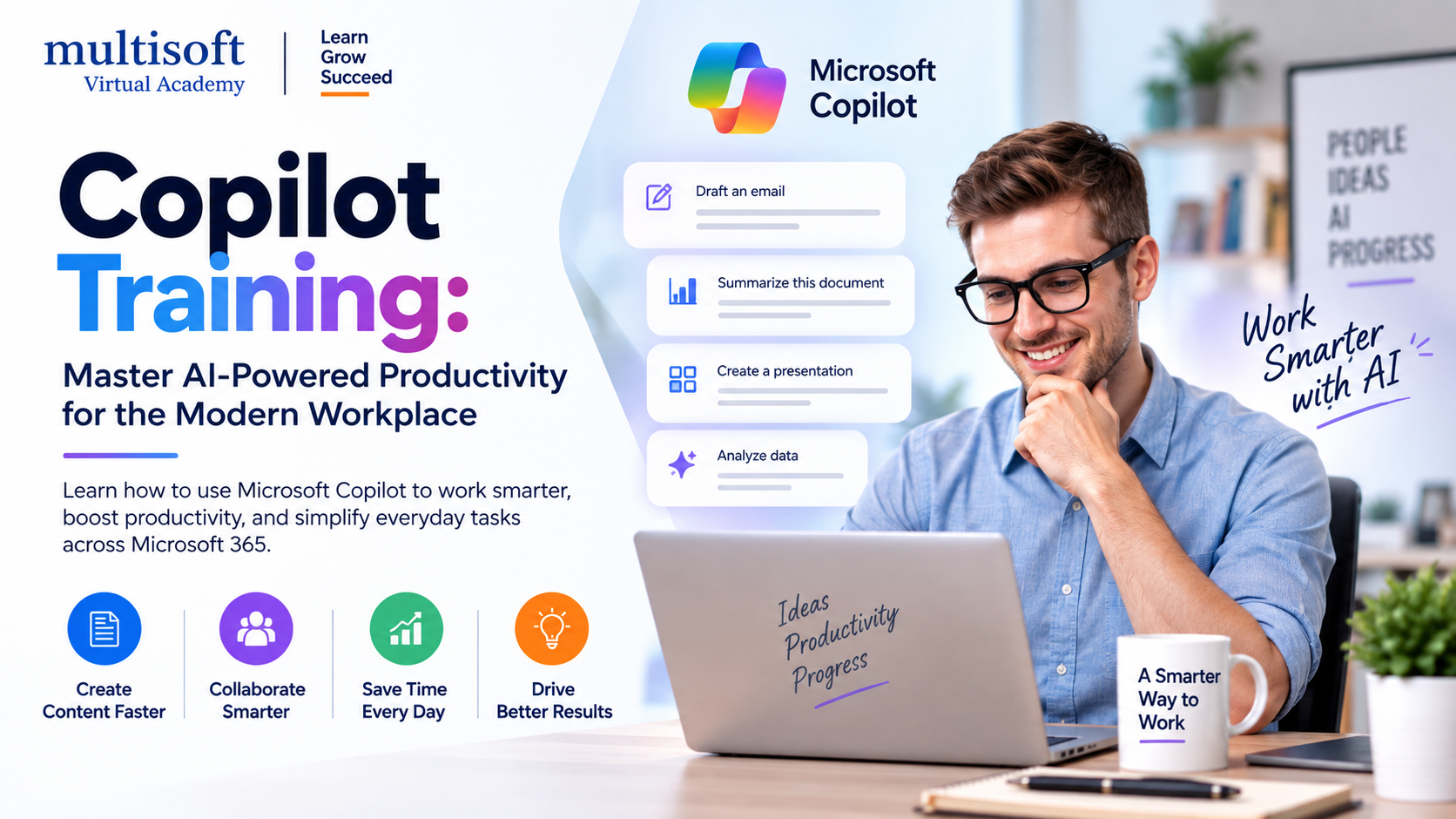
Artificial intelligence is rapidly changing how professionals create content, analyze information, communicate with teams and manage everyday business responsibilities. Among the technologies driving this transformation, Microsoft Copilot has become an important AI assistant for modern workplaces. As organizations look for practical ways to integrate artificial intelligence into daily workflows, Copilot Training is becoming an increasingly valuable skill-development opportunity for employees, business professionals, managers and technology teams.
Microsoft 365 Copilot brings AI capabilities into familiar workplace applications such as Word, Excel, PowerPoint, Outlook and Teams. Professionals can use it to draft documents, summarize information, analyze data, prepare presentations, manage communications and support collaboration. Microsoft also highlights prompt writing, Copilot Chat and AI-powered agents as important areas for developing practical Copilot skills.
For organizations, the objective is not simply to introduce another software tool. The real opportunity is to develop people who can use AI responsibly, effectively and strategically. A structured Microsoft Copilot Training program can help employees understand how to create useful prompts, evaluate AI-generated responses and integrate Copilot into real business processes.
Copilot Training is a structured learning program designed to teach individuals and teams how to use Microsoft Copilot and related AI capabilities effectively. Depending on the learner's role and objectives, training can cover basic Copilot functionality, prompt engineering, Microsoft 365 applications, productivity workflows, AI-assisted content creation, data analysis, automation and responsible AI usage.
Rather than focusing only on theoretical concepts, effective Copilot courses emphasize practical applications. Learners can explore how AI can support common tasks such as writing emails, summarizing meetings, preparing reports, analyzing spreadsheets and developing presentations.
Microsoft's current learning resources demonstrate Copilot workflows across Word, PowerPoint, Excel, Outlook and OneNote, while its business-process learning path also addresses Copilot Chat and AI-supported workflows.
The workplace is moving from conventional software usage toward AI-assisted workflows. Employees are increasingly expected to work with AI tools while maintaining human judgment, accuracy and accountability.
Microsoft's 2026 India Work Trend Index reporting indicates that AI adoption is becoming deeply connected with workplace productivity, with India showing a particularly strong population of professionals redesigning work around AI agents. The report also emphasizes the importance of quality control and critical thinking when using AI-generated outputs.
This creates a clear need for professionals who understand both how to use Copilot and how to use it responsibly.
Copilot training can help organizations:
One of the strongest areas of demand is Microsoft 365 Copilot Training. Since many organizations already use Microsoft 365 applications, introducing AI capabilities into familiar workflows can make adoption easier.
In Word, Copilot can assist with drafting, rewriting, summarizing and refining documents. In Excel, it can support data analysis, formula-related tasks and identifying trends. PowerPoint can use Copilot to help transform ideas or source material into presentations. Outlook can support email drafting and conversation summaries, while Teams can help users capture meeting insights and action items.
Training professionals across these applications can therefore provide immediate workplace value.
A major component of successful Copilot Training is learning how to write effective prompts.
A vague instruction may produce a generic result, while a well-structured prompt can provide considerably more useful output. Microsoft recommends thinking about elements such as the goal, context, expectations and source when constructing prompts. It also emphasizes reviewing and refining AI-generated results instead of treating the first response as final.
A professional Copilot course can teach learners to create prompts that specify:
This skill is often referred to as Copilot Prompt Engineering or AI prompt engineering and can be applied across numerous business scenarios.
Content-heavy roles can benefit significantly from AI-assisted workflows. Marketing professionals, HR teams, sales representatives, consultants and managers can use Copilot to accelerate the initial stages of content development.
For example, professionals can use Copilot to brainstorm ideas, create document outlines, summarize source material, refine written communication and adapt content for different audiences.
However, effective training should also explain the importance of human review. AI-generated content may require fact-checking, editing, contextual refinement and brand alignment before publication or distribution.
The goal of AI productivity training should therefore not be to replace professional expertise. Instead, it should help professionals combine AI capabilities with their existing knowledge.
Data analysis is another important application area for Microsoft Copilot. Business professionals frequently spend significant time reviewing spreadsheets, identifying patterns and preparing summaries.
With appropriate Copilot workflows, users can explore data, identify trends and accelerate parts of the analytical process. Microsoft's current Copilot learning resources also include advanced Excel scenarios involving data analysis, visualization, forecasting and AI-supported exploration.
This makes Copilot for Excel training particularly useful for finance professionals, analysts, project managers, sales teams and business users who regularly work with structured data.
Nevertheless, learners should understand that AI-generated analysis must be validated. Human expertise remains essential for interpreting results, checking assumptions and making consequential business decisions.
Managers have a unique opportunity to use Copilot for planning, communication and decision support. A dedicated Copilot Training for Managers program can focus on practical scenarios such as:
Microsoft's current Copilot guidance includes scenarios for catching up on meetings, drafting communications, summarizing documents and improving workplace workflows.
Training managers to use these capabilities can help organizations establish stronger AI adoption practices across departments.
Copilot Chat Training is another valuable area for professionals who want to understand conversational AI within workplace environments.
Instead of searching manually through multiple sources, users can interact with Copilot using natural-language instructions. Depending on the available Microsoft 365 environment and permissions, Copilot can help users work with documents, emails, meetings, chats and other business information.
This creates opportunities to develop more efficient workflows. Employees can move from searching for information to asking structured questions and then refining the resulting information through follow-up prompts.
The ability to engage in iterative conversations with AI is an important skill. Users should learn to evaluate responses, clarify requirements and provide additional context when necessary.
The evolution of Copilot is extending beyond simple question-and-answer interactions. AI agents are becoming an important part of modern workplace automation.
Microsoft's current Copilot resources highlight agents as a way to hand off repetitive work and support specialized tasks.
This creates a growing demand for Copilot agents training and AI automation skills. Professionals can learn how AI-based assistants may support repetitive workflows while employees remain responsible for oversight and final decisions.
For businesses, this can become particularly valuable when employees repeatedly perform structured processes involving documents, communication, information retrieval or routine analysis.
Copilot courses are useful for a broad range of professionals. They can be especially relevant to:
The ideal learning path depends on the learner's existing Microsoft 365 knowledge, professional responsibilities and AI adoption goals.
A structured Copilot certification training program can provide a more systematic learning experience than informal experimentation.
Professionals can develop practical knowledge of Copilot features, prompting techniques, productivity workflows and responsible AI practices. Certification-oriented learning can also provide a structured way to demonstrate familiarity with AI-enabled workplace technologies.
However, learners should evaluate certification programs carefully. A strong training program should combine theoretical understanding with practical exercises, realistic business scenarios and opportunities to apply Copilot capabilities.
Before selecting a Copilot course, professionals should consider several factors.
The course should include hands-on exercises rather than focusing entirely on presentations or theoretical concepts.
Because AI tools evolve rapidly, course material should be reviewed and updated regularly.
The program should explain how to construct effective prompts and refine responses.
Practical examples involving documents, spreadsheets, presentations, emails, meetings and collaboration can make learning more valuable.
Training should address human review, accuracy, privacy, security and responsible use.
Different professionals have different requirements. A marketer may need content-generation workflows, while an analyst may prioritize Excel and data analysis.
AI is not simply becoming another technology category. It is becoming part of everyday work.
Organizations that successfully adopt AI will need more than software licenses. They will need employees who understand how to integrate AI into existing processes, managers who can identify appropriate use cases and teams that can evaluate AI-generated outputs.
Microsoft itself recommends beginning workplace AI adoption with targeted use cases, role-specific training and gradual expansion based on employee feedback.
This highlights why training is an important part of an effective AI adoption strategy.
The future workplace will likely involve collaboration between people, traditional software, AI assistants and specialized agents. Professionals who develop strong AI literacy today can be better prepared for these evolving workflows.
Copilot Training is becoming an important investment for professionals and organizations seeking to improve productivity through practical artificial intelligence. From Microsoft 365 Copilot and prompt engineering to Copilot Chat, AI-assisted data analysis, content creation and workplace automation, the technology offers a broad range of opportunities when applied thoughtfully.
The most valuable approach is not simply learning what Copilot can do but understanding when to use it, how to prompt it effectively, how to verify its output and how to integrate it into real business workflows. With practical learning, hands-on exercises and role-based guidance, professionals can turn AI capabilities into measurable workplace skills.
For individuals and organizations looking to develop these capabilities through structured learning, Multisoft Virtual Academy provides professional training focused on helping learners understand and apply emerging technologies in practical business environments.
| Start Date | End Date | No. of Hrs | Time (IST) | Day | |
|---|---|---|---|---|---|
| No schedule available ! | |||||
Schedule does not suit you, Schedule Now! | Want to take one-on-one training, Enquiry Now! |
|||||






 Join our Live Instructor-Led online classes delivered by industry experts
 Let's Get Started