


Trusted by enterprises across the globe

Designed for all your training needs

Flexible On-Demand Group Learning
Flexible, corporate learning for groups, accessible anytime, anywhere.

Instructor-Led Live, Online Training
Real-time, interactive classes taught by SME via web conferencing.

Independent Self-Paced Learning
Individual learning at your own speed, with access to digital materials.

Customized On-Site Training
Customized, face-to-face training sessions delivered at your location.
Curriculum Designed by Experts
 DOWNLOAD CURRICULUM
ISA88 with Rockwell HMI Corporate Training by Multisoft Virtual Academy is designed to help professionals master batch control concepts and HMI implementation in real industrial scenarios. This course covers ISA88 standards, modular batch design, recipe management, and Rockwell HMI configuration for seamless process visualization and control. Participants gain practical knowledge through instructor-led sessions, demonstrations, and industry-focused use cases. Ideal for automation engineers, control system professionals, and plant teams, the training enhances operational efficiency and system standardization. By the end of the program, learners will confidently apply ISA88 principles with Rockwell HMI to optimize batch processes and improve plant performance.
ISA-88 with Rockwell HMI training is a specialized program that teaches how to apply the ISA-88 batch control standard using Rockwell Automation HMI and control systems. It focuses on structuring batch processes, equipment models, and recipes while developing standardized, user-friendly HMI screens. The training helps automation professionals design flexible, scalable, and compliant batch automation solutions for modern manufacturing environments.
- Why ISA-88 matters in batch and hybrid (batch + continuous) plants?
- ISA-88 models overview:
- Physical model - Enterprise, Site, Area, Process Cell, Unit, Equipment Module, Control Module
- Procedural model - Procedure, Unit Procedure, Operation, Phase
- Recipe model - General, Site, Master, Control Recipe
- How ISA-88 maps to Rockwell architecture (Logix + FactoryTalk + Historian/MES basics)?
- Batch vs non-batch - where ISA-88 still helps (structured equipment, reusable code, standard alarms)
DOWNLOAD CURRICULUM
- Translating plant equipment into Units, Equipment Modules, Control Modules
- Practical guidelines for defining boundaries
- What belongs in a Control Module vs Equipment Module?
- Naming conventions and tag strategy
- ISA-88 state models (basic states and transitions)
- Building reusable equipment logic (AOIs / UDTs approach)
- Equipment interlocks and permissives using ISA-88 thinking
DOWNLOAD CURRICULUM
- Recipe parameters - equipment-independent vs equipment-dependent
- How recipes drive: setpoints, sequence steps, phase parameters?
- Operator inputs and confirmations (hold, restart, abort, manual override rules)
- Recipe versioning and change control basics (what operators should and should not edit)
DOWNLOAD CURRICULUM
- FactoryTalk View ME vs SE - when to use which
- HMI project structure: displays, parameter files, global objects, macros, alarms, navigation
- Communications overview: RSLinx / FactoryTalk Linx, shortcuts, tag browsing
- Best-practice screen design:
- high-performance HMI principles (overview-first mindset)
- consistent faceplates, states, alarms, and trends
DOWNLOAD CURRICULUM
- Visualizing the Physical model on screens:
Area overview ? Unit overview ? Equipment module detail ? Control module faceplate - Visualizing the Procedural model: Procedure / Unit Procedure / Operation / Phase status
- Displaying ISA-88 state: Running, Held, Aborted, Complete, Idle, etc.
- Batch execution indicators: current phase, next phase, step timer, reason codes
- Operator guidance: prompts, required actions, confirmations, and safe manual modes
DOWNLOAD CURRICULUM
- Creating reusable faceplates for: motors, valves, pumps, analog loops, PID, VFD
- Using Global Objects (SE) / parameterized displays (ME)
- Standard elements in an ISA-88 faceplate: mode, command, state, interlocks, permissive, faults, maintenance override
- Tag naming templates to speed up development
DOWNLOAD CURRICULUM
- Designing phase logic in Logix: phase parameters, commands, handshakes, completion conditions
- HMI controls for batch sequencing: start/stop/hold/resume/abort, step advance, manual step confirmation
- Handling abnormal situations: loss of permissive, equipment fault during phase, operator holds, re-start logic
- Tracking and displaying step timers and progress
DOWNLOAD CURRICULUM
- Alarm philosophy basics: what should alarm vs what should be message/event
- FactoryTalk Alarms & Events overview: alarm priorities, classes, suppression, shelving concept
- ISA-88 aligned alarm displays: unit alarms, equipment alarms, batch-related prompts
- Alarm rationalization checklist (noise reduction)
DOWNLOAD CURRICULUM
- Trend setup and best practices: key batch parameters, setpoint vs PV, phase markers
- Basic batch audit trail: operator actions, holds, abort reasons, phase transitions
- Optional integration overview: FactoryTalk Historian / SQL logs / MES (conceptual)
DOWNLOAD CURRICULUM
- Role-based access: operator, supervisor, engineer, maintenance
- HMI security configuration basics (logins, permissions)
- Good practice for regulated environments: audit trails, e-signature concept, change control overview (high level)
DOWNLOAD CURRICULUM
- Build a small ISA-88 style unit with HMI: Example process: Mixing tank (fill ? heat ? mix ? transfer)
- Deliverables:
- physical model screens (Area/Unit/Equipment)
- phase-based control with state display
- alarms, trends, operator prompts
- reusable faceplates for valve, motor, analog loop
DOWNLOAD CURRICULUM
- Common HMI-tag issues, shortcuts, comms faults
- ISA-88 logic debugging: state stuck, permissive failure, phase not completing
- FAT/SAT checklist: screen navigation, alarm testing, interlock testing, step logic verification
- Documentation templates: tag list, alarm list, screen list, test sheets
DOWNLOAD CURRICULUM
Free Career Counselling
We are happy to help you 24/7Multisoft Corporate Training Features
Outcome centric learning solutions to meet changing skill-demand of your organization
Wide variety of trainings to suit business skill demands

360° learning solution with lifetime access to e-learning materials

Choose topics, schedule and even a subject matter expert

Skilled professionals with relevant industry experience

Customized trainings to understand specific project requirements

Check performance progress and identify areas for development
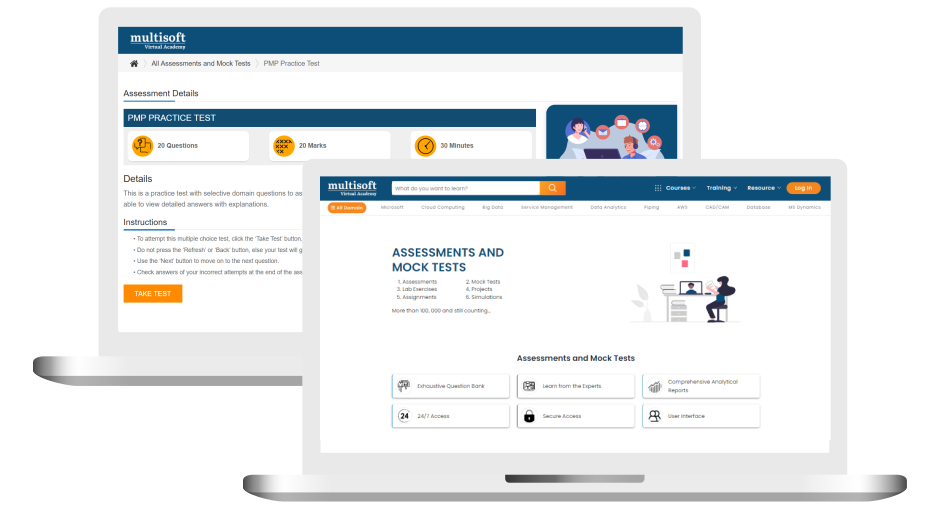
Free ISA88 with Rockwell HMI Corporate Training Assessment
Right from the beginning of learning journey to the end and beyond, we offer continuous assessment feature to evaluate progress and performance of the workforce.
Try it Now
ISA88 with Rockwell HMI Corporate Training Certification

 Zoom-in
Related Courses


A Role Based Approach To Digital Skilling
A roadmap for readying key roles in your organization for business in the digital age.
 Download Whitepaper

 Download Curriculum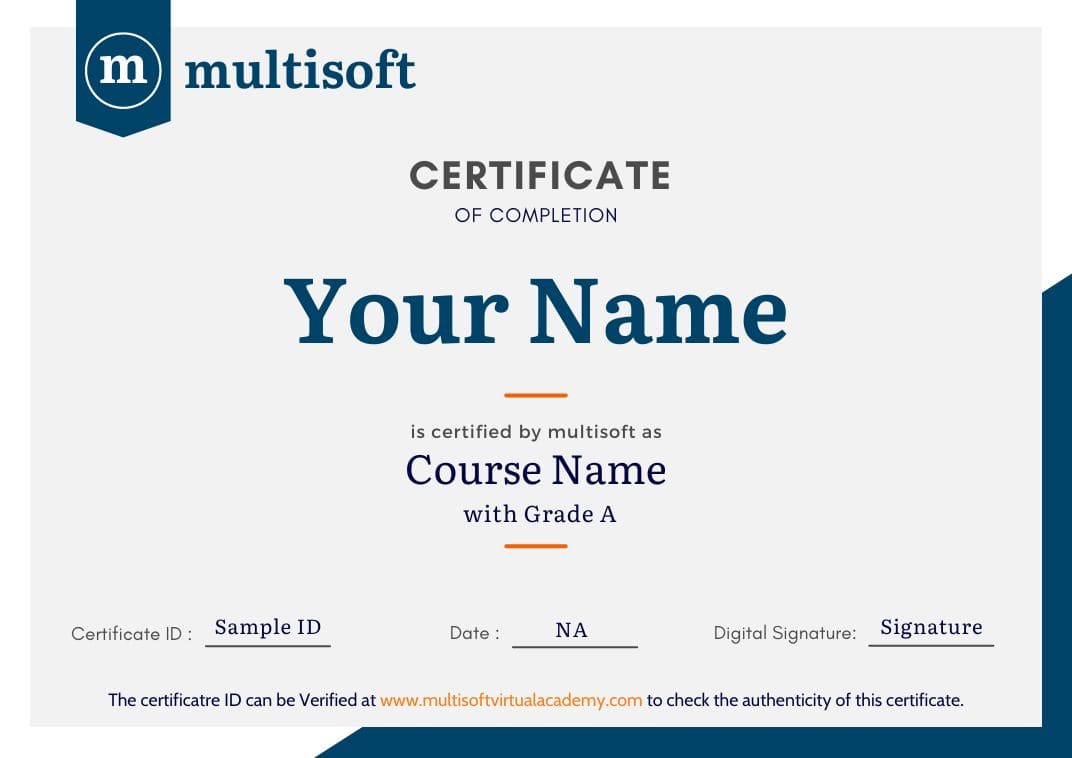
 Join our Live Instructor-Led online classes delivered by industry experts
 Let's Get Started
